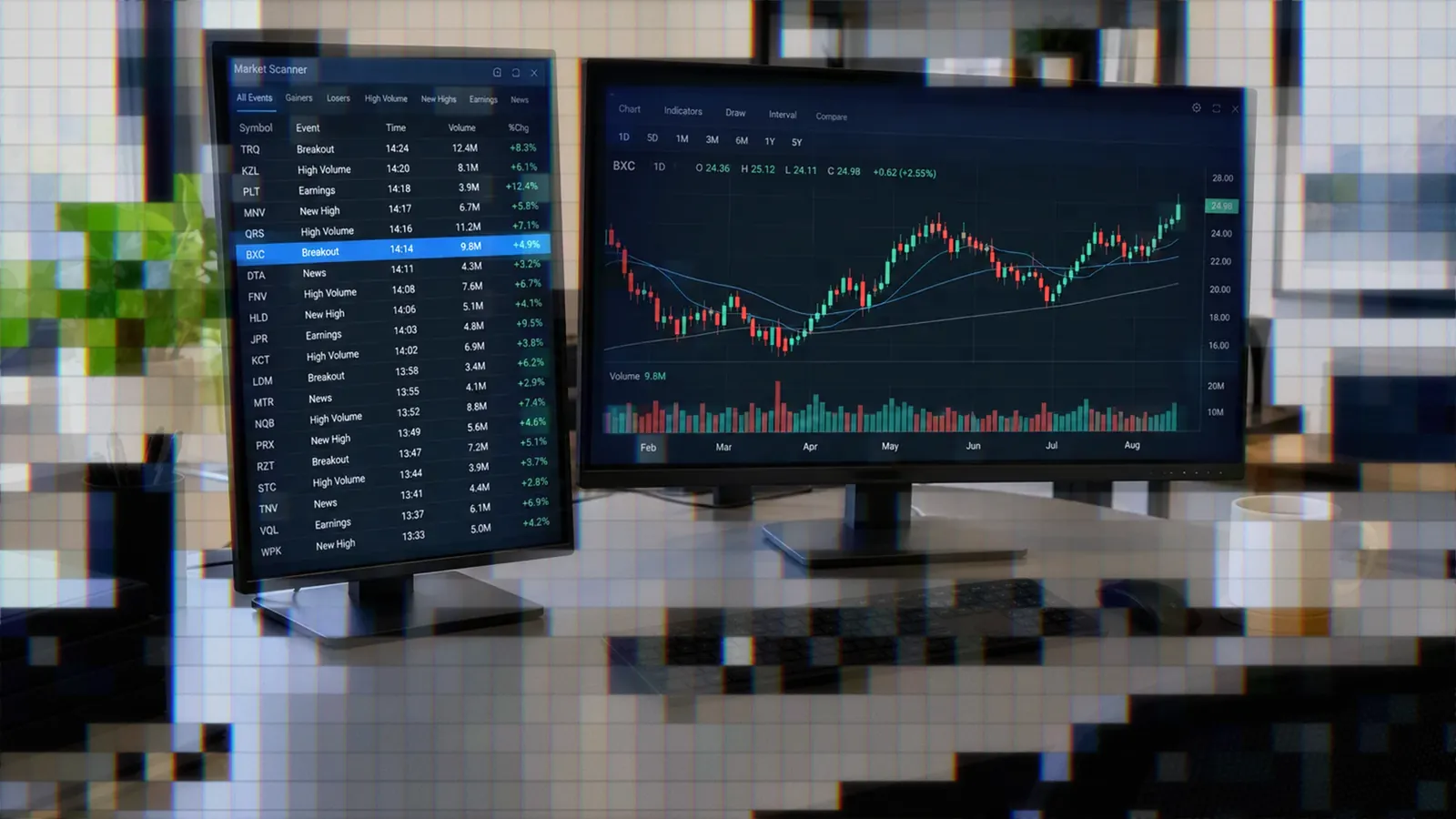
Should You Run TradersPost and TradingView on a VPS Near CME?
A practical look at whether a VPS near CME, NY4, or AWS Oregon helps TradingView and TradersPost users — and when it actually makes a difference.

Marketing

Bottom Line
- You cannot install TradersPost on a VPS — TradersPost is a hosted service, so a VPS only helps if you self-host a webhook receiver or run a desktop trading platform.
- For most retail webhook automation, a VPS buys uptime and a stable network, not meaningful latency reduction.
- TradingView dispatches alerts from AWS us-west-2 in Oregon, so an Oregon VPS is the right region if you self-host a TradingView webhook listener.
- Chicago, NY4 Secaucus, and LD4 Slough only matter when your broker or data feed is colocated there and your strategy reacts in sub-second timeframes.
- Retail VPS plans range from about 5 to 300 dollars per month — pay for the uptime and proximity you actually use, not for theoretical microseconds.
Asking whether you should run TradersPost and TradingView on a VPS near the CME is really three different questions stacked on top of each other1. The honest answer for most retail traders is still no — but there is a lot more nuance to this than the version of the question implies, and a few specific scenarios where a VPS in a particular city genuinely helps.

This guide separates the marketing claims from the engineering reality. We will look at what a VPS actually does for an automated trading workflow, where physical proximity to an exchange matters, where it does not, and how to think about cost versus benefit for your specific setup.
The Question Is Not What You Think
When traders ask about putting TradersPost and TradingView on a VPS, they are usually mixing up several different things.
TradingView is a browser-based charting platform. You do not install TradingView on a VPS in any meaningful way — you run it in a browser, and the alert engine that fires your webhooks lives on TradingView's own infrastructure3. A VPS just gives you a remote browser tab, which does not change where alerts are evaluated or dispatched from.
TradersPost is a hosted webhook automation and order routing service. There is no TradersPost desktop application to install, and you cannot self-host TradersPost on your own VPS1. The TradersPost servers receive your TradingView webhooks, translate them into broker orders, and route those orders directly to your broker's API.
So the original question collapses into something more specific. What you can actually put on a VPS is your own webhook receiver, your own desktop trading platform like NinjaTrader or MetaTrader, or your own custom code. The CME, NY4, or Oregon location only matters if you are running one of those things and the strategy is fast enough to care.
Why Most Retail Traders Buy a VPS
Walk through the marketing copy for any retail VPS provider and you will see latency benchmarks front and center. The reality of why retail traders actually buy a VPS is much simpler — they want their automation to run when they are asleep, when their power flickers, or when their home internet drops.
A trading VPS is essentially a small Windows or Linux server in a commercial data center. You get redundant power, redundant networking, and a machine that does not get rebooted because someone wanted to install a Windows update2. For a strategy that runs around the clock or trades pre-market events, that uptime is the entire value proposition.
The other practical benefits are predictable resources and a clean network path. A dedicated VPS does not slow down because your kid is streaming video, and the data center's transit providers usually beat residential ISPs on packet loss and jitter. None of this has anything to do with how close you are to a particular exchange.
Where Latency Actually Comes From
When a TradingView alert fires and ends up as an order at your broker, the time budget breaks down into stages. TradingView evaluates the alert on its own servers and dispatches the webhook from AWS us-west-2 in Oregon3. The webhook travels across the public internet to TradersPost. TradersPost validates the payload, applies your strategy rules, and sends an order to your broker's API. The broker's matching engine accepts the order, routes it to the venue, and eventually returns a fill.
For most retail strategies, the dominant chunks of that timeline are the alert evaluation, the broker API processing, and the venue routing — none of which a VPS can shorten4. A VPS only affects the network hop between your own machine and whatever you are connecting to. If TradersPost is doing the work, your machine is not in the critical path at all.
This is why the original framing — "VPS near CME for TradersPost" — does not really help. The hop you would shorten is the one between your VPS and TradersPost. TradersPost then talks to your broker, and the broker talks to the exchange. Your VPS being in Chicago saves you nothing on the broker-to-exchange leg.
When Proximity Actually Helps Retail
There are real scenarios where putting a server in a specific data center makes a measurable difference, even for retail. The pattern is always the same — you are running the latency-sensitive code yourself, and your direct counterparty is in that location.
You self-host a webhook receiver. If you are skipping TradersPost and running your own bridge between TradingView and a broker, putting that receiver in AWS us-west-2 (Oregon) puts you on the same backbone TradingView dispatches from3. Compared to a generic VPS in another region, you can shave roughly 100 to 400 milliseconds off the alert-to-receiver hop.
You run a desktop platform that needs to be online 24-7. NinjaTrader, MetaTrader 4 and 5, and cTrader all need a host machine running continuously. A VPS solves the uptime problem, and the closer your VPS sits to the platform's data feed and broker gateway, the less network jitter you accumulate.
You run sub-second futures strategies on Rithmic. Rithmic's servers and the CME matching engine are both in or adjacent to Aurora and downtown Chicago. QuantVPS publishes a benchmark claiming roughly 0.52 milliseconds from their Chicago VPS to Tradovate's gateway2. For a strategy that tries to lift the offer in the next tick, that proximity is the difference between filling and getting bypassed.
You manage prop firm accounts. Most prop firms require continuous platform connection and penalize you for missed sessions. A VPS in any reliable data center is fine — you are buying availability, not microseconds.
Your home internet is unreliable. Sometimes the simplest answer wins. If your residential ISP drops out twice a week, even a basic 10 dollar VPS in any major region will improve your fills more than relocating to NY4 ever could.
Where a VPS Cannot Help
A VPS is not a magic shield, and it is worth being explicit about what it does not solve. It cannot mitigate exchange halts or limit-up limit-down events4. It cannot fix broker-side outages — when Charles Schwab or Tradovate has a degradation incident, your colocated VPS sits there sending orders into a wall just like everyone else. It cannot rescue you from a TradingView data feed interruption or a delayed bar close.
It also cannot do anything about the choices upstream of your machine. If TradingView's alert engine takes 800 milliseconds to evaluate your strategy, no VPS in the world makes that faster. If your broker's matching engine queues your order behind a hundred others ahead of it, your physical location does not change the queue.
For the typical TradersPost user, the entire latency-critical path runs on infrastructure you do not control. You are not running a webhook server — TradersPost runs that for you and connects directly to your broker's production API endpoints1.
A Practical Provider and Location Guide
If you have decided a VPS makes sense for your setup, the location should follow what you are actually running. Below are the locations retail traders most commonly evaluate.
AWS us-west-2 (Oregon). The right choice if you self-host a TradingView webhook listener. TradingView's alert dispatch infrastructure runs out of this region3. AWS Lightsail, EC2 t3.micro, or any provider with an Oregon footprint puts you on the same coast and the same backbone.
Chicago. The right choice if you trade futures on Tradovate, Rithmic, or any CME-routed broker with a sub-second strategy. The CME matching engine is in Aurora, Illinois, and most futures brokers operate gateways in nearby Equinix and CyrusOne facilities. QuantVPS, ChartVPS, and TraderVPS all market Chicago plans for this use case2.
NY4 Equinix (Secaucus, New Jersey). The right choice for US equity automation hitting ECNs and most of the regulated FX prime brokers4. NY5 is adjacent and serves similar liquidity. AccuWeb, ForexVPS, and several others sell NY4 or NY4-adjacent plans.
LD4 Equinix (Slough, London). The right choice for European liquidity and FX prime brokers serving EU markets. ForexVPS and similar providers offer LD4 plans for traders running cTrader or MetaTrader against London-based brokers.
Cost ranges. Retail trading VPS plans typically run from about 5 dollars per month for an entry tier with shared resources up to 300 dollars per month for dedicated cores, premium SSD, and named-data-center placement2. The upper end is what you pay for guaranteed Chicago or NY4 placement on dedicated hardware.
Honest Cost-Benefit by Trader Profile
Not every trader gets the same return on a VPS investment. Mapping it to your strategy makes the decision much cleaner.
Swing trader using TradersPost with TradingView. A VPS adds nothing. TradersPost runs in the cloud, your alerts dispatch from TradingView's cloud, and your strategy holds positions for hours or days1. Skip the VPS, save the 20 dollars per month, and put it toward better risk management.
Day trader running TradersPost on intraday signals. Still no VPS needed for TradersPost itself. If you also run a charting platform that needs to be online overnight to pre-load data, a basic 10 to 20 dollar VPS in any region works.
Self-hosted webhook bridge for TradingView. A small Oregon VPS is the right call. You only pay for what you use, and the latency improvement on the alert-to-bridge hop is real and measurable.
Sub-minute futures strategy on Rithmic or Tradovate. A Chicago VPS with dedicated cores is the right call. You are paying for the proximity to the matching engine and a clean path through the broker's gateway2.
Multi-account prop firm trader running NinjaTrader or MetaTrader. Any reliable VPS works. You are buying uptime, not speed. Pick a provider with strong support and reasonable hardware specs.
The Simpler Alternative for Most Users
For most traders reading this, the simpler path is to skip the VPS entirely and let TradersPost handle the always-on requirement1. TradersPost is already running on cloud infrastructure with redundancy, monitoring, and direct broker integrations. Your TradingView alert can fire while your laptop is closed, while you are on a flight, or while your home power is out — and the order still goes through.
If you are looking to squeeze more performance out of your setup, the highest-value optimizations are usually upstream of any VPS decision. Cleaning up your alert payload, choosing brokers with faster fills, and reducing the number of conditions in your strategy script all move the timeline more than a server location ever will. The same is true for diagnostics — if you are seeing delays today, a guide to why TradingView alerts arrive late will be more useful than upgrading your hosting.
For traders who care about which broker actually fills the order fastest once it arrives, the comparison work is already done — see our breakdown of broker fill speed in automated trading. Pairing a fast broker with TradersPost's existing routing gets you more execution speed than any retail VPS placement, at zero additional cost.
The Bigger Picture
It is easy to get distracted by latency benchmarks and colocation diagrams. The hard truth is that retail strategies live or die on edge, position sizing, and discipline — not microseconds4. The traders who make money long-term are not the ones with the fastest VPS. They are the ones who built a strategy with a real edge, sized positions correctly, and let the system run consistently for months or years.
If you are still in the strategy development phase, your time is better spent on finding an actual edge in automated trading than on optimizing infrastructure that does not yet need optimizing. If you have a working strategy and want to understand the full picture of where execution time goes, the trading latency optimization guide walks through the whole stack.
Conclusion
Should you run TradersPost and TradingView on a VPS near CME? For most retail traders, no — TradersPost runs in the cloud and you cannot install it on a VPS, TradingView dispatches alerts from Oregon rather than Chicago, and your strategy probably does not react fast enough for proximity to matter1.
A VPS still makes sense in specific cases. If you self-host a webhook receiver, run a desktop trading platform that needs continuous uptime, or trade sub-second futures strategies on a CME-colocated broker, the right VPS in the right region is a real upgrade. Just match the location to what you are actually running, not to a generic intuition that closer to the exchange is always better.
For everyone else, the cleanest path is to use TradersPost as it is designed to be used. The cloud infrastructure is already there, already redundant, already connected to your broker — and you keep your money for things that actually move your trading results.
References
1 TradersPost Documentation
2 QuantVPS — TradersPost Latency Benchmarks
3 TradingView — How to Configure Webhook Alerts
4 LuxAlgo — Latency Standards in Trading Systems