Using AI Tools Like Cursor to Automate Trading with TradersPost
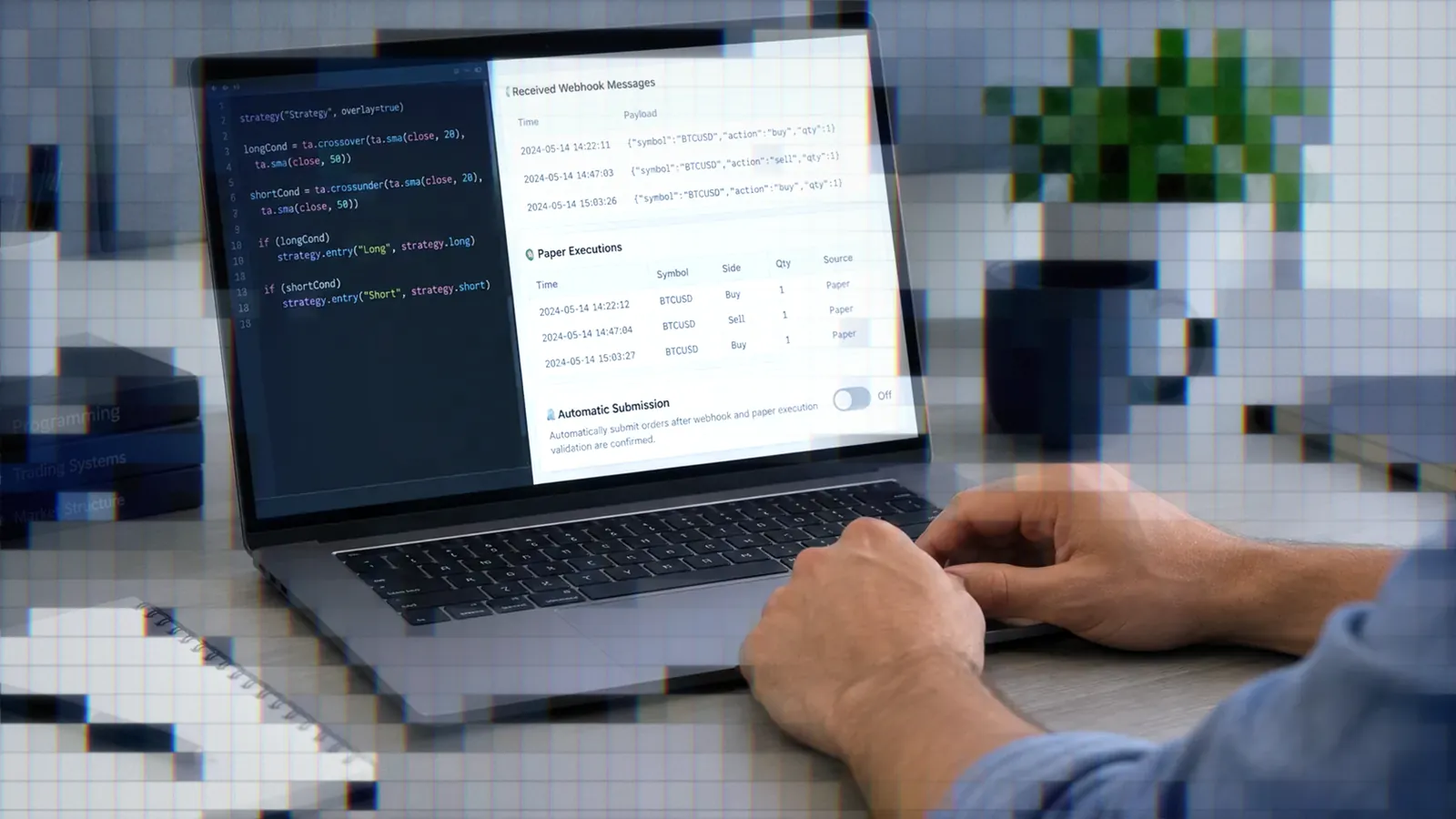
AI tools like Cursor offer traders new ways to automate trading strategies by integrating with TradersPost. Using AI for sentiment analysis and signal automation enables custom trading setups that go beyond standard platforms.

Marketing

-
Readers ask what Cursor is and where to get it, so the guidance now describes it as a coding agent and covers desktop downloads for macOS, Windows, and Linux.
How AI Tools Enhance Trading Automation
AI tools such as Cursor offer new possibilities for traders looking to automate their strategies and integrate with platforms like TradersPost. Cursor describes itself as a coding agent for building software. You can use it to plan and build features, fix bugs, and review changes1. The Cursor desktop app for macOS, Windows, and Linux is available from cursor.com/download2. Cursor can be used to build applications that gather data, analyze sentiment, and send trading signals to TradersPost via webhooks. This process enables traders to automate complex workflows and create custom trading setups without extensive coding knowledge.
Example Use Case: Building a Sentiment-Based Trading Dashboard
One practical application of using Cursor is developing a dashboard that collects market news, performs sentiment analysis, and executes trades accordingly. Here’s how this setup can work:
• News Aggregation: Cursor can be used to create a Next.js app that pulls in the latest news using an API like NewsAPI. The AI helps set up API keys and filters news items related to specific indices or financial instruments.
• Sentiment Analysis: Once the news items are collected, the app can send the headlines to an AI model like OpenAI’s GPT for sentiment analysis. The AI processes the text to generate a sentiment score, which can indicate whether market sentiment is bullish, bearish, or neutral.
• Automating Signal Sending: After determining the sentiment, the app can format the data and send trading signals to TradersPost using webhooks. The signal payloads are adjusted based on the sentiment, allowing for automated trading decisions.
• Manual or Automated Execution: The system can be set to execute trades automatically based on the sentiment, or it can allow for manual approval of the trades before they are placed.
Advantages of Using Cursor for Trading Automation
• Ease of Use: Cursor’s AI capabilities simplify the development of custom trading tools, even for users with minimal coding experience. The AI assists with code generation, error handling, and integrating APIs.
• Versatility: The integration with TradersPost via webhooks makes Cursor a versatile solution for connecting various data sources and automating trading workflows.
• Rapid Prototyping: With AI assistance, traders can quickly build and test new trading strategies, significantly reducing the time required to develop custom trading tools.
Limitations and Considerations
• AI Limitations: While AI tools like Cursor can streamline development, they may not always produce perfect results. Traders need to review the generated code and make adjustments as needed.
• Webhook Configuration: Properly setting up webhooks and ensuring data is formatted correctly is crucial for seamless integration with TradersPost. Testing the webhook configurations thoroughly can help avoid issues.
• Data Accuracy: The quality of sentiment analysis depends on the accuracy of the AI model and the data being analyzed. Traders should validate the sentiment signals to ensure reliable trading decisions.
Exploring Unique Trading Setups with AI
AI tools expand the potential use cases for TradersPost beyond typical trading platforms like TradingView. Traders can set up webhooks to trigger trades from various sources, including custom applications, spreadsheet data, or even sentiment-based strategies developed using AI. This flexibility allows for creative and unconventional approaches to trading automation.
Conclusion
AI tools like Cursor provide traders with powerful capabilities to automate trading strategies and integrate seamlessly with TradersPost. By leveraging AI for tasks such as sentiment analysis and signal generation, traders can create custom automated workflows that improve efficiency and enable innovative trading approaches.
References
1 cursor.com, Cursor Docs: Agent, Rules, MCP, Skills & CLI
2 cursor.com, Download and install Cursor