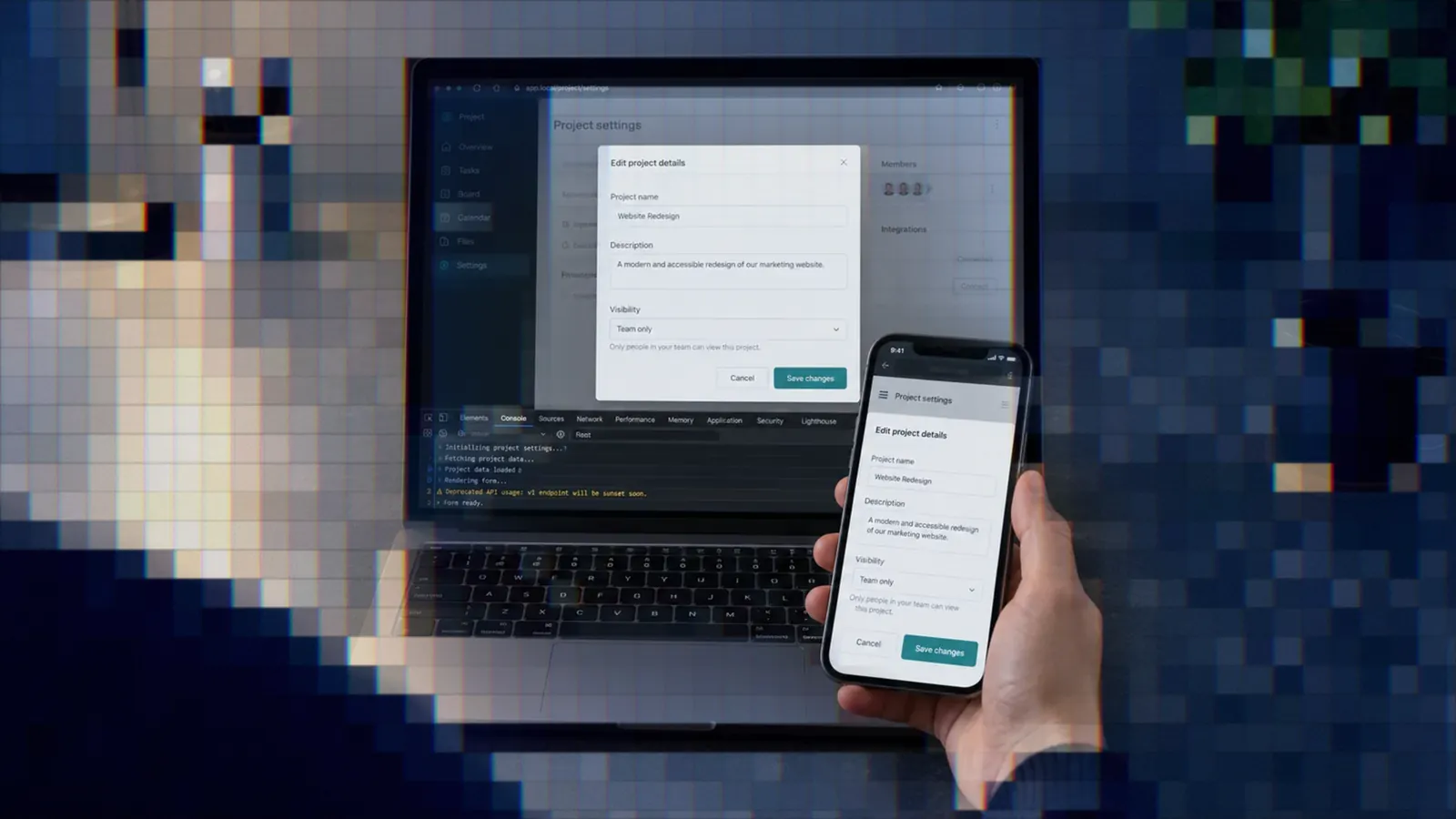
Browser Verification for AI Agents
Passing tests do not prove a page works. Here is how we make AI agents open the real page, read the screenshot, and fix the browser path until proof is fast.

Founder / CEO

Bottom Line
- Agent browser verification means the agent opens the real route on its own checkout, reads the screenshot, confirms title and URL, and checks for page JavaScript errors; an exit status of zero is not proof.
- A review found that source-only tests could not establish critical browser behavior, so we made the rule always-on and added a regression case: the answer that leaves the browser to the reviewer scored 0%, the proof-producing answer 100%.
- Agents skip verification when it is slow, so we cut a cold first open from 13 to 18 seconds to about 2 and a login from 65 seconds to 2.3, mostly by fixing an emulated browser build and wasted waiting.
- Authentication has no back door: stale state or a bounce to login is a failure, and two-factor works through a fixture account with a known secret.
- Smoke is a floor, not a test suite, the timings are from one machine, and Linux and CI browser behavior was not verified live.
AI agent browser verification is simple to state and easy to skip: before an agent calls a UI change done, it opens the real page, looks at it, and checks that nothing broke. Passing template and JavaScript tests tell you the source is consistent. They do not tell you the page renders, the form submits, or the modal opens in a browser.
We learned that from a review, not from theory. This post covers the rule we made always-on, the loop an agent follows to produce proof, the speed work that stopped agents abandoning it, how we handle login and two-factor without a back door, and where the approach stops. It is one part of the system we describe in how to build an AI software factory.
The rule and where it lives
Any browser-facing change needs local smoke verification before it is done. That covers templates, live components, frontend controllers, styles, forms, navigation, and modals. The agent opens the real route on its own checkout, reads the screenshot, confirms the title and URL, and confirms there are no page JavaScript errors. A tool that exits cleanly proves only that it ran. Someone has to look at the image.
Two more clauses carry weight. For a reported UI bug, the agent reproduces it before editing and repeats the same steps after the fix. And smoke supplements the tests; it never replaces the kernel, component, template, and frontend unit tests. A failed smoke blocks the task unless an environment or authentication blocker is documented. In that case the agent says so and proves the behavior another way, for example with an authenticated kernel test.
The rule sits in the root instruction file that every session loads, because it applies before the agent knows what kind of task it has. We came to that placement the hard way, which the last section covers.
Why we wrote it down
A reviewer found that source-only tests could not establish a critical piece of browser behavior, and the real flow then still failed. The tests were green and the feature was broken. That finding became one of the seeded gaps in our regression tests for agent instructions.
The bad answer says passing template and JavaScript tests are enough and the reviewer can check the browser. It scored 0%. The good answer loads the browser guidance, resolves a real route, inspects the screenshot and console, and says smoke does not replace granular tests. It scored 100%. Both run on every change to the instructions, so the rule cannot quietly rot.
The loop an agent follows
The tool is Vercel Labs' agent-browser, a fast headless Chromium command line that also runs as an MCP server. We prefer it to the browsers embedded in agent hosts because its output is leaner, and an agent that reads less per step has more context left for the work. The loop around it has four parts.
Discover the route. Routes are listed from the application by a substring filter, and the agent picks a host and path from the result. Inventing a path is the classic way an agent "verifies" a 404 and reports success.
Open it. Multi-page flows reuse one tab. Interactions go through a compact accessibility snapshot with element references, re-taken after every navigation because the references go stale. Full-page screenshots cover anything below the fold.
Read the evidence. The agent looks at the screenshot against a short visual checklist, confirms the title and URL, and checks the console for page errors.
Block or pass. If any of that fails, the task is not done. If the environment is at fault, the agent closes the browser, retries once, then reports the blocker instead of waiting again.
Making the path to proof fast
Our first integration worked and agents still avoided it. Cold opens took 13 to 18 seconds, an authenticated dashboard timed out, and an agent that waits on browser timeouts burns time and eventually gives up on verification. A rule that is slow to follow gets quietly dropped. So we treated speed as part of the rule.
These figures are from one Apple Silicon laptop and are approximate. The "before" runs were measured while the machine was busier, so read the percentages loosely.
| Step | Before | After |
|---|---|---|
| Cold first open | 13 to 18 s | 1.8 to 2.0 s |
| Warm open | 6.9 s | 0.7 s |
| Authenticated dashboard open | about 33 s, with timeouts | 1.5 to 2.8 s |
| Login | 65 s | 2.3 s |
| Wrapper overhead per call | 0.8 to 1.0 s | 0.05 s |
The causes were not what we expected, and our first diagnosis was wrong. An early revision blamed the development JavaScript bundle. Measuring showed otherwise, in this order of surprise.
- The browser was emulated. Chrome was an Intel build running under Rosetta on an Apple Silicon Mac. Most of the cold start gain came from a native toolchain, plus an architecture check that tells the next person in seconds.
- Every call paid avoidable overhead. Looking up the binary started Node each time, about a second per call.
- A launch mismatch silently relaunched the browser. After an authenticated open, the page became blank because the next call used different launch options.
- Waiting for network idle never finished. Streaming and polling keep the network busy, so every open burned its whole timeout. We replaced it with a bounded settle: wait until no new resources arrive for 250 milliseconds, capped at 3 seconds.
Cold start was mostly architecture, authenticated flows were almost entirely code, and warm opens split about half and half. Two more findings came from measuring. Parallel tabs are about ten times slower, 73 seconds against 5.8 for five pages, because every new tab is a new renderer running the bundle cold. So the agent opens routes one after another in the same tab. And a warm open takes 2 to 4 seconds against about 15 after a close, so the agent does not close the browser between pages.
Authentication without a back door
Most pages worth verifying sit behind login. We did not add a bypass to the application. The helper logs in over plain HTTP the way a browser would: fetch the form, post it with its CSRF token, and save the cookies. That takes about two seconds, and a valid saved state is reused after one check.
The important part is what counts as failure. Stale or missing state, a bounce to the login page, or a bounce to the two-factor page is a failure, never a verified page. An agent that screenshots a login form and reports that the dashboard "looks fine" has verified nothing, so the check refuses to hand it a page it did not reach.
Two-factor follows the same principle. A fixture account has a known TOTP secret, supplied to the helper through the environment and never on a command line where other processes can read it, and the helper computes the code. A trusted-device cookie means the next login needs no code. Real accounts are human-only, and an agent never logs into one. If authentication cannot be established at all, the agent says so and proves the behavior with an authenticated kernel test instead.
Rails that keep the loop safe
- Local hosts only. An allowlist blocks third-party scripts and widgets such as analytics and captcha, which hang the page. The application's own asset hosts are allowed.
- Fast failure on a dead stack. If nothing is listening, the call fails in about 0.1 second and asks whether the stack is up.
- A hard cap. Every browser call stops after 75 seconds and prints the recovery step.
- One browser per checkout. Each worktree gets its own session, URL, screenshots, and state, so parallel agents do not share a browser. Two agents in one folder need distinct session names, and an unnamed linked worktree fails hard rather than guess. The sandbox post covers why we isolate agents this way.
- No new runtime. The tooling is shell, curl, awk, and openssl only, so it behaves the same on a laptop, a Linux agent, and a PHP container. A test fails if someone adds a language runtime to it.
Cloud agents showed that bootstrap order is part of verification. Login failed on hosted agents because Chromium never trusted our development certificate. The trust step was skipped when the certificate file already existed, as it does in snapshots. The tool that imports it was installed after the step that needed it. And pointing the browser at the certificate alone did not satisfy Chromium's own store. The fix made trust idempotent and put the bootstrap steps in order.
One optional extra: a headless step debugger for the web server is bridged through the same browser, so an agent can break on a line during a real click-through.
Evidence goes in the pull request
The screenshot goes in the pull request description, before and after for a fix. It is refreshed after UI pushes and must match the current head. This is the evidence a reviewer sees, as part of the loop described in GitHub as the bus for AI agents.
That rule first lived only in a skill and in the pull request workflow document. Agents that never loaded either skipped it. So we moved it into the always-on root file, for the same reason the browser rule lives there. We made the same call when we cut the always-on instructions: a rule that has to hold before the task type is known cannot sit behind a document the agent may not open.
What this does not prove
Smoke is a floor, not a test suite. A screenshot that looks right does not cover edge cases, error paths, or permissions, which is why the rule keeps granular tests in place. The timings come from one machine and the "before" figures are loose. We did not verify Linux or CI browser behavior live, so treat those environments as unproven until you run it there. And an agent can still misread a screenshot. The check raises the cost of skipping the browser; it does not make a human reviewer unnecessary.
Lessons
- Passing tests are not proof of a working page, so require the agent to open the real route and read the screenshot.
- Put the rule in the always-on file, because agents skip guidance that lives behind a document they may never load.
- Make proof fast or agents will abandon it, and measure before blaming the obvious suspect, because our first diagnosis was wrong.
- Treat stale authentication as a failure, and never add an application back door to make verification easier.
- Fix bootstrap order for cloud agents, since a missing certificate trust step looked like a broken login.
The loop works because each piece is checkable: a real route, a screenshot, a title, a URL, a console, and a pull request that carries the evidence. We still rely on reviewers and on the test suite for everything the browser does not show, and we would rather say so than pretend smoke covers it.