Every AI Coding Agent Needs a Sandbox
An AI coding agent sandbox is an environment contract, not a prompt. Here is how we made every checkout, cloud session, and worktree prove it is ready before an agent writes code.

Founder / CEO

Bottom Line
- Agents fail at the environment layer before the model layer: missing dependencies, an old PHP runtime, or the wrong database produces confident work on a broken base.
- One command detects the context (local, cloud, or CI), converges the environment, and prints a machine-readable contract with stable error codes and a remediation for each failure.
- The rule is simple: do not implement until the verify step exits zero, and follow the reported remediation instead of hand-assembling setup steps.
- Parallel agents get sibling git worktrees with their own app container and isolated state, while sharing the expensive data plane.
- Isolation is ongoing engineering: real parallel use surfaced leaking cookies, a stale proxy block that took down a shared edge, and a bare Docker Compose command that changed the wrong stack.
An AI coding agent sandbox is not a paragraph in a prompt telling the agent to be careful. It is an environment that a script can create, a command can verify, and a second agent cannot trample. In our experience the first thing to break on a production codebase is not the model but the checkout: missing dependencies, the wrong runtime, a database pointing somewhere it should not, or another session already using the same working tree.
This is part of a series on how we run agents safely, and the hub post shows where the environment layer fits. Our guardrails overview covered worktrees in one section. This post goes deeper: the setup contract, cloud and CI behavior, and the isolation bugs that surfaced in parallel runs.
Agents fail at the environment first
A human who lands in a broken checkout notices and fixes it. An agent often does not stop. It improvises a fix, installs something on the host, or edits code to work around a missing extension. Two hours later the diff passes only in a setup nobody can reproduce.
Our early answer was a long setup section listing ports, hostnames, database names, and container configuration files. It did not hold: those facts differ per worktree, and an agent reconstructing them from prose will get one wrong. We moved that knowledge out of the agent’s context and into the repository, behind one command.
One command, one machine-readable contract
The entry point is a single command-line tool in the repository. It detects where it is running, calls the repository’s existing tooling in the right order (worktree scripts, build targets, containers, database tooling), and reports one machine-readable object on standard output. Progress goes to standard error so the output stays parseable. It orchestrates existing primitives rather than reimplementing them.
The agent-facing sequence is two steps: create the environment, then verify it. Creation is idempotent: each step is gated on its own check, so a second run skips whatever already passes. When verification exits zero, development can start. The corollary is the rule agents actually follow: do not implement until verification exits zero.
What the result carries
Every result has an overall status (ready, incomplete, failed, or destroyed), a boolean matching the exit code, the detected provider, the workspace location, the app URL and database names, and a capabilities summary saying whether this context has a database, services, an app URL, and can run the database-backed test suites. Each check has a severity, a status, an error identifier, and a remediation.
Failures carry stable identifiers for cases like an unreachable database, pending migrations, missing dependencies, an incompatible language runtime, or an unavailable container engine. The remediation for a missing database, for example, is to run creation again and then verify. Hence: follow the reported remediation instead of hand-assembling setup. An agent that improvises a container sequence misses the test database or targets the wrong one.
Developers run the same tool on a new laptop. We did not name it after agents; a human gets the same pass or fail answer.
Three providers, one contract
The tool picks a provider automatically; an explicit flag or setting wins.
| Provider | Where it applies | Data plane |
|---|---|---|
| Local | A developer machine, or a hosted agent that has a reachable Docker daemon | The main checkout’s Docker stack |
| Cloud | A hosted agent without Docker, using the platform’s checkout as is | None (source-only profile) |
| CI | A CI runner, with the runner’s checkout | Job service containers |
One detection rule surprised us: a hosted agent that also has Docker gets the local provider, even when CI markers are present, so it gets the full Compose stack instead of a thin CI profile. Without Docker, it falls back to the source-only cloud profile. The choice is recorded on disk so later agent turns keep it, which mattered where setup-phase environment settings do not carry into the coding phase.
Degraded is a warning, not silence
A cloud checkout may have an older PHP runtime than the repository pins, or lack extensions the dependency manager needs. The tool skips the install, reports the skipped step, and raises a dependencies warning rather than installing an unusable tree. Failed optional checks become warnings: the environment is still ready, with reduced capabilities.
A cloud context has no Postgres, Redis, or queue, so database-backed suites are unavailable by construction, and the capabilities summary says so. Agents read that before promising to run something. A strict verification mode promotes every optional check to required, for jobs that need a hard gate. We would rather an agent say “this environment cannot run the integration suite” than find out three commits later.
One fallback is a trade-off. If a local bootstrap cannot obtain the base PHP image on a locked-down agent VM, creation falls back to the source-only cloud provider with a warning instead of failing outright. A flag makes that a hard failure.
Use wrappers, never host tools
The third rule is the one agents break most often: run PHP, dependency installs, and Node tooling only through the build tool or container wrappers, never bare host binaries.
PHP lives in the application container, and Node dependencies are built for a pinned Node image with Linux native dependencies, so host Node cannot be trusted to match. We provide no path shims, because a shim makes the wrong command look right. The sanctioned routes are a small set of build-tool targets (running the app console, installing dependencies, checking files, opening a shell) plus a wrapper for Node tooling. Host PHP is only for the source-only cloud profile, and a few tools, such as the headless smoke-test browser, are documented exceptions.
There is a trap even inside Docker. In a worktree, running a command directly inside a container, instead of through the sanctioned wrapper, can silently target the shared main database. The current database came back as the main one through that route and as the worktree’s own through the build-tool wrapper. Such a command looks completely fine.
Worktrees give each agent a sibling
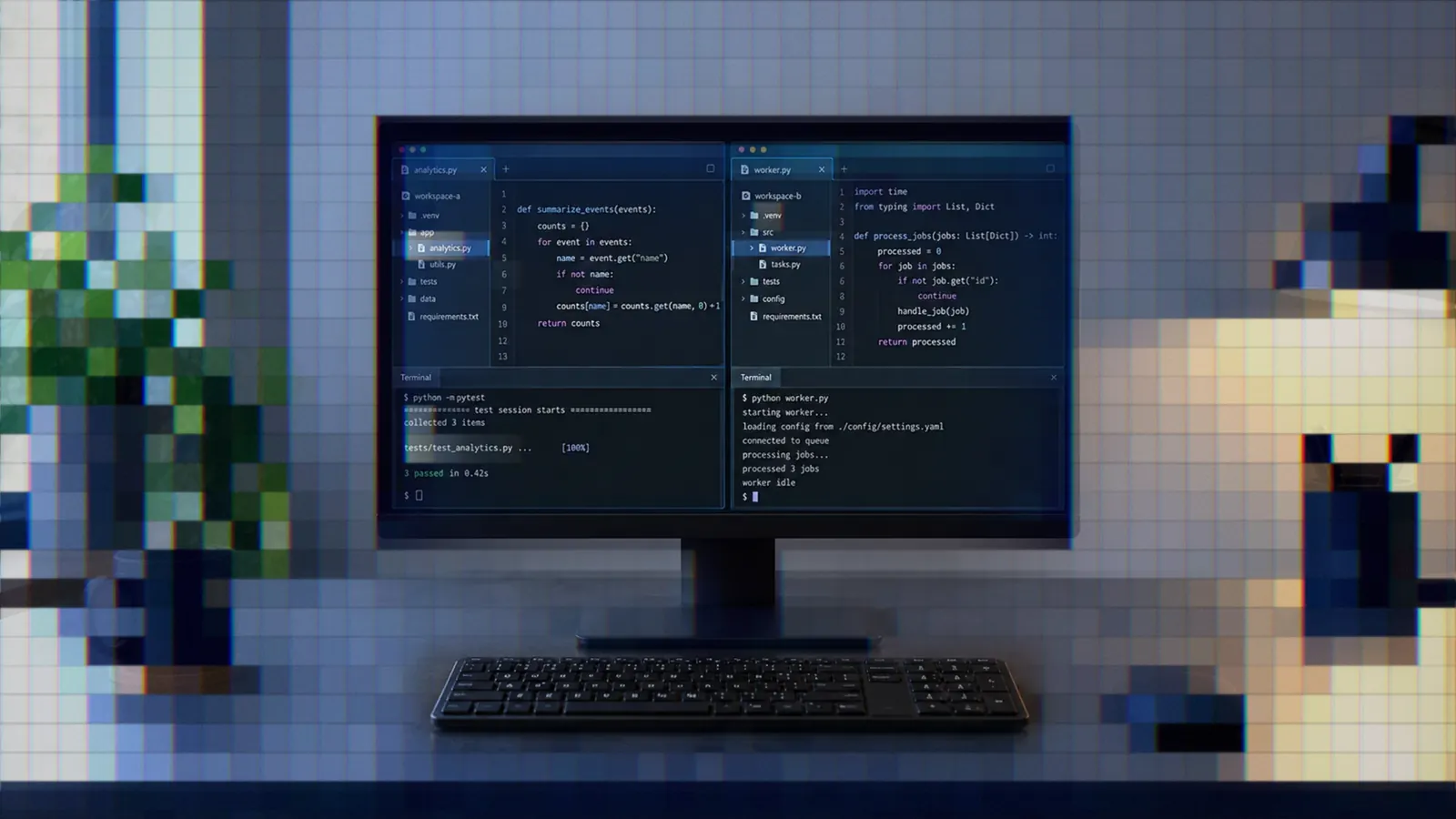
For local work, isolation is a git worktree created as a sibling checkout of the main repository. A worktree gets its own application container and its own installed dependencies and built assets (seeded from main with copy-on-write clones, never symlinks, because Docker bind mounts do not follow out-of-tree links). It also gets per-slug state:
- An app database and a test database named from the slug.
- A Redis key prefix and a message-queue virtual host per worktree.
- Its own session, remember-me, and trusted-device cookie names.
- Its own URL, routed by hostname through the shared edge proxy.
It does not get its own database server. Postgres, Redis, the queue, and the mail catcher are shared, because duplicating them per agent makes parallel work too expensive to be routine. Isolation by names and namespaces on a shared server was the compromise.
A worktree is created before coding when another session may need the main checkout, when the task needs its own branch and database, or when someone is reviewing a branch that main should not leave. Creation runs from the main checkout with the interactive shell disabled; the agent then works only in the sibling path. A reviewer gets a checkout without a running stack (an idle one costs roughly 1.6 GiB); a running stack is opt in. Several reviewers on one pull request get an instance name so nothing collides. The setup command wraps all of this and then verifies it.
Keeping many worktrees cheap
Expensive isolation does not get used, so we added limits. Only the services a branch needs start by default: the queue worker only when the branch touches async-message code, the asset watcher only when it touches front-end files. A PHP-only stack is about 85 MiB. Starting a stack stops the least recently used ones once more than four others are running (stopped, never removed). Idle stacks stop after eight hours.
Postgres connections were the sharpest limit. Without pooling, each running worker held 15 to 25 real connections, so the stock limit of 100 ran out at about four stacks with workers. A shared pooler now fronts the main database, and a worker holds 4 server connections (measured, against 15 to 26 connecting directly).
Review workers get their own worktree
When an unattended supervisor runs our reviews, each review worker gets its own worktree for the pull request head and tears it down when it finishes. The exception is a finding with a recorded repro command: that worktree stays warm, so when the author pushes a fix we rerun the repro on the new head instead of building a stack from scratch. Warm workspaces are reaped when the pull request closes, after 24 hours idle, or beyond two kept. Each end-to-end review may bring up its own Docker stack, so the live-review cap is 2 by default. Raise it only with Docker memory headroom.
Isolation bugs real use surfaced
None of this was right the first time. These three bugs appeared only once agents and humans used worktrees concurrently.
A stale proxy block stopped the edge
Each worktree gets a generated route in the shared web proxy. The route named its worktree container literally, and the proxy resolves those names when it loads its configuration. A block for a container that no longer existed failed validation, which stopped the main edge from starting and failed every later worktree command. It happened after a worktree was removed with plain git, or after a stopped stack or reboot. The container is now resolved at request time, so a leftover block returns a gateway error on that worktree’s own hostnames instead of taking down the shared edge.
An uninitialized worktree changed main
Our container configuration pins the project name, which outranks the directory name. In a linked worktree that was never initialized, the start command recreated the main stack’s containers from that worktree’s files and the stop command stopped them, with no warning. The guard now detects an uninitialized linked worktree (its git metadata is a file, not a directory) and refuses, pointing at the initialization step.
Cookies leaked between worktrees
Worktrees shared a cookie domain, so every stack read and wrote the same remember-me and trusted-device cookies. The remember-me signature includes the password hash and a two-factor flag, and those drift between copied databases. The stack that disagreed rejected and deleted the cookie, logging the developer out everywhere once the session expired. The session cookie was already per worktree; the other two now are too.
None would show up in a design review, none is a model problem, and a prompt telling the agent to stay in its own worktree would not have changed any of them.
What we have not solved
Documented gaps: local creation still needs the developer’s Docker daemon running, and the tool cannot start it. Trusting the local certificate authority can need root, so unattended runs print the manual trust step instead of hanging. Our CI workflows are not yet migrated onto the CI provider, though a job can call the same create and verify pair.
Lessons
- Treat readiness as a command. A verify step that exits zero or does not is a gate agents cannot argue with.
- Put remediation in the output. Stable error codes plus a remediation keep agents from improvising.
- Report degraded environments honestly. A warning beats a silent partial install.
- Close the host-binary escape hatch. Wrappers only, and no shims that hide the mistake.
- Share the data plane, isolate the names. Per-worktree databases, key prefixes, and cookies keep parallel agents affordable.
- Budget for isolation bugs. Every leak came from real concurrent use and needed a regression test.
The environment contract also lets the rest of the factory stay small: our always-on instructions point at the setup command instead of describing setup, a large part of why they could shrink. Once an agent can prove its sandbox is sound, the next question is how much checking to demand.