How to Automate Stock Trading Successfully
How To Automate Stock Trading: automate stock trading: broker apis, strategy development, risk controls, and performance monitoring systems.

Marketing

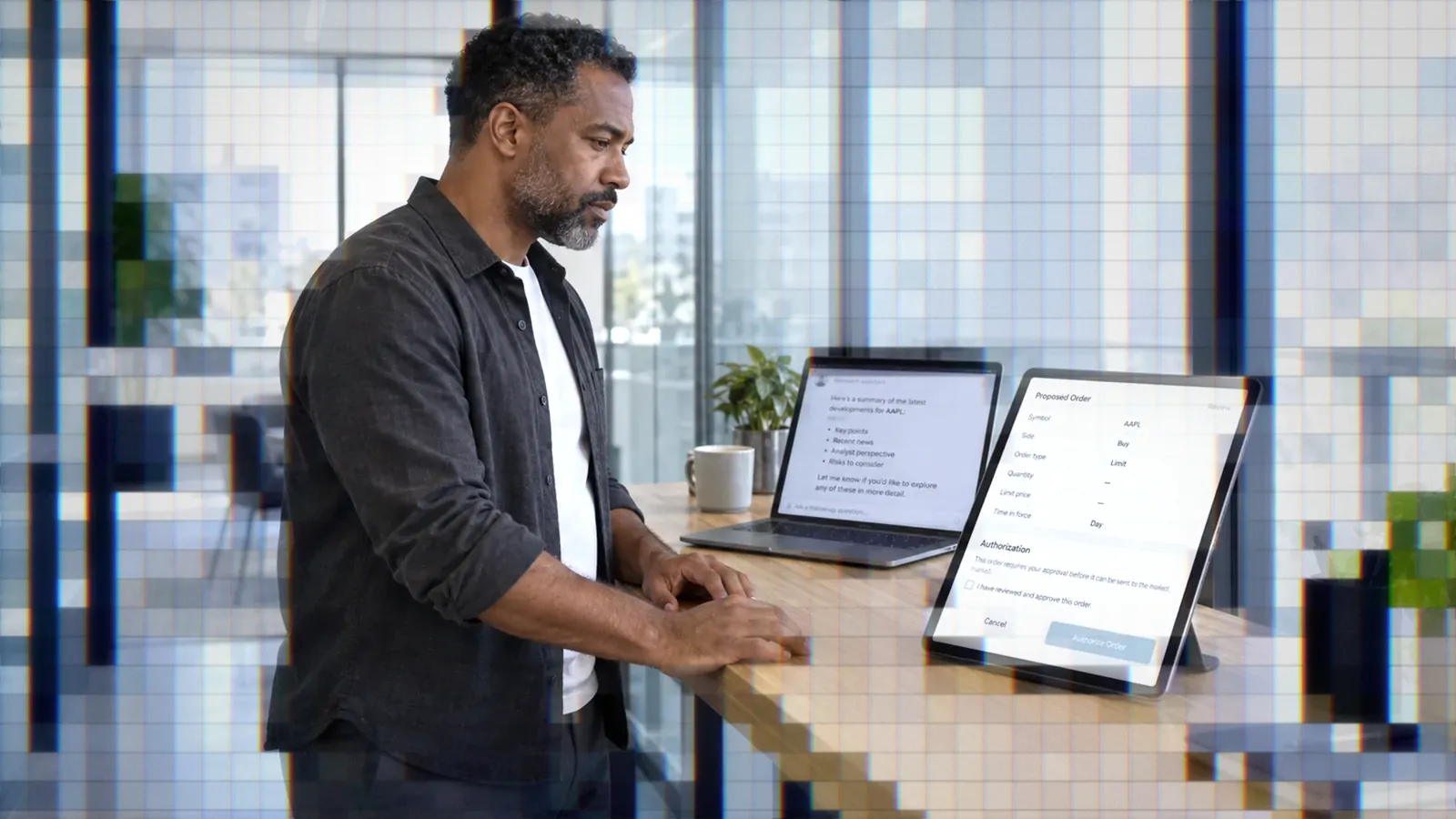
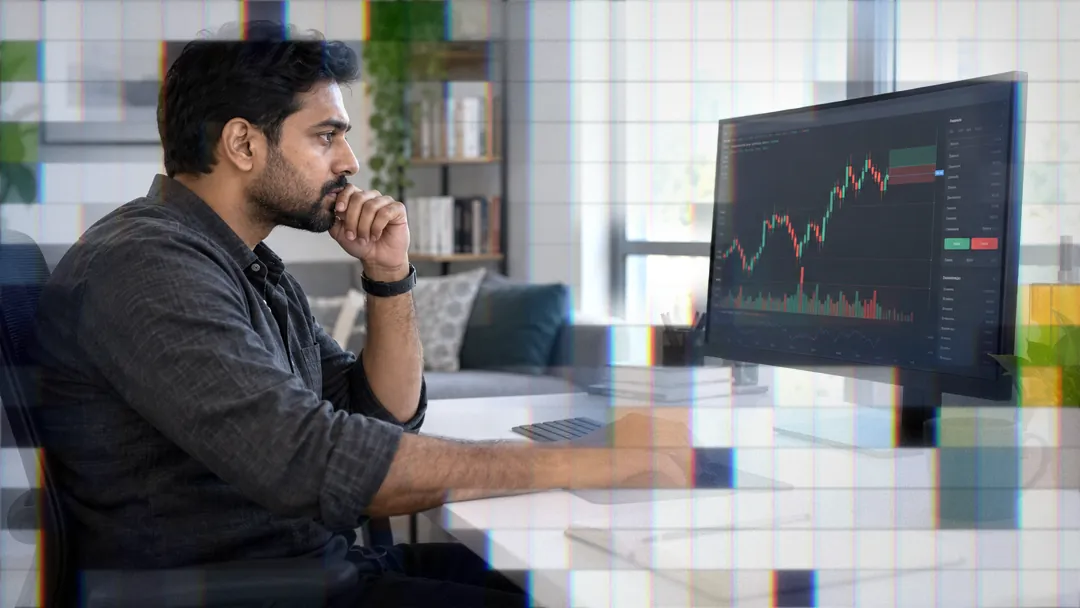
Automating stock trading offers significant advantages, including the ability to backtest strategies, execute trades at optimal times, and manage risk more effectively. Yet, successful automation is complex and requires careful planning and ongoing monitoring. In this post, you will learn the essential components and steps needed to automate your trading operations efficiently. We'll also explore how TradersPost can seamlessly connect TradingView with brokers like Alpaca, TradeStation, Tradier, and Interactive Brokers for automated execution.

Key Components of Automated Trading
Data Feed Integration
Real-time market data is critical for any automated trading system. It powers decision-making processes and ensures that trades are executed based on the most current information. TradersPost facilitates this by integrating with reliable data sources and brokers.
Strategy Engine
This is the brain of your trading system. It processes market data and generates buy or sell signals based on predefined criteria. Utilizing TradingView's powerful scripting tools can help create robust strategies that TradersPost can execute automatically.
Order Management System
Efficient order placement is crucial for taking advantage of market opportunities. TradersPost acts as an intermediary that handles order execution across multiple brokers, ensuring that your orders are placed swiftly and accurately.
Risk Management Module
Risk management is a cornerstone of successful trading. An automated system should include a module that monitors positions and enforces risk limits. For example, TradersPost allows you to set maximum position sizes and daily loss limits directly through its platform.
Performance Analytics
Tracking the performance of your strategies helps in refining them over time. With TradersPost, you can generate detailed reports that provide insights into metrics like total return, Sharpe ratio, and maximum drawdown.
Backtesting Framework
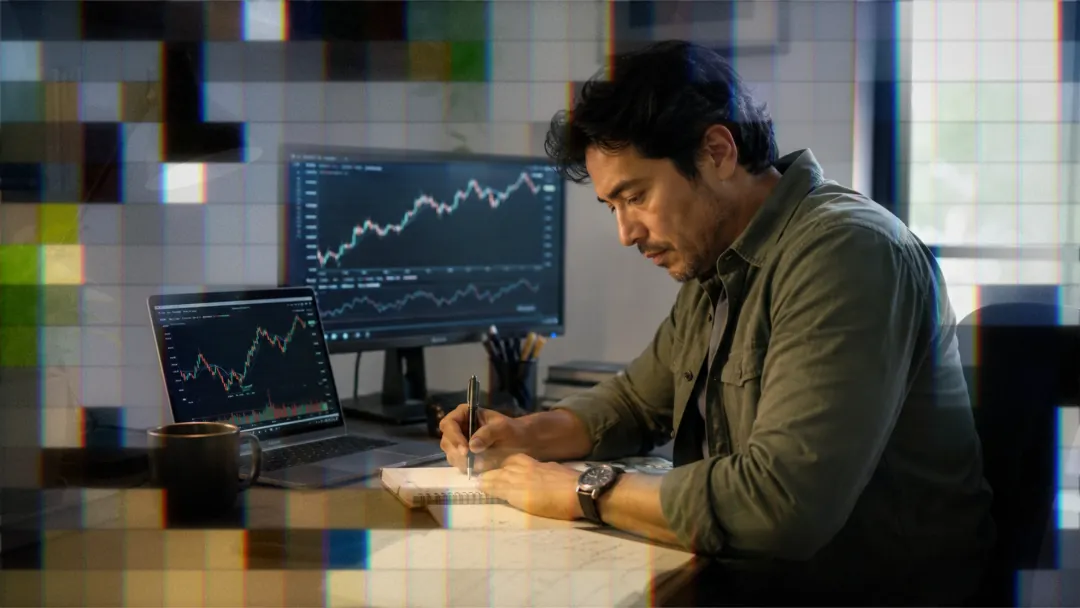
Before going live, backtesting your strategy against historical data is essential for understanding potential performance. TradersPost enables seamless backtesting through its integration with TradingView's strategy tester.
Steps to Automate Your Trading
- Select a Broker: Choose a broker supported by TradersPost such as Alpaca or Interactive Brokers to ensure seamless integration.
- Develop a Strategy: Utilize TradingView to design a strategy that meets your trading objectives. Incorporate technical indicators and set up entry/exit rules.
- Set Up Webhooks: Generate a webhook URL in TradersPost to link your TradingView alerts with your broker account for real-time trade execution.
- Implement Risk Controls: Define parameters like maximum position size and daily loss limits in TradersPost to align with your risk tolerance.
- Monitor Performance: Continuously track your system's performance using TradersPost's analytics tools and refine strategies as necessary.
- Go Live Gradually: Start with small positions to test system reliability before scaling up your capital allocation.
Common Mistakes in Automated Trading
Avoiding common pitfalls can save time and money:
- Over-Optimization: Simplify strategies to avoid making them too tailored to past data.
- Ignoring Costs: Always factor in transaction fees when calculating potential profits.
- Lack of Monitoring: Automation reduces manual effort but doesn't eliminate the need for oversight.
- Insufficient Testing: Thoroughly test strategies under different conditions using paper trading before committing real money.
- Failure to Adapt: Regularly review strategies in light of evolving market conditions.
Conclusion
Automating stock trading successfully involves integrating key components such as data feeds, strategy engines, order management systems, risk controls, performance analytics, and backtesting frameworks. By following structured steps—selecting appropriate brokers, developing robust strategies in TradingView, setting up webhooks via TradersPost—you can efficiently automate your trading activities while managing risks effectively.
TradersPost acts as an indispensable bridge between TradingView and various brokers like Alpaca, TradeStation, Tradier, or Interactive Brokers, helping traders execute their automated strategies effortlessly. As you embark on this journey of automation, remember that continuous improvement through analysis and adaptation is key to long-term success in the ever-evolving financial markets.