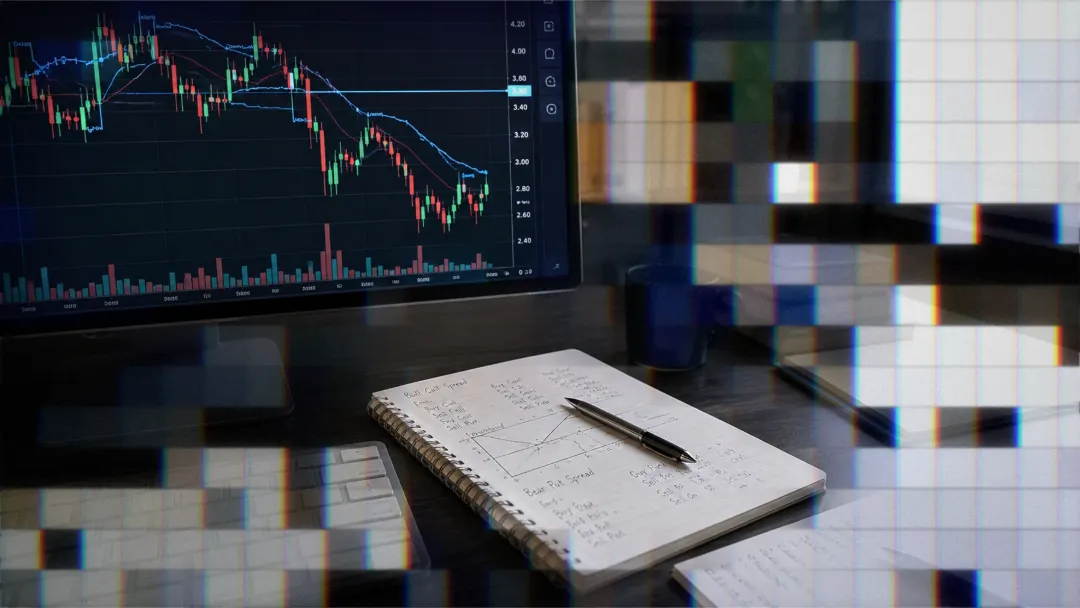
Paper Trade Options on TradingView
Complete TradingView options trading guide: analysis tools, order types, and strategy implementation techniques.

Marketing

-
TradingView now documents Paper Trading and broker demo accounts as practice routes without requiring TradersPost, so the article's blanket limitation and automation recommendation have been corrected.
Trading options on TradingView can be a bit challenging since the platform does not support direct paper trading of options contracts. However, with the right approach and tools, you can effectively simulate and refine your options strategies using TradingView's robust analytical capabilities in conjunction with a platform like TradersPost. In this post, you'll learn how to leverage TradingView for options analysis, integrate TradersPost for automated execution, and understand the key metrics and processes to enhance your paper trading experience.
Leveraging TradingView for Options Analysis
Options Data Visualization
TradingView provides powerful data visualization tools that are essential for options traders. By combining TradingView charting with options data available through a connected broker, you can gain insights into market sentiment and identify potential trading opportunities1. These tools allow you to analyze strike prices, expiration dates, and Greeks—critical components of any options strategy.
Strategy Building Tools
Using TradingView’s Pine Script, you can create custom indicators and backtest your options-related strategies. This scripting language enables you to tailor technical indicators to your specific needs, offering greater precision in strategy development. For instance, you might develop a script to identify when implied volatility is unusually high or low compared to historical norms—a valuable indicator for timing trades.
Multi-Timeframe Analysis
Options trading often requires understanding the broader market context across different timeframes. TradingView allows you to perform multi-timeframe analysis on the underlying assets of your options contracts. This capability helps in refining entry and exit criteria based on trends observed at different intervals.
Bridging the Gap with TradersPost
Seamless Integration with Brokers
TradersPost acts as a bridge between TradingView's analytical prowess and the practical need for executing trades automatically. By connecting your TradingView alerts with brokers like Alpaca, TradeStation, Tradier, and Interactive Brokers through TradersPost, you can automate the paper trading of your options strategies efficiently.
Automating Options Strategies
Options trading on TradingView is handled through a connected brokerage account for strategies such as iron condors or butterfly spreads1. This automation includes dynamic position sizing based on account value and risk parameters—essential for robust risk management in paper trading.
Risk Management Features
Implementing effective risk management is crucial even in paper trading. TradersPost allows you to set stop losses, profit targets, and other controls automatically. For example, if a trading signal from TradingView indicates a significant change in an option’s delta or gamma (risk measures), you can review or close a position according to your risk plan2.
Creating a Comprehensive Paper Trade Journal
Detailed Trade Log Template
Since TradingView doesn't directly track paper trades for options, maintaining a detailed journal is vital. Your log should include:
- Entry date
- Underlying asset symbol
- Strategy type (e.g., long call spread)
- Strike prices and expiration dates
- Premium details
- Technical analysis notes
- Implied volatility conditions
- Risk/reward calculations
- Planned exit criteria
This detailed documentation will help analyze performance over time and refine strategies before transitioning to live trading.
Key Performance Metrics Tracking
Trade-Level Metrics
To gauge individual trade effectiveness:
- Record entry/exit dates
- Track strike prices and expiration dates
- Note premiums paid or received
- Compare actual vs. potential profit/losses
- Measure days held in trade
Strategy-Level Metrics
Evaluate overall strategy success with:
- Win rate by strategy type
- Average profit per winning trade
- Profit factor (gross profit/gross loss)
- Sharpe ratio for risk-adjusted returns
Portfolio-Level Metrics
Understand broader impacts by monitoring:
- Maximum drawdown
- Correlation between strategies
- Capital efficiency across multiple trades
By tracking these metrics through structured spreadsheets or dedicated software tools, traders can continuously optimize their trading approaches2.
Conclusion
Practicing options trading on TradingView can combine its analytical tools with Paper Trading or a broker demo account, while platforms like TradersPost may be used for automation where supported1. By visualizing data effectively, building robust strategies with Pine Script, and leveraging seamless integration with brokers through TradersPost, traders can simulate real-world conditions closely—even without direct support for options paper trading on TradingView itself.
As you refine your process using detailed journaling and comprehensive performance metrics tracking, you'll be better prepared to transition from paper to live trading successfully. Embrace these best practices today with TradersPost’s integration capabilities to transform your approach into actionable results.
References
1 How to Trade an Option Strategy on TradingView with Alpaca
2 tradingview.com, Paper trading — main functionality