Thinkorswim vs TradingView vs Interactive Brokers
Compare thinkorswim, TradingView, and Interactive Brokers for swing trading, day trading, paper trading, charting, and automated order execution.

Marketing

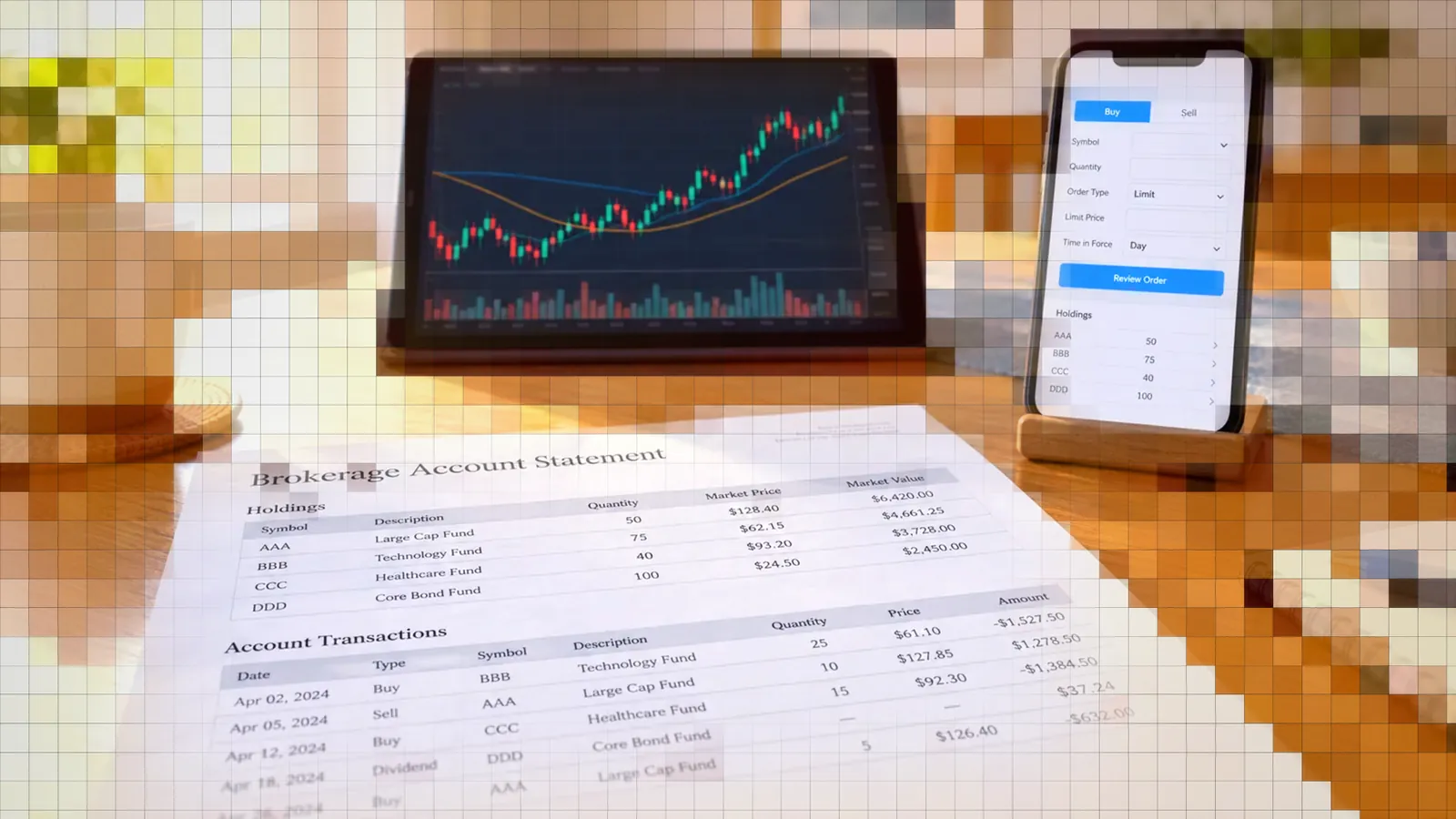
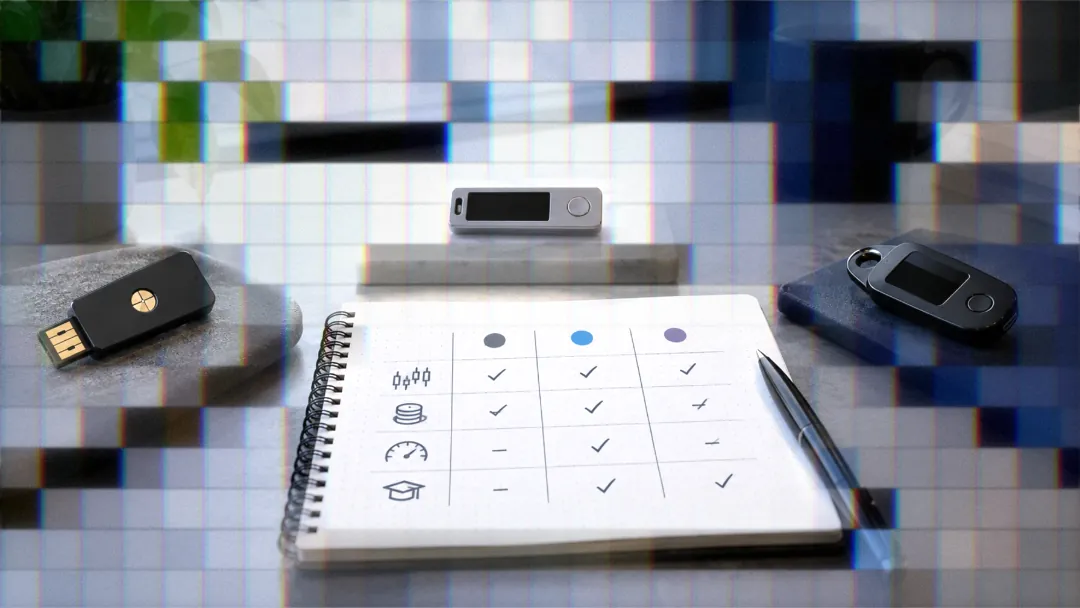
The thinkorswim vs TradingView vs Interactive Brokers comparison is not a choice among three interchangeable platforms. Thinkorswim combines brokerage trading and analysis within Charles Schwab, TradingView specializes in charting and alerts, and Interactive Brokers provides brokerage execution that can connect directly to TradingView.
For swing trading, TradingView stands out for flexible charting and long-running alerts, while thinkorswim provides integrated research and trade modeling. Day traders may prefer thinkorswim desktop for its order-entry tools or TradingView connected to Interactive Brokers for chart-based execution and shared market data.
The best setup depends on whether you prioritize paper trading, technical analysis, advanced orders, or automated execution. This comparison covers each use case and explains when combining platforms makes more sense than selecting only one.
Thinkorswim vs TradingView vs Interactive Brokers Roles
What Each Platform Actually Does
Thinkorswim is a Charles Schwab platform for analyzing markets and trading stocks, options, futures, and forex. It is available as desktop, web, and mobile software, although permissions are required for certain products.1
TradingView is primarily a charting and analysis platform rather than a broker. You can build charts, screen markets, create alerts, and connect a supported broker when you want to place trades from the TradingView interface.2
Interactive Brokers is a brokerage that can be traded from inside TradingView. Its connection appears in TradingView's Trading Panel, where traders can select either Live Trading or Paper Trading before entering their IBKR credentials.3
Desktop, Web, and Mobile Differences
Thinkorswim desktop is the full-featured version and the only one of its three applications that supports thinkScript. The web version provides full charting without thinkScript, while mobile has simplified charting and no thinkScript. All three versions support cross-platform synchronization.1
That distinction matters if your workflow depends on custom studies or conditional orders. Desktop is the practical thinkorswim choice for developing and operating scripts. Web and mobile are better suited to monitoring, quick trades, and position management away from the primary workstation.
Choosing a Platform for Swing Trading
Alert Lifespan for Multi-Day Holds
Swing traders need to distinguish position duration from alert duration. A position held for several weeks is not a problem by itself, but an expired alert can stop a strategy from producing its next entry or exit signal.
TradingView alerts on Essential and Plus expire after two months and must be recreated. Premium provides alerts that do not expire, making it more appropriate for long-running swing systems.2
Before deploying a multi-month workflow, record each alert's expiration behavior and test what happens after editing its underlying indicator or strategy. An open-ended alert reduces maintenance, but it does not eliminate the need to monitor signal delivery.
Thinkorswim Tools for Swing Setups
Thinkorswim places research and trade modeling in the same platform as order entry. The Analyze tab's Fundamentals view includes current price, analyst ratings, price history, company information, and financial metrics such as earnings per share, profit margins, and revenue. Analyze also includes simulated trade analysis, risk profiles, and probability calculations.1
For finding setups, Stock Hacker can search a chosen stock universe using filters such as price, volume, and net change. Scan results can then be opened in a chart or passed to the trading interface.1
- Use Fundamentals to review the company and key metrics.
- Model the trade and its risk before entry.
- Use Stock Hacker to narrow the tradable universe.
- Save the final candidates to a synchronized watchlist.
IBKR for Swing Execution
Every new Interactive Brokers client automatically receives a paper trading account with 1,000,000 USD of paper equity. Under normal business circumstances, the account is created within 24 hours, and real-time data can be shared with it.4
When IBKR is connected through TradingView, you choose Live Trading or Paper Trading before logging in. Paper mode requires the paper account's original username and password, not the live account credentials.3 This creates a practical swing workflow: analyze and trigger entries from TradingView while testing execution through the IBKR paper account before switching to live mode.
Choosing a Platform for Day Trading
Platform Speed and Responsiveness
Thinkorswim describes desktop as its full-featured trading and analysis application, web as a tool for quick trades and monitoring, and mobile as the option for trading and monitoring on the go.1
For intraday use, interface efficiency matters as much as raw responsiveness. Favor the version that keeps the chart, position, working orders, order ticket, and risk controls visible without repeated navigation. That usually points toward a desktop workspace, whether it is thinkorswim desktop or a TradingView chart connected to IBKR.
Intraday Order Types
Thinkorswim supports trailing stop and trailing stop limit orders, but Schwab documents these orders as accepted only for stocks trading on NASDAQ, NYSE, and AMEX. Its EXTO session runs from 8 p.m. ET until 8 p.m. ET for one trading day, Sunday through Friday. GTC+EXTO remains active across those sessions until filled or canceled.5
Stop behavior also deserves attention in fast markets. A stop becomes a market order after activation, so execution is not guaranteed at or near the activation price. A stop-limit order controls the acceptable price but can remain unfilled if the market moves through the limit too quickly.5
Real-Time Data for Active Trading
A trader with a live IBKR account and an active real-time data subscription can verify that account through TradingView and reuse the subscription without paying TradingView for the same data. Access lasts seven days, after which the broker connection must be refreshed.6
TradingView lists 31 supported exchanges for this arrangement, including NASDAQ, NYSE, CME, LSE, CBOT, COMEX, EUREX, HKEX, and TSX.6 Confirm that your instrument's exchange appears on the supported list rather than assuming every IBKR data package will transfer.
Paper Trading Across All Three
Thinkorswim paperMoney
PaperMoney is a simulated environment for practicing strategies without putting real capital at risk. It mirrors the live thinkorswim platform and is included in the desktop, web, and mobile versions.1 It is useful for testing the platform's order tickets and conditional logic, although simulated fills should not be treated as proof that a strategy will perform identically live.
TradingView Paper Trading
TradingView provides paper trading through the Trading Panel on its charting platform.2 This is a convenient starting point for checking chart layouts, alerts, and manual order placement before connecting a brokerage account.
Separate the questions you are testing. TradingView's native paper environment tests the charting workflow, while an IBKR paper login inside TradingView more closely tests the intended broker connection. Neither fully reproduces live liquidity, slippage, or partial fills.
Interactive Brokers Paper Account
New IBKR clients receive a dedicated paper account with 1,000,000 USD of paper equity. Accounts are normally created within 24 hours, and account settings include an option to share real-time market data. Older IBKR accounts may not have a paper account automatically and should check Account Configuration.4
- Confirm that the IBKR paper account is active.
- Save its separate username and password.
- Share market data if your subscriptions permit it.
- Select Paper Trading before connecting through TradingView.
- Test entries, exits, cancellations, and rejected orders.
Charting and Technical Analysis Features
Indicators and Drawing Tools Compared
TradingView offers more than 400 built-in indicators and strategies, over 110 drawing tools, and more than 20 chart types. Its plan limits scale from one chart per tab on Basic to two on Essential, four on Plus, eight on Premium, and 16 on Ultimate.2
The thinkorswim Learning Center pages cited here do not give a built-in indicator count to compare against. Its case rests on integrated brokerage analysis, custom thinkScript studies, strategy testing, watchlist columns, and order conditions. Choose based on workflow rather than the largest indicator number.
Scripting Languages: thinkScript vs Pine
ThinkScript is thinkorswim's built-in programming language for creating studies, strategies, and watchlist columns. It can also support study alerts, conditional orders, and custom Stock Hacker queries.7
A thinkScript strategy must contain the AddOrder function, which adds simulated orders to the chart so you can backtest the strategy. Those orders are simulated, not live executions.7
Pine Script fills the custom indicator and strategy role within the TradingView workflow. The practical difference is where the logic operates: thinkScript is tied to thinkorswim desktop, while TradingView-based logic can drive chart alerts that fit a webhook automation workflow.
Scanning and Screening Tools
Thinkorswim Stock Hacker accepts thinkScript scan queries, allowing custom criteria to search symbols alongside standard filters. TradingView provides screeners for stocks, ETFs, bonds, and crypto within the same interface as its charts.2
Thinkorswim is attractive when scanning should flow directly into Schwab research and order entry. TradingView is stronger when the same screening workspace needs to cover several asset classes and feed chart-based alerts.
Advanced Orders and Automation
Thinkorswim Bracket and OCO Orders
Thinkorswim supports OCO orders and several triggered bracket structures. These include 1st Triggers OCO, 1st Triggers 2 OCO, and 1st Triggers 3 OCO for dividing an initial position into multiple exit brackets. In a standard OCO, execution of one order cancels the other.5
For more complex sequencing, 1st Triggers Sequence and 1st Triggers All can submit up to seven follow-on orders after the first order. Sequence releases each order after the prior order fills, while All submits the follow-on orders simultaneously after the initial trigger.5
ThinkScript Conditional Orders and Alerts
A study-based condition written in thinkScript can automatically place or cancel an order inside thinkorswim. That gives the platform a self-contained form of automation without requiring an external signal router.7
Thinkorswim alerts can be delivered through sound, email, text message, or mobile push. Schwab's alert documentation does not list webhook delivery.8 TradersPost receives signals by webhook, so a thinkorswim alert has no direct way to reach it.
Routing TradingView Signals to a Broker
For manual chart-based execution, TradingView connects directly to Interactive Brokers through the Trading Panel in live or paper mode. For automatic execution, TradersPost can receive TradingView webhook signals and route stock orders to a connected IBKR live or paper account. TradersPost's IBKR connection is in beta and covers stocks only, and IBKR Lite accounts can connect but cannot place orders through it.
Schwab and thinkorswim are not TradersPost broker connections. Thinkorswim users who want automation have the platform's own conditional-order workflow instead.
If you want TradingView alerts to place IBKR orders automatically, try TradersPost in a paper environment first. Validate symbol handling, position sizing, entries, exits, and protective orders before enabling live execution.
Which Combination Fits Your Style
Matrix by Trading Style and Need
- Multi-week swing trading: TradingView Premium offers non-expiring alerts, while thinkorswim or IBKR can provide the execution environment.
- Research-heavy swing trading: Thinkorswim combines fundamentals, scans, risk profiles, and orders in one Schwab platform.
- Discretionary day trading: Thinkorswim desktop provides advanced order structures and a full trading workspace.
- TradingView-based day trading: Connect IBKR for chart-based execution and eligible shared market data.
- Paper testing: All three provide a simulated environment, but broker paper accounts better reflect the intended execution path.
Cost and Plan Considerations
TradingView has a free Basic plan, followed by Essential at 14.95 USD per month, Plus at 29.95 USD, Premium at 59.95 USD, and Ultimate at 239.95 USD. Annual pricing is also available.2
To get started with thinkorswim, you need a Schwab brokerage account.1 Interactive Brokers requires its own brokerage account, while TradingView plans and exchange data may create separate costs. Compare the complete workflow, including data, alerts, and execution, rather than comparing only the platform subscription price.
Combining TradingView Charts with IBKR
A common combination is TradingView for charts and alerts with IBKR for execution. Traders who want manual control can log in through the Trading Panel. Those who want alerts to generate orders automatically can place TradersPost between the TradingView webhook and the connected IBKR account.
Thinkorswim follows a different model. Its scripts, alerts, conditional orders, analysis, and Schwab execution remain inside the same platform. That can simplify account management, but it is less suitable when webhook portability is a requirement.
Bottom Line
- Choose thinkorswim for an integrated Schwab workflow with research, thinkScript, conditional orders, and advanced brackets.
- Choose TradingView when charting, screeners, Pine-based signals, and broker flexibility are the priorities.
- Choose IBKR when you want brokerage execution connected directly to TradingView in live or paper mode.
- Use paper trading to test the complete signal and execution path, not only the strategy's chart results.
- Check alert expiration, market-data access, and order behavior before committing to a platform combination.
No single platform wins every category. If you want TradingView signals to execute automatically at IBKR, one modular setup is TradingView for signal generation, IBKR for brokerage execution, and TradersPost as the webhook automation layer. Try that workflow with paper trading before routing live orders.
Frequently Asked Questions
Can Thinkorswim Trigger Another Broker?
Thinkorswim's documented alert methods are sound, email, text message, and mobile push, with no webhook option listed. ThinkScript conditional orders can automatically place or cancel orders, but that automation remains inside thinkorswim rather than reaching another broker or service.
Does IBKR Support TradingView Paper Trading?
Yes. Select Paper Trading before logging into IBKR from the Trading Panel, then use the paper account's username and password. New IBKR clients also receive a separate paper account with 1,000,000 USD of paper equity.
Which Has More Charting Indicators?
TradingView offers more than 400 built-in indicators and strategies, plus over 110 drawing tools. Schwab's Learning Center says the thinkorswim Charts tab includes studies and strategies, drawing tools, and pattern recognition, and thinkScript adds custom studies, but those pages give no comparable count.
Can IBKR Data Work on TradingView?
Yes. Eligible real-time data purchased through a live IBKR account can be reused on TradingView after account verification. Access lasts seven days before reconnection is required, and TradingView lists 31 supported exchanges.
Is TradingView a Broker?
No. TradingView is a charting and analysis platform that connects to supported brokers such as Interactive Brokers. Thinkorswim differs because it is Charles Schwab's trading platform and includes order placement within the brokerage workflow.
References
1 Getting Started with thinkorswim
2 TradingView Review 2026
3 Trading Through Interactive Brokers on TradingView
4 IBKR Paper Trading Account Instructions
5 Thinkorswim Order Types
6 Using IBKR Market Data on TradingView
7 What Is thinkScript?
8 Thinkorswim Alerts