TradingView vs Robinhood: What Each Does
TradingView is a charting platform; Robinhood is a broker. Compare Robinhood Legend's charts, fees, and new AI agents against TradingView's tools.

Marketing

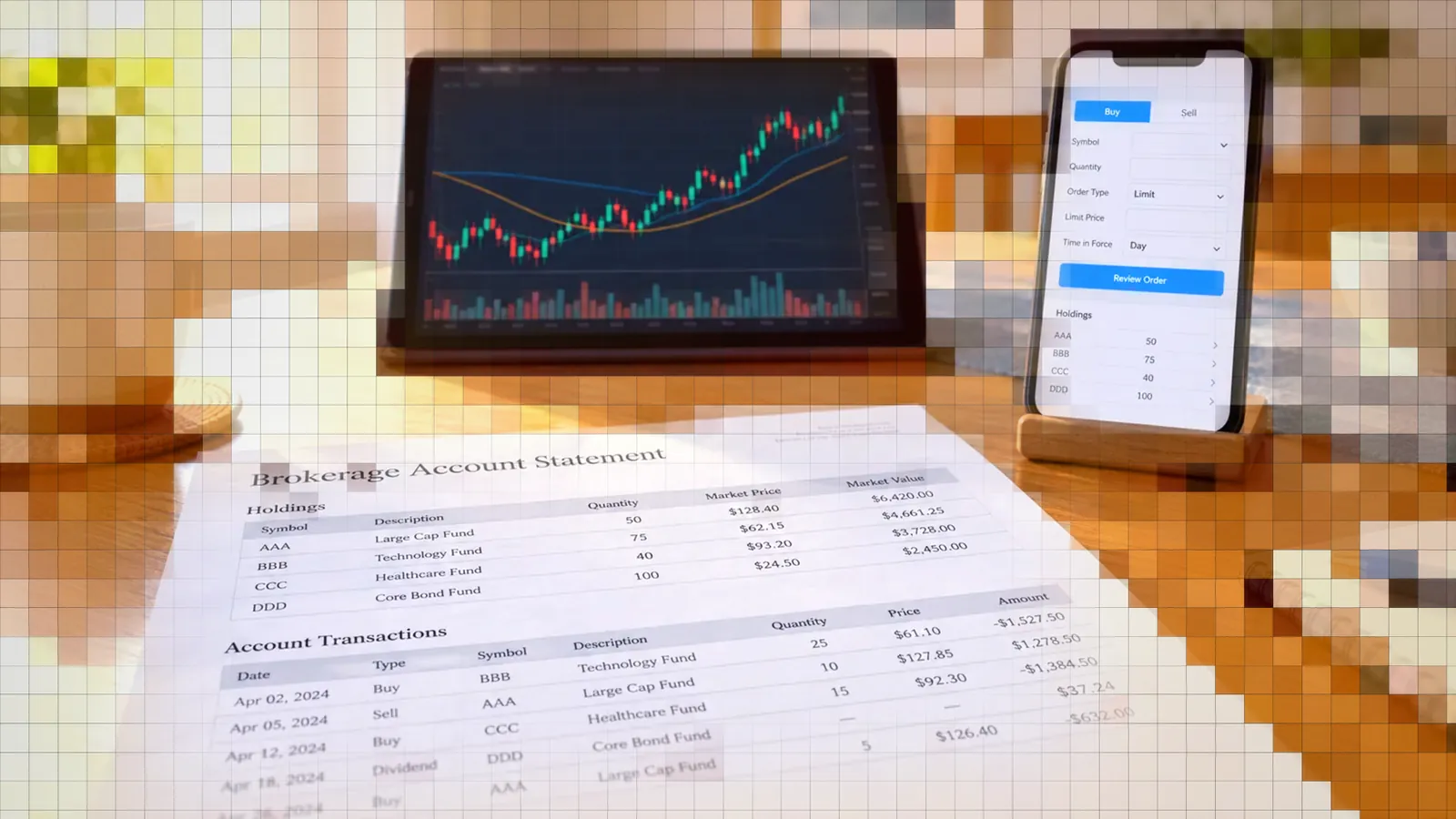
The TradingView vs Robinhood comparison starts with a category difference: Robinhood is a brokerage, while TradingView is a charting, analysis, and signal-generation platform. Robinhood holds brokerage accounts and executes trades. TradingView provides market tools and connects traders to supported brokers.
Robinhood Legend makes the comparison less obvious because it adds capable desktop charts and chart-based order entry. Even so, Legend remains Robinhood's platform. It does not replace TradingView's Pine Script, strategy testing, community indicators, or webhook alerts.
The practical choice is not always one platform or the other. Traders can use Robinhood for account custody and execution, TradingView for analysis and alerts, and an automation layer when rule-based TradingView signals need to reach a Robinhood account.
TradingView vs Robinhood: What They Are
A Broker Versus Charting Platform
Robinhood provides brokerage services through Robinhood Financial and clearing through Robinhood Securities, both registered broker-dealers and SIPC members.1 That brokerage role covers the account relationship, custody, and order execution.
TradingView focuses on charts, market analysis, scripts, alerts, and order interfaces. For live trading, it advertises direct chart trading through more than 100 trusted brokers rather than acting as the broker that holds the trading account.2
That creates the central distinction:
- Robinhood provides the brokerage account and executes eligible orders.
- TradingView analyzes markets and generates signals across asset classes.
- TradingView can route orders through supported broker connections.
- A trader may use both products for different parts of one workflow.
Legend Is Not TradingView
Robinhood Legend is Robinhood's desktop trading platform. It includes custom layouts and presets optimized for stocks, options, or general market monitoring. Robinhood makes it available to account holders without an additional Legend charge.1
Legend should therefore be evaluated as a Robinhood product for Robinhood accounts. Having Legend does not give you TradingView features such as Pine Script or TradingView's alert system.
Why Traders Confuse Them
Both products display charts and allow order placement, so their interfaces overlap. A newer trader may reasonably see Legend and TradingView as competing charting applications.
The distinction becomes clearer when the workflow moves beyond manual chart trading. Robinhood combines brokerage access with its own interfaces. TradingView emphasizes cross-market analysis, custom scripts, strategy testing, alerts, and connections to multiple brokers.
Robinhood Legend Charting Tools
Indicators and Drawing Tools
Legend includes 90 indicators and studies and 26 drawing tools. It also provides Level 2 market data, hotkeys, and ladder trading. However, it does not support custom studies, which prevents traders from programming their own indicators inside Legend.3
That toolset can cover common technical analysis workflows. It is less suitable when a strategy depends on proprietary calculations, custom signal logic, or indicators that are unavailable in the built-in library.
Trading From the Chart
Legend allows traders to enter trades, edit orders, and manage positions from a chart. Its market data updates at sub-second intervals, and an order can also be initiated from a watchlist or options chain.1
Custom layouts can link widgets across tabs and monitors, making Legend useful for active Robinhood customers who want to monitor symbols and manage orders without relying on the mobile interface.
Missing Pieces for Automation
The limitations become important for systematic traders. StockBrokers.com's review says Legend has no custom studies or backtesting. The same review lists no paper trading and no OCO or OTO orders at Robinhood.3
Those gaps affect several stages of an automated workflow:
- You cannot program and test a proprietary study inside Legend.
- You cannot use a Robinhood paper account to rehearse live execution.
- You cannot structure an OCO pair that cancels one order when the other fills.
Legend works best as an execution and monitoring interface for a Robinhood account, not as a complete strategy research and automation environment.
TradingView Charting and Analysis Tools
Indicators, Scripts, and Drawings
TradingView offers more than 400 built-in indicators and strategies, more than 110 drawing tools, and over 100,000 public indicators published by its community. Pine Script lets traders create custom indicators and strategies, while the strategy report (formerly the Strategy Tester) shows how ready-made or self-written strategies behave on historical data.2
This is TradingView's clearest advantage over Legend. A trader can define proprietary logic, inspect past signals, review strategy metrics, and revise the rules before considering live execution. Historical results do not predict future performance, but they can expose coding errors, excessive trading, or rules that behave differently than intended.
Alerts That Trigger Automation
TradingView alerts run in the cloud and can arrive through a browser, email, app notification, or webhook. A multi-condition alert can combine up to five settings involving price, drawings, indicators, chart values, and custom logic.2
Webhook delivery is the key automation feature. Instead of merely notifying a trader, the webhook sends the alert to an external service that can interpret the signal and route an order. The resulting workflow remains rule-based: the conditions are defined in the chart or Pine Script before the alert fires.
Connecting Brokers From Charts
TradingView supports live trading through more than 100 trusted brokers. It says broker credentials are stored locally in the browser rather than on its servers. Supported connections can provide synchronized order tickets, bracket management, chart-based order creation, and order modification by dragging chart elements.2
Available assets and order functions depend on the selected broker connection. Traders should confirm current support in TradingView's Trade panel instead of assuming every broker or order type is available.
Paper Trading: Legend Falls Short
TradingView Paper Trading
TradingView Paper Trading is available globally to all users. The simulator supports stocks, forex, crypto, commodity futures, index futures, and other available asset classes. Traders can submit market, limit, and stop orders through an order ticket, Depth of Market window, or directly on a chart.4
The simulator uses virtual money, requires no deposit, and carries no simulator fees. It is useful for checking whether alerts trigger as expected, practicing order management, and observing a strategy under current market conditions without risking capital.
Robinhood Has No Paper Trading
Robinhood does not provide paper trading, according to StockBrokers.com's independent review.3
A trader who plans to execute through Robinhood can still conduct chart-level testing in TradingView. A practical sequence is:
- Write or configure the strategy in TradingView.
- Review its strategy report over relevant historical conditions.
- Practice the entries and exits by hand in TradingView Paper Trading.
- Check signal timing, position changes, and order assumptions.
- Move to small live orders only after reviewing the results.
Paper results will not reproduce live fills, spreads, slippage, or every broker rule. They are a validation step, not proof that a strategy will perform profitably.
Comparing Costs and Fees
Robinhood Per-Trade Costs
Robinhood charges $0 for stock and ETF trades and $0 per options contract. Standard futures pricing is $0.75 per contract, while crypto trading can include a fee of up to 0.95% within the spread. There is no minimum deposit, but a full or partial account transfer out costs $100.3
Zero commission does not mean execution is costless. Traders should still account for spreads, slippage, regulatory charges where applicable, and fees attached to specific products or account actions.
Robinhood Gold Costs
Robinhood Gold costs $5 per month and includes a free first 30 days. Current benefits include 3.6% APY on eligible brokerage cash and reduced pricing of $0.50 per futures contract and $0.35 per index options contract.5
StockBrokers.com also lists a $50 annual Gold option. Its review identifies Cortex as Robinhood's AI assistant on Legend.3 Subscription benefits and interest rates can change, so confirm current terms before comparing annual costs.
Legend and TradingView Costs
Robinhood charges no additional fee specifically for Legend, although normal brokerage and account fees still apply. TradingView's paper simulator also has no fees of its own. Traders may still need a paid TradingView plan for the chart layouts, alert capacity, or advanced features required by their workflow.
Robinhood Agentic Trading Tools
Robinhood Agents Built-In Automation
Robinhood announced Robinhood Agents on September 29, 2026, alongside perpetual futures, earnings contracts, and other products.6
On its Robinhood Agents page, Robinhood says you fund a separate, dedicated account for the agent to trade from, and trade approvals are turned on by default so you can review each trade before it is placed. Robinhood also lists Agent Loops, which are intended to research and trade continuously or on a schedule, as coming soon.7
Connecting External AI Agents
External agents connect through the Robinhood Trading MCP at https://agent.robinhood.com/mcp/trading. Robinhood provides connection instructions for Claude Code, Claude Desktop, ChatGPT, Codex, Cursor, and Grok, among other platforms.8
A connected agent receives read access to all Robinhood accounts, including account numbers, balances, positions, transactions, and order history. It can place trades only in the dedicated Robinhood Agentic account. Robinhood says an external agent can trade without confirmation if the user has instructed it to act without approval.
Responsibility for Agent Trades
Robinhood states that users are ultimately responsible for trades placed by their AI agents. It also warns that agents can misinterpret instructions, use incomplete information, or behave unexpectedly. Robinhood does not control, supervise, monitor, recommend, or audit third-party AI agents.7
This is a different kind of automation from chart alerts. An AI agent interprets instructions and decides how to act within its available tools. A TradingView strategy evaluates predetermined conditions and emits a signal when those conditions become true.
Trade Robinhood Stocks From TradingView
Why Pair Both Platforms
Using both platforms addresses limitations that neither resolves alone. TradingView supplies Pine Script, historical strategy testing, paper trading, and webhook alerts. Robinhood supplies the brokerage account and live execution environment.
This combination is useful when the strategy depends on a custom technical condition that Legend cannot create or backtest. The trader defines and validates the condition in TradingView, then determines how the resulting alert should reach the brokerage account.
Routing Alerts to Robinhood
TradersPost can connect a TradingView alert webhook to a Robinhood brokerage account and route the resulting stock order. Stocks are the only asset class on this connection, and it handles buying, selling, and short selling. Long entries and exits can use market, limit, stop, stop-limit, or trailing stop orders, while short entries are limited to market or limit orders with day time in force. TradersPost has no paper trading on its Robinhood connection, and it sends take profit and stop loss exits to Robinhood as separate orders rather than as a bracket.
A typical workflow has four parts:
- Create and test the chart rules in TradingView.
- Configure a TradingView alert with webhook delivery.
- Connect the Robinhood account and strategy subscription.
- Because the Robinhood connection has no paper mode, check the webhook setup on a TradersPost paper account first, then start live with small position sizes.
This workflow does not make Robinhood part of TradingView's built-in Trade panel. It uses an external automation layer to receive the alert and place the corresponding order through the connected brokerage account.
Chart Alerts or AI Agents
Robinhood's MCP route is designed for AI agents that interpret natural-language instructions and act through a dedicated Agentic account. TradingView webhook automation follows explicit chart conditions written in an alert or Pine Script strategy.
Choose based on the source of the decision:
- Use chart alerts when entries and exits must follow fixed technical rules.
- Use an AI agent when the workflow requires interpretation of broader instructions.
- Do not assume either method removes the need for monitoring and risk controls.
- Keep strategy testing separate from claims about future profitability.
Bottom Line
- Robinhood is the broker, while TradingView is the broader charting and signal platform.
- Legend provides free chart-based trading for Robinhood customers but lacks custom studies, backtesting, and paper trading.
- TradingView is stronger for Pine Script, strategy testing, community indicators, and webhook alerts.
- Robinhood Agents provide a separate AI-driven automation path through a dedicated account.
- For deterministic stock automation, TradersPost can route TradingView webhook alerts to a connected Robinhood account.
Conclusion
The best answer to TradingView vs Robinhood depends on which part of the trading process matters. Choose Robinhood when the priority is opening and operating a brokerage account. Choose TradingView when the priority is technical analysis, custom scripts, backtesting, paper trading, or portable alerts.
Traders who need both can build and test rules in TradingView, then route eligible stock signals to Robinhood. Before enabling live execution, verify symbols, order types, sizing, alert timing, and account settings with small test signals. If that workflow fits your strategy, connect your TradingView alerts and Robinhood account in TradersPost to test the complete routing process.
Frequently Asked Questions
Is Legend the Same as TradingView?
No. Legend is Robinhood's desktop trading platform and is included without an additional Legend fee for Robinhood account holders. It is a Robinhood product and does not include TradingView features such as Pine Script.
Can TradingView Trade on Robinhood?
TradingView's built-in Trade panel places live orders through its supported broker connections. When a desired broker connection is not available there, traders can use a webhook automation layer to route TradingView alerts to a supported brokerage account. Confirm current availability rather than assuming a direct integration.
Does Robinhood Support Pine Script?
No. Legend has no custom studies or backtesting function. TradingView supports Pine Script for creating custom indicators and strategies and testing strategy logic against historical data.
What Are Robinhood Agents?
Robinhood Agents are AI-based trading tools introduced in September 2026. External agents can connect through Robinhood's MCP and trade within a dedicated Agentic account. TradingView automation instead uses predefined chart and script conditions delivered through alerts or webhooks.
Is Robinhood Legend Free?
Yes. Robinhood charges no additional fee to use Legend, and it is available to Robinhood account holders. Brokerage, product, subscription, and account transfer fees can still apply separately.
References
1 Robinhood Legend
2 TradingView Features
3 Robinhood Review 2026
4 TradingView Paper Trading
5 Robinhood Gold
6 Robinhood Newsroom
7 Robinhood Agentic Trading
8 Robinhood Agentic Trading Overview