WealthCharts vs TradingView for Prop Firm Traders
WealthCharts vs TradingView compared for futures prop traders: charting, pricing, which account routes each firm supports, and webhook automation.

Marketing

For futures prop traders, the WealthCharts vs TradingView decision is less about which chart looks better and more about account access, workflow and automation. WealthCharts packages charting, scanners, futures tools, education and prop-account tools into one membership. TradingView offers tiered charting plans, Pine Script and webhook alerts that can feed an outside execution workflow.
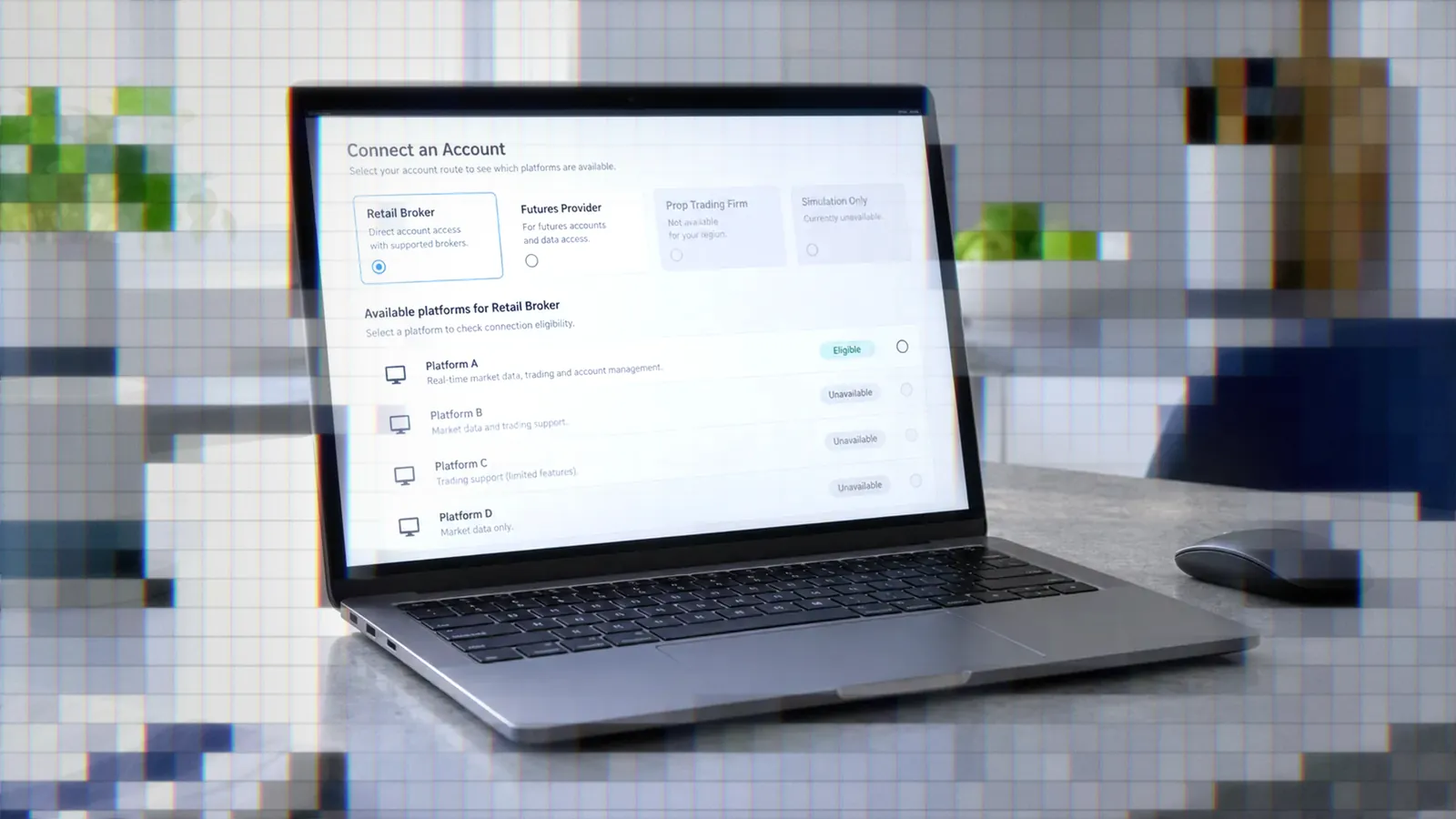
Your prop firm's account route can settle the question before features or price matter. At Tradeify, for example, a WealthCharts account does not give you TradingView access, and TradingView needs a Tradovate-based account. Check the account connection first, then compare indicators, backtesting, data and alerts.
WealthCharts vs TradingView Comparison
What Each Platform Is Built For
WealthCharts sells one membership with no tiers. It combines charts, 22 real-time scanners, options tools, a futures depth of market (DOM), education, WealthScript, a backtester and more than 200 indicators.1
TradingView is mainly a charting, scripting, screening and alerting platform. Its free Basic plan sits below four paid plans: Essential, Plus, Premium and Ultimate. Limits rise by plan, including charts per tab, indicators per chart, historical bars, active alerts and simultaneous chart connections.2
Platform Choice Versus Broker Choice
Prop traders usually need three answers. Do the firm's credentials work with the platform? Does the platform have enough indicators and scanning? Can a strategy alert place an order without manual steps?
The first question depends on the route you buy. At Tradeify, you pick Tradovate, Rithmic or WealthCharts as your broker at checkout. All three cost the same, but each comes with its own credentials and platforms. WealthCharts credentials work only in the WealthCharts platform, TradingView connects through Tradovate only, and Rithmic users cannot use TradingView.3
Charting Tools and Indicators
WealthCharts Indicators and Scanners
The WealthCharts membership includes 200+ indicators, including the Champion Trend Pack, and all 22 real-time scanners with unlimited alerts. Its feature list also includes 30+ drawing tools, intraday Kagi and Renko charts, custom timeframes, bar replay and unlimited indicators per chart, with no higher tier to unlock.4
TradingView Limits by Plan
TradingView's plan comparison sets the "indicators per chart" limit at 2 on Basic, 5 on Essential, 10 on Plus, 25 on Premium and 50 on Ultimate. The "charts per tab" limit runs 1, 2, 4, 8 and 16 across the same plans, and historical bars available run from 5K on Basic to 40K on Ultimate.2
These limits matter if your futures layout uses several timeframes or indicator-heavy charts. Compare them against your actual workspace rather than choosing a plan on its alert count alone.
WealthScript Versus Pine Script
WealthScript is the WealthCharts language for custom indicators and strategies. Its Code Editor compiles as you type, flags the line that caused an error and applies the result to your charts. A script runs once per bar and reads earlier bars with brackets, so close[1] is the previous bar's close.5
TradingView lists Pine Script in its plan comparison.2 If you already have Pine code or rely on community scripts, keeping that workflow may matter more than an all-in-one bundle.
Backtesting Capabilities Compared
WealthCharts Strategy Back Tester
The WealthCharts Strategy Back Tester takes a symbol, timeframe, date range, starting capital and a trade size or trade amount. Results include profit and loss, best, worst and average trades, run-up and drawdown, trade timing, an equity curve, an underwater chart and a full trades list.6 The article covers historical testing only; it does not describe sending live orders from a tested strategy.
TradingView Strategy Backtesting
TradingView's plan comparison has rows for strategy backtesting, basic and advanced report metrics, CSV trade export, XLSX report export, Deep Backtesting and high detalization of historical bars.2 Check which of those rows your plan includes.
Before you buy, check that the report depth and exports you need are included in your plan. Historical bar limits also cap how much history a strategy can process.
Pricing Structures Side by Side
WealthCharts One-Plan Pricing
The WealthCharts Full Membership costs $79 per month billed as $948 a year, or $97 month to month. Annual members also get phone support, quarterly expert events, first access to new features and locked-in renewal pricing. Paper trading is included, and a brokerage connection is required for live trading.4
TradingView's Paid Plans
Basic is free. Billed annually, TradingView's paid plans cost $12.95 per month for Essential, $29.95 for Plus, $59.95 for Premium and $199.95 for Ultimate in US dollars. The pricing page says annual billing saves up to 17% over paying month to month, and it may show prices in your local currency.2
Price and technical alert limits on the paid plans rise from 20 on Essential to 100 on Plus, 400 on Premium and 1,000 on Ultimate. Higher plans also add historical bars, simultaneous chart connections and calculation time.2
Firm Compatibility by Account Type
Tradeify Uses Separate Logins
At Tradeify, a WealthCharts account comes with a third-party login that works only in WealthCharts, and WealthCharts access is not included with Tradovate or Rithmic accounts. You cannot switch brokers on an existing account without buying a new one.3
Funded Futures Family Supports Both
Funded Futures Family documents setup for both platforms. TradingView users sign the Tradovate agreement, enable the TradingView add-on in Tradovate and connect through TradingView's Trading Panel. WealthCharts users get temporary credentials, launch WealthCharts from the firm's dashboard and select Funded Futures Family when asked to connect a broker.7
So support at the firm level does not make the logins interchangeable. Each route has its own credentials, agreements and connection steps.
Level 1 CME Data
Tradeify includes Level 1 CME data on all three account routes. Level 2 depth and EUREX data can be bought from Tradovate for Tradovate accounts only; they are not yet available on Rithmic or WealthCharts accounts.3 Treat data access as a feature of the account, not of the charting platform.
Automation and Webhook Alerts
WealthCharts Alerts Are Notifications
WealthCharts lists unlimited active scanner and price alerts delivered by in-platform notification, email and SMS.4 Its homepage, pricing page, WealthScript introduction and Strategy Back Tester article do not describe webhook delivery, and they do not explain whether a WealthScript strategy can place live orders automatically. That gap matters if alert-driven orders are a requirement.
TradingView Webhooks to Brokers
TradingView's plan comparison includes webhook notifications on its paid plans but not on Basic.2 A webhook alert can carry a JSON message with fields such as ticker, action and quantity to an automation service.
TradersPost receives TradingView webhook signals, applies your strategy and subscription settings, and sends the resulting order to a connected broker or supported prop firm account. If your firm offers a Tradovate-based route, read its automation rules and test the full workflow before turning on automatic submission.
WealthCharts OmniProp and Prop Tools
WealthCharts Prop is built around OmniProp, which copies a trader's executions across their own connected evaluation and funded accounts. It also includes user-set risk limits and daily-loss guardrails, WealthTracker analytics and journaling, and advertised partner discounts of up to 90% off evaluations. WealthCharts states it is a separate legal entity from the prop firms it mentions and that an integration does not imply a business partnership.8
Copying fills between accounts is a different job from turning a strategy alert into an order, and each prop firm sets its own rules on it. Check your firm's policy before using any copier.
Choosing Between the Two Platforms
When WealthCharts Fits
WealthCharts makes sense if you want the tools its pricing page bundles into one $79 or $97 membership (charts, scanners, options and futures tools, education, a backtester and WealthTracker) rather than paying for them separately. With one plan, there are no indicator or chart limits to compare across tiers. Confirm that your firm offers a WealthCharts account route, and that any advertised evaluation discount applies to the account you plan to buy.
When TradingView Automation Fits
TradingView makes sense if you already write Pine Script and want strategy or indicator alerts to start an automated order workflow. You need a paid plan with webhook notifications, and the receiving service must connect to an account route your firm permits. TradersPost works with Tradovate and ProjectX prop firm accounts; check whether your firm is on its supported list, and test symbols, quantities, order behavior and firm rules in a non-live environment first.
Check Your Firm First
- Find the firm's current supported-platform documentation.
- Check whether TradingView requires Tradovate or another specific route.
- Confirm whether WealthCharts is a separate checkout choice.
- Check Level 1, Level 2 and exchange data availability.
- Read the firm's rules on automation and trade copying.
- Buy the account only after the route you need is confirmed.
Conclusion
Bottom Line
- WealthCharts sells one plan, $79 a month billed annually or $97 month to month, with scanners, charts, a backtester and education included.
- TradingView has a free Basic plan and four paid plans whose limits rise by plan; webhook notifications are on the paid plans.
- At Tradeify, TradingView needs a Tradovate account, and WealthCharts credentials work only in WealthCharts.
- WealthCharts lists in-platform, email and SMS alert delivery; the pages we reviewed don't mention webhooks.
- Confirm the account route before buying a prop evaluation.
Start with your prop firm's supported account routes, then compare the features and price of the setup you can actually use. If webhook automation is the priority, confirm that both the firm connection and its rules support your execution workflow before you deploy it.
Frequently Asked Questions
Can I Use Both Platforms?
It depends on the firm and account route. Tradeify treats WealthCharts, Tradovate and Rithmic as separate choices, so its WealthCharts credentials cannot also run TradingView. Funded Futures Family documents connection steps for both platforms, each with its own login and setup.
Does WealthCharts Automate Alerts?
WealthCharts documents in-platform, email and SMS alerts, plus historical WealthScript backtesting. The pages reviewed do not describe a webhook alert method or automatic live order placement from an alert or a tested strategy.
Is WealthCharts Cheaper?
WealthCharts costs $79 per month on annual billing or $97 month to month. TradingView runs from a free Basic plan up to Ultimate, so the cheaper choice depends on which TradingView limits you need and whether WealthCharts replaces other tools you pay for.
Which Works With Apex?
Platform availability changes and can depend on the account type chosen at checkout. Read the Apex Trader Funding supported platforms guide and confirm current availability in the firm's own documentation before buying.
What Market Data Is Included?
At Tradeify, Tradovate, Rithmic and WealthCharts accounts all include Level 1 CME data. Level 2 depth and EUREX data are currently available only on Tradovate accounts.
References
1 WealthCharts Homepage
2 TradingView Pricing
3 Tradeify: Supported Platforms
4 WealthCharts Pricing
5 WealthCharts: Getting Started With WealthScript
6 WealthCharts: Strategy Back Tester
7 Funded Futures Family: Connecting Your Trading Platform
8 WealthCharts Prop Trading