Tradesea vs TradingView
Tradesea runs on a TradingView-powered charting library with pSpark AI indicators, while TradingView runs Pine Script natively. Compare charts, indicators, and automation.

Marketing

The practical answer to Tradesea vs TradingView is that they serve different roles. Tradesea is a Rithmic-connected trading platform with embedded TradingView-powered charts, order-entry tools, risk controls, and AI-assisted indicator building. TradingView is the better fit when native Pine Script development and alert-based automation are priorities.
The biggest distinction is custom code. Tradesea users describe indicators to pSpark in plain English, while TradingView users write Pine Script directly. Tradesea can backtest pSpark strategies, but live automated deployment is still listed as coming soon. This comparison covers charts, indicators, backtesting, automation, and prop firm connectivity.
Tradesea vs TradingView Bottom Line
- Tradesea is designed around Rithmic-connected trading accounts, chart-based execution, a DOM, brackets, and daily risk limits.
- Tradesea uses an embedded TradingView charting library, not the full TradingView.com Pine Script environment.
- pSpark builds custom indicators from plain-English prompts, while TradingView supports native Pine Script development.
- Tradesea supports pSpark backtesting, but its documentation lists live strategy deployment as coming soon.
- Platform availability depends on the data feed and platform combinations supported by your prop firm or broker.
What Is Tradesea?
A Rithmic-Connected Trading Platform
Tradesea is a web and mobile trading platform focused on low-latency market data, execution, and account management. Its February 2026 overview listed a desktop application as coming soon.1
The platform uses a multi-region architecture with automated failover. Tradesea says its deployment shadows Rithmic datacenter deployments to reduce common outages, stalls, and disconnects.1 That design is relevant for futures traders who receive both market data and execution access through Rithmic credentials.
Core Tradesea Features
Compass automatically journals trades and calculates a Compass Score using behavioral, statistical, and risk-adjusted metrics. Polaris AI, currently labeled Beta in Tradesea documentation, lets traders chat about markets, their positions, or other finance topics.1
Workspaces can be configured for DOM-focused trading, scalping, or a more complete multi-tool layout. This makes Tradesea closer to an execution workstation than a standalone charting website.
Tradesea Station Trading Tools
Tradesea Station includes a DOM with real-time bid and ask updates plus one-click order entry. It also provides position brackets, bracket orders, a daily loss limit, and a daily profit limit.2
These controls suit traders who want account-level guardrails inside the same interface used for charting and order placement. They do not eliminate execution risk, so limits and bracket behavior should still be tested in a simulation environment before live use.
What Is TradingView?
A Charting and Social Platform
TradingView is a charting and market-analysis platform where traders can build custom indicators and strategies. Its defining advantage in this comparison is Pine Script, the language used to create tools that run directly on TradingView charts.
Tradesea may look familiar because it embeds TradingView chart technology, but that does not make it equivalent to TradingView.com. The embedded library and TradingView's native charting environment have different customization models.
Pine Script Tools
Pine Script indicators and strategies can generate alerts from calculated conditions. Those alerts can include order information such as ticker, action, quantity, and price, allowing another system to interpret the signal.
That separation matters for automation. TradingView generates the strategy event and alert, while an external execution layer can process the alert and submit an order through a connected broker.
TradingView Library vs Tradesea Charts
Tradesea's TradingView-Powered Charts
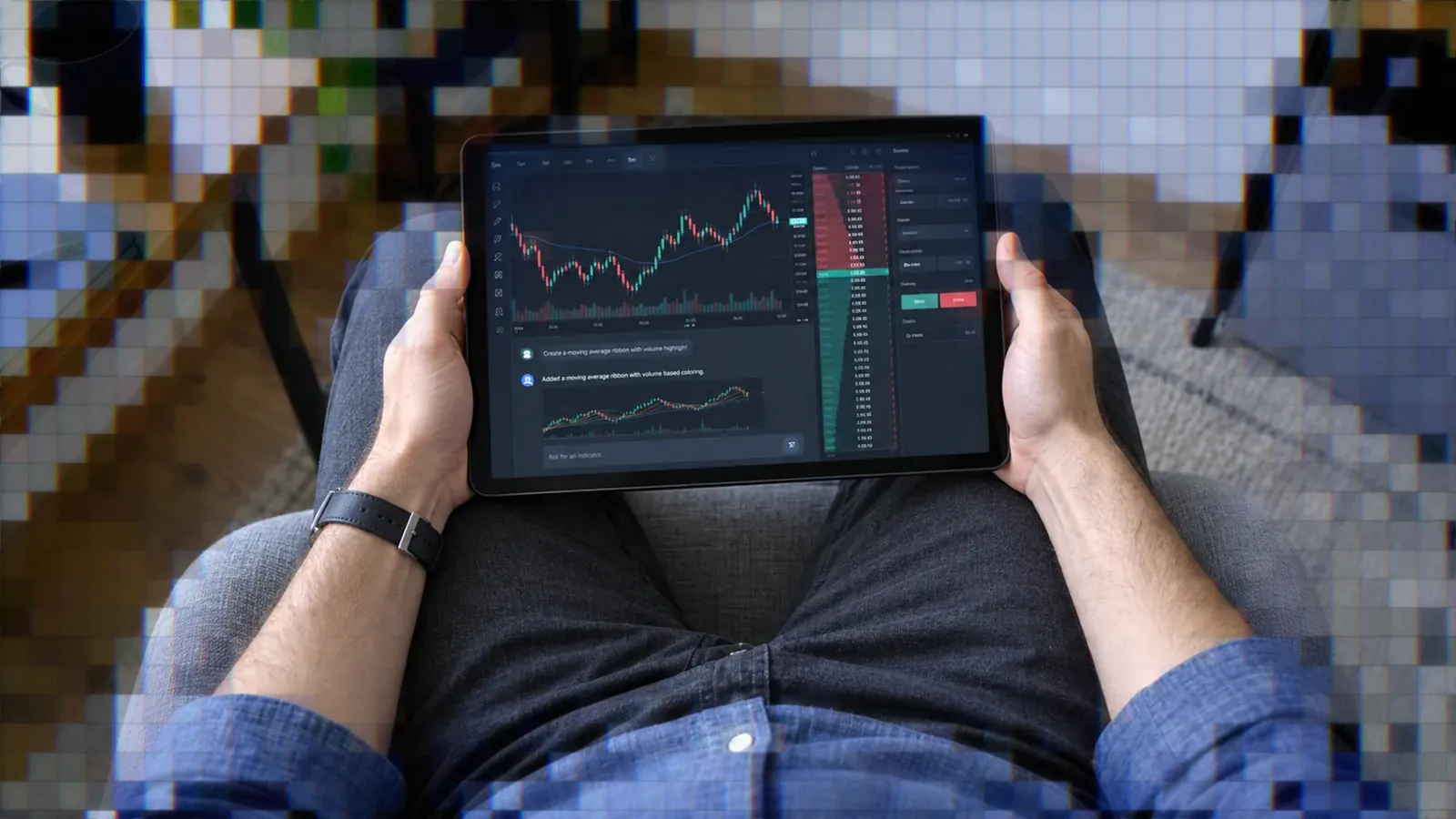
Tradesea says it uses an advanced version of the TradingView charting library to provide charts, real-time market data, and technical-analysis tools inside its platform. Its chart interface includes custom indicators, configurable themes, and multiple candle types.3
Chart trading is integrated with position management. Traders can move stop-loss and take-profit markers by dragging them on the chart, rather than editing every order through a separate ticket.1
Why Libraries Exclude Pine Script
TradingView's Advanced Charts and Trading Platform libraries include more than 100 built-in indicators. Integrating companies can add custom indicators in JavaScript through the library API, but end users cannot create indicators or change existing indicator code within the library interface.4
TradingView's documentation states directly that Pine Script is not supported in these libraries.4 Therefore, a platform using the charting library should not be assumed to support Pine Script merely because its charts carry TradingView technology.
Custom Indicators: Pine Script vs pSpark
Building Indicators With pSpark
pSpark replaces code-first indicator development with a conversational workflow. You describe the values to plot, calculations to perform, visual format, and adjustable parameters in plain English. pSpark then applies the indicator to the chart for an immediate preview.5
Iteration also happens through chat. You can request a thicker line, different threshold, signal line, histogram, or chart arrows. Once the output behaves as intended, save it to your personal indicator library and apply it to other charts.
Example pSpark Prompts
Useful prompts should define both the calculation and presentation. Tradesea provides examples such as an RSI indicator with buy and sell arrows, a 20, 50, and 200 EMA overlay, and a volume tool that highlights bars exceeding twice the 20-period average.5
- Build an RSI variant with adjustable thresholds and arrows when RSI crosses those levels.
- Plot three EMAs and shade the zones between them according to trend alignment.
- Highlight volume bars that exceed a configurable multiple of average volume.
- Combine RSI with a MACD histogram to create a composite momentum display.
- Create adaptive Bollinger Bands that use ATR instead of standard deviation.
Start with one calculation and verify it before adding filters or composite logic. Precise defaults, plot styles, and signal conditions make the resulting indicator easier to test.
Why Tradesea Pine Script Differs
Tradesea's custom-indicator documentation describes plain-English pSpark prompts, live previews, conversational editing, and saved indicators. It does not document importing or running Pine Script code.5
That matches TradingView's statement that Pine Script does not run in its embeddable libraries.4 Traders searching for Tradesea Pine Script support should expect to rebuild the indicator through pSpark prompts rather than paste existing Pine code into Tradesea.
Strategy Backtesting and Automation
pSpark Strategy Backtesting
To backtest a pSpark strategy, save it from chat, open the pSpark tab, select the saved strategy, and choose Backtest. Results include win rate, profit and loss, drawdown, and individual trade details.6
Test multiple time periods rather than relying on one favorable sample. Compare the original result with versions that add session rules or filters, then return to the chat to refine the strategy. Historical results remain hypothetical and should be followed by simulation testing.
Live Deployment Is Unavailable
Tradesea's pSpark documentation lists strategy deployment for live automated trading as coming soon. It positions current backtesting as a way to validate and refine strategies before live deployment becomes available.6
This is a significant decision point. pSpark can shorten the path from an idea to a historical test, but its documented workflow does not currently extend that strategy into live automated execution.
TradingView Alerts Start Automation
TradingView Pine Script strategies and indicators can generate alerts containing fields such as ticker, action, quantity, price, and time. TradersPost can receive this alert data through a webhook and send the resulting order to the trader's own connected broker or prop firm account.
This is a separate route, not a way to automate a Tradesea account: TradersPost does not connect to Tradesea or to Rithmic accounts. For futures, its connections include Tradovate, NinjaTrader (which runs on the Tradovate integration), and ProjectX-enabled prop firm accounts. Before going live, verify symbol formatting, quantity, order type, alert timing, and exit behavior in a paper or simulation account.
If you already have a Pine Script strategy, connect its TradingView alerts to TradersPost and test the complete signal-to-order workflow before enabling live execution.
Broker and Prop Firm Connectivity
Connecting a Rithmic Account
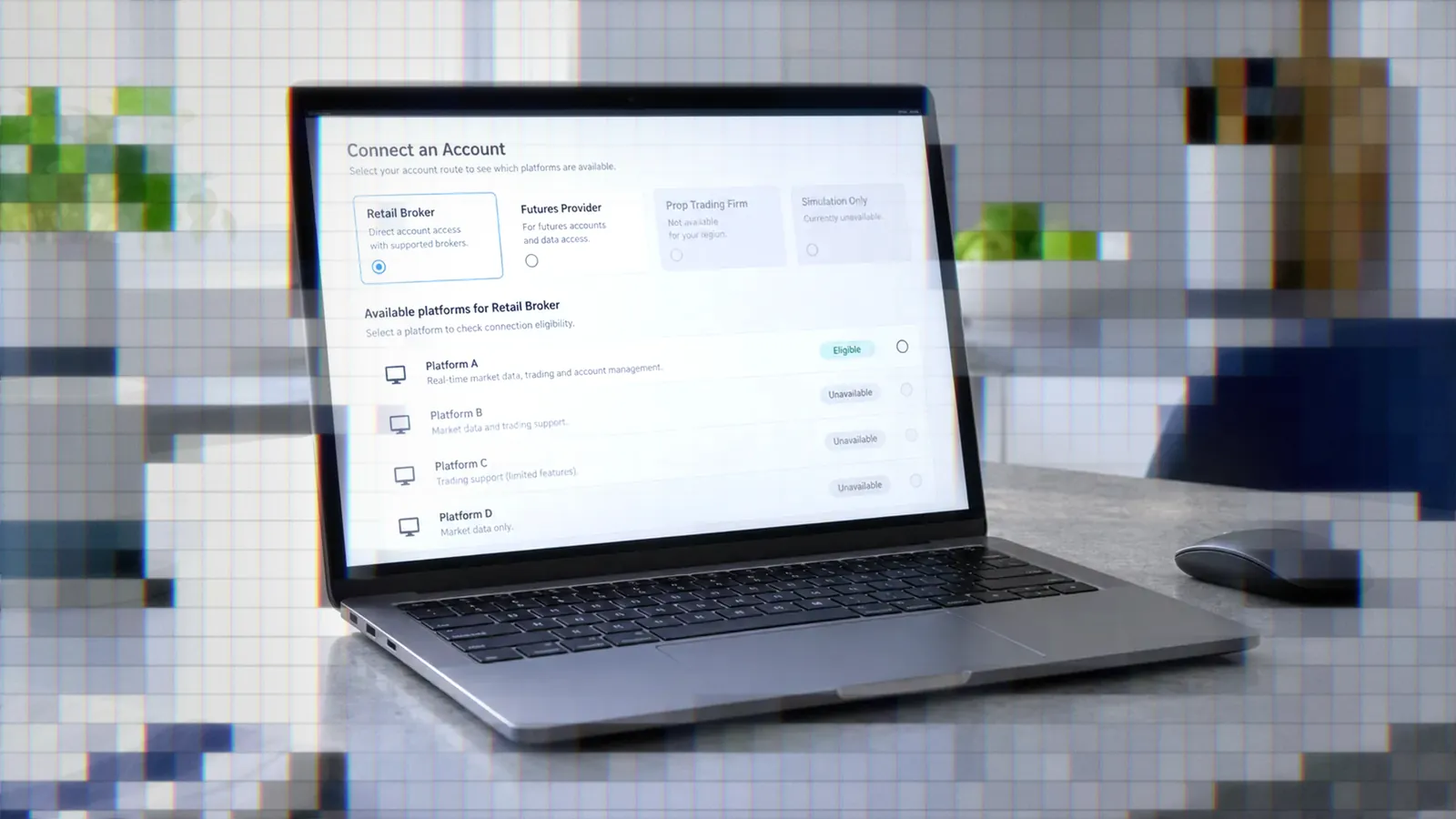
Tradesea account setup requires the Rithmic username and password supplied by your prop firm or broker. You also select the appropriate simulation or live environment and enter your name.7
A successful connection enables order execution, live market data, and real-time updates for balances, positions, and risk limits. If a firm does not appear in Tradesea's connection list, it may not be enabled or the account may not have access.
Platform Roles in Prop Stacks
Platform access can depend on the feed selected by a prop firm. Lucid Trading lists Tradesea among its Rithmic-supported platforms and TradingView among its CQG-supported platforms. Lucid also states that all listed platforms work across its account types.8
Do not assume that a platform offered by one prop firm will be available with the same credentials or data feed at another. Check the firm's current platform list before purchasing or switching an account.
Choosing the Right Platform
When Tradesea Fits
Tradesea fits traders using supported Rithmic-based accounts who want chart trading, a DOM, bracket orders, and built-in daily loss and profit limits. It also suits traders who prefer describing indicators and strategy logic in plain English instead of maintaining code.
When TradingView Fits
TradingView fits traders who need direct control over Pine Script indicators and strategies. It is also the stronger starting point when the intended workflow is to convert chart conditions into alerts and send those alerts to a separate execution service.
For traders who want Pine Script flexibility with live broker execution, TradersPost can sit between TradingView alerts and a connected broker. The strategy logic remains in TradingView, while the webhook message communicates the intended order.
Questions Before Switching
- Does your prop firm or broker support the selected platform and required data feed?
- Do you need native Pine Script, or can pSpark recreate the required calculations?
- Is live automated execution required now, or is backtesting sufficient?
- Do you need a DOM, bracket orders, and daily limits inside one interface?
- Can you test the complete workflow in simulation before risking capital?
Conclusion
The Tradesea vs TradingView choice comes down to workflow. Tradesea combines Rithmic account connectivity, execution tools, risk controls, TradingView-powered charts, and plain-English pSpark development. TradingView provides the native Pine Script environment needed for code-level control over indicators, strategies, and alerts.
Choose Tradesea when integrated futures execution and prompt-built tools are the priority. Choose TradingView when Pine Script portability and alert-driven automation matter more. Whichever route you take, verify platform eligibility with your prop firm and test every order path in simulation before live deployment.
Frequently Asked Questions
Does Tradesea Support Pine Script?
Tradesea documents custom indicators built through plain-English pSpark prompts, not imported Pine Script. Its charts use an advanced version of the TradingView charting library, and TradingView states that Pine Script is not supported in its embeddable libraries.
How Do Tradesea Charts Differ?
Tradesea embeds TradingView charting technology with custom indicators, themes, multiple candle types, and chart trading. TradingView's embeddable library offers more than 100 built-in indicators, but library users cannot edit existing indicator code. TradingView.com provides the native environment for writing Pine Script.
Can Tradesea Automate Live Trading?
pSpark strategies can be backtested with win rate, profit and loss, drawdown, and trade-by-trade results. Tradesea currently lists live automated deployment of those strategies as coming soon.
How Do I Connect Tradesea?
Enter the Rithmic username and password supplied by your prop firm or broker, then choose the correct simulation or live environment. A successful connection enables execution, market data, and account updates.
Which Prop Firms Support Them?
Support differs by firm and data feed. For example, Lucid Trading lists Tradesea under Rithmic and TradingView under CQG, with both included among the platforms available across its account types.8
References
1 What Is Tradesea?
2 Tradesea Station: Built for Serious Traders
3 TradingView Charts
4 TradingView Custom Indicators Documentation
5 pSpark Custom Indicators
6 pSpark Backtesting
7 Connect Account
8 Lucid Trading Supported Platforms