OpenAI Codex for Pine Script Development
What OpenAI Codex does for Pine Script v6 work in 2026: models and plans, MCP setup, AGENTS.md, the Pine Editor compile loop, and what users report.

Marketing

OpenAI Codex earns its place in Pine Script work when a TradingView project has grown beyond one prompt and one file. As of October 2026, Codex can inspect a repository, edit Pine Script v6 files, follow persistent project instructions, and review its changes. It cannot independently prove that a script compiles in TradingView.
This guide covers current Codex models and plans, AGENTS.md, MCP documentation access, the Pine Editor compile loop, and what users report. It is part of our guide to the best AI for Pine Script, alongside our guides to ChatGPT, Claude, Claude Code, and Gemini.
What Codex Is and Isn't
Codex Is a Coding Agent
OpenAI describes Codex CLI as a coding agent that runs locally on your computer, not merely a conversational assistant. It can inspect files, make edits, run commands, and return reviewable changes from a working directory.1
OpenAI's model documentation says GPT-6.1 Sol, GPT-6 Sol, and GPT-6 Luna are available in ChatGPT Work and Codex, but not in regular ChatGPT Chat.2 That distinction matters when comparing agent-based development with a normal question-and-answer thread.
CLI, IDE, and App
Install Codex CLI with OpenAI's install script, npm install -g @openai/codex, or Homebrew.1 The IDE extension works with VS Code, VS Code Insiders, Cursor, and Windsurf. JetBrains users access Codex through AI Chat.3
The desktop app, CLI, and IDE extension share MCP configuration on the same Codex host, which makes it practical to configure a documentation server once and switch surfaces later.
Pine Scope and Limits
Codex can draft, review, and debug Pine Script v6, but no coding agent can compile Pine locally: TradingView's compiler runs inside TradingView. One public handoff of a Pine toolkit to Codex, by GitHub user pkpkhh, says plainly that “ChatGPT does not have the TradingView compiler here,” and requires a blocked status when no real compiler is available.4
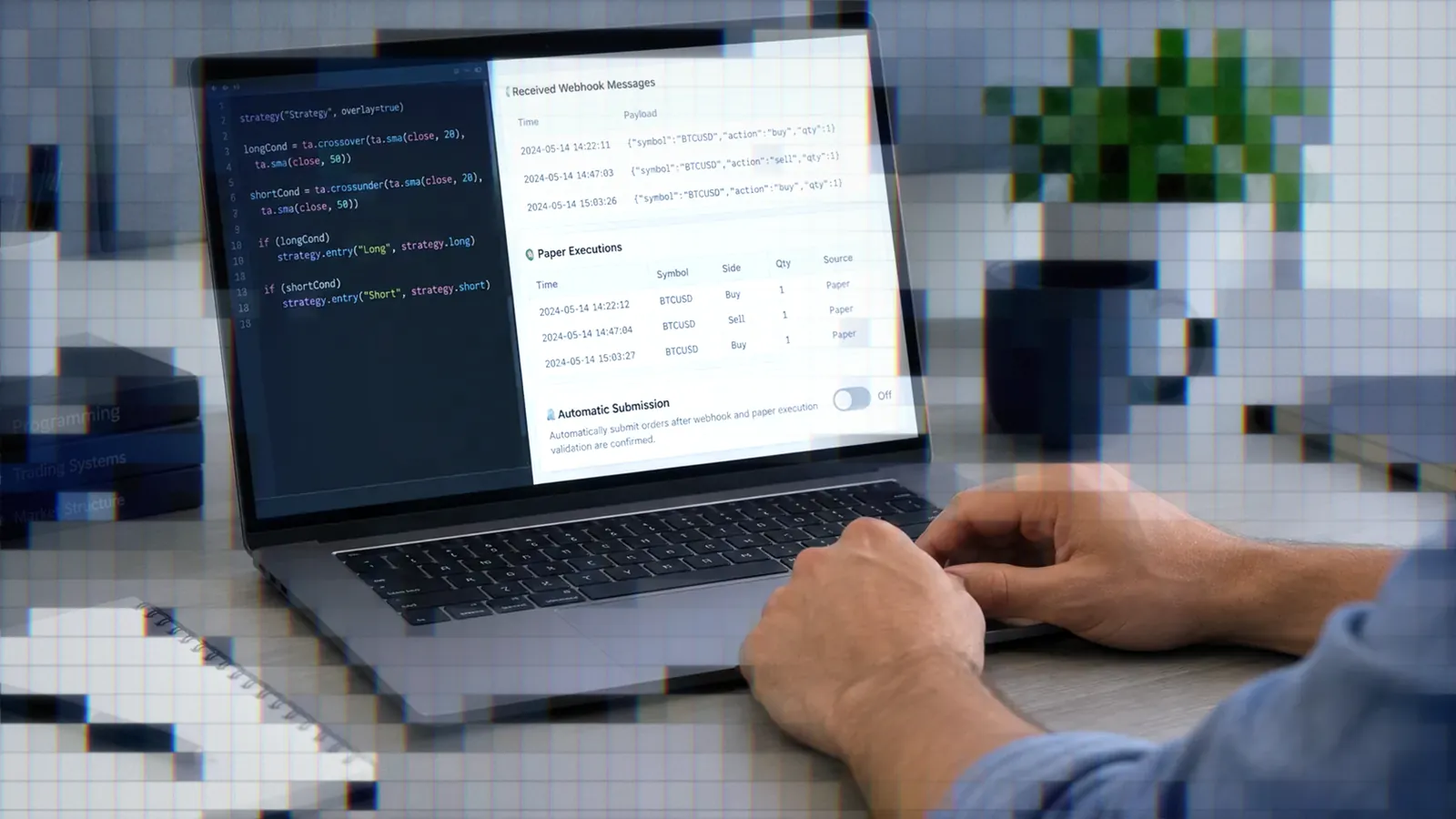
Codex also does not place trades. Once verified code generates a TradingView alert, TradersPost can receive its webhook payload and use fields such as ticker, action, quantity, and orderType when creating an order for a connected broker.
Current Codex Models and Plans
GPT-6.1 Sol Rollout
TechCrunch reported that OpenAI released GPT-6.1 Sol on September 29, 2026, for Plus, Pro, Business, Enterprise, and Edu users in ChatGPT Work and Codex.5 OpenAI's Codex models page says the launch rollout covers the Codex desktop app and CLI, plus ChatGPT Work on web and mobile, and that Enterprise and Edu plans keep it off until an administrator enables it.2
Free and Go Get Luna
The same page says Free and Go are not included in the GPT-6.1 Sol launch.2 They still include Codex: OpenAI's Codex pricing page lists Free at $0 and Go at $8 a month, each with GPT-6 Luna at Standard speed in the desktop app, subject to rollout.6
Pricing and Credit Usage
Plus costs $20 per month. Pro has $100, $200, and $500 monthly tiers. Business costs $20 per user per month when billed annually for at least two users, or $25 per user when billed monthly.6
OpenAI's changelog says GPT-5.5 retires from ChatGPT, ChatGPT Work, and Codex on October 14, 2026, although the API is unaffected. GPT-6.1 Sol Ultrafast, added October 8, is limited to Pro $500 and eligible Enterprise and Edu plans.7
Setting Up a Pine Workflow
Repository Structure
Keep Pine files, test cases, fixture notes, and documentation in one repository. A developer who built a Pine v6 engine with Codex started from an AGENTS.md that linked the official Pine documentation and tracked which language features were supported and which were not.8
pine/for indicators and strategiestests/for expected calculations and edge casesdocs/for behavior, alert schemas, and limitationsAGENTS.mdfor project-wide rules
AGENTS.md Boundaries
Codex reads global instructions from ~/.codex, then one instructions file per directory from the project root to the current working directory. Guidance closer to the working directory appears later and overrides broader rules. The combined default limit is 32 KiB.9
OpenAI suggests ~/.codex/AGENTS.override.md for a temporary global override that leaves the base file in place.9 For Pine work, specify version 6, repaint restrictions, accepted public inputs, resource limits, and the requirement that compiler claims must come from TradingView.
Connect an MCP Docs Server
Add an MCP server with codex mcp add <server-name> -- <command>. OpenAI demonstrates this with Context7. Configuration resides in ~/.codex/config.toml, or in .codex/config.toml for a trusted project, and is shared by the desktop app, CLI, and IDE extension.10
Codex reads the instructions field an MCP server returns during initialization.10 In this workflow Codex is the MCP client: it connects out to a documentation server rather than acting as one.
The Compile Loop Without a Compiler
No Local Pine Compiler
Treat compilation as a separate, human-gated checkpoint. The pkpkhh swing-toolkit handoff told Codex to return BLOCKED: TRADINGVIEW_COMPILER_UNAVAILABLE rather than claim success without real Pine tooling.4
Check in Pine Editor
Paste every generated script into TradingView's Pine Editor. Resolve compiler errors there, copy the exact diagnostics back to Codex, request the smallest correction, and repeat. The same handoff tells Codex not to claim compiler verification unless a real compiler actually ran.
- Ask Codex for a focused change.
- Review the diff before accepting it.
- Paste the complete script into Pine Editor.
- Return exact line numbers and errors.
- Test chart behavior after compilation.
Browser Control Gaps
GitHub user daviddadiani-prog, a ChatGPT Pro subscriber on Codex app build 26.818, reported that it could read TradingView pages but could not click, navigate, or switch tabs. The report linked the failure to an “Invalid signature” Chrome extension error and said reinstalling restored control only temporarily.11 This was a browser-control issue, not evidence of weak Pine authoring.
What Users Report
Building a Pine v6 Engine
Qiita author @zenixls2 built a Pine v6 engine with GPT-5.3 Codex through OpenCode and compared it with Claude Opus 4.6. In their experience Codex was faster and stopped to confirm more often, while Opus was slower but more likely to carry a task through in one pass. The agent drafted code, tests, and documentation, but the human retained review, commit decisions, and bug isolation.8 This is one person's workflow report, not a benchmark.
Compile and Debug Handoffs
In a public GitHub issue, pkpkhh assigned Codex to compile, debug, and audit a ChatGPT-drafted Pine v6 swing toolkit for repainting and resource limits. Its instructions demanded explicit pass or fail results for each requirement. No completed outcome was reported, so the case demonstrates task structure rather than successful validation.4
Cost as a Selection Factor
On Hacker News, BruzWJ said they were building an MCP server so Codex or Claude Code could edit their indicators, because an earlier system that used API keys was too expensive and subscription-backed access would be much cheaper.12 The project was not specifically a Pine authoring test, but it shows why traders may prefer agent subscriptions over pay-per-token automation.
Codex vs ChatGPT Chat
Agent vs Assistant
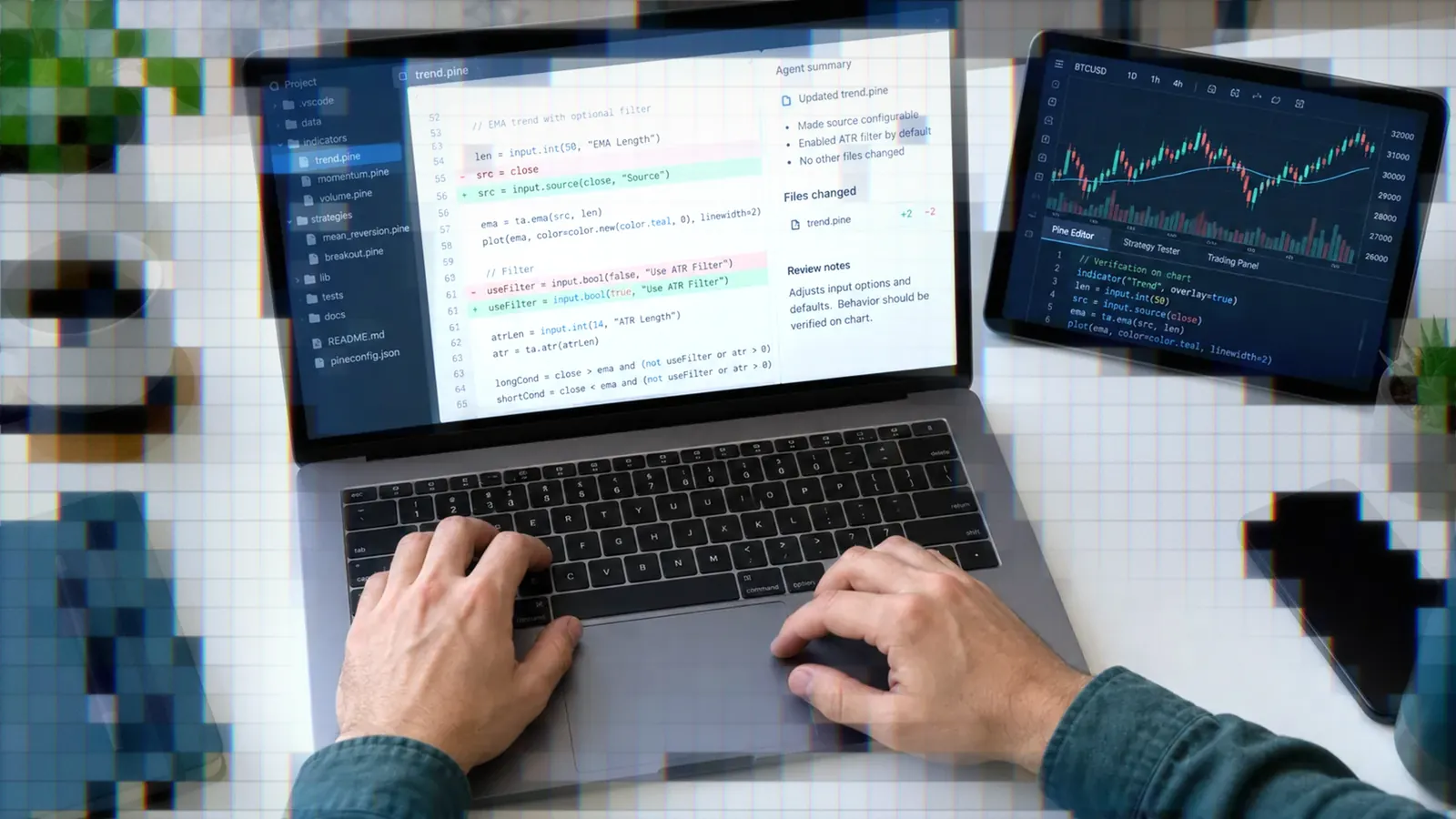
Codex works against a directory, edits files, executes permitted commands, and presents changes for review. Its IDE extension displays summaries and focused diffs beside open files.3
When Chat Is Enough
Use Chat for one indicator, a syntax question, a formula explanation, or a short function. A repository, MCP server, and layered instructions add unnecessary setup when the entire task fits in one carefully reviewed response.
When Agents Pay Off
Use Codex when scripts, tests, specifications, and alert documentation must change together. It also fits repeatable assignments such as reviewing higher-timeframe requests, checking public interfaces, or producing a requirement-by-requirement validation report. Human ownership of commits and compiler verification remains essential.
Pine Script v6 Gaps
Training Cutoff Risk
Every model can miss language changes introduced after its training period. Treat unfamiliar functions, parameters, or syntax as unverified, even when Codex explains them confidently.
Verify Current Syntax
Cross-check generated calls against Pine Editor autocomplete and the current reference panel. An MCP documentation server can supply newer reference material, but documentation retrieval still does not replace compilation.
Test Every Script
Require a clean Pine Editor compile before adding the script to a chart. Then test symbols, timeframes, sessions, missing-data cases, alerts, higher-timeframe requests, and confirmed-bar behavior. “Tests passed” is useful only when the report identifies which tools ran and which checks remained manual.
From Script to Live Automation
Backtest and Paper Trade
A backtest shows how the rules would have traded on past data. Use it to check that entries, exits, and sizing behave as intended, not as a promise of future results. After compilation and chart testing, run the alert workflow against live data in a paper account before committing capital.
Alerts and Broker Routing
A compiled Pine script still needs a TradingView alert and webhook for automation. A TradersPost payload can include ticker, action, quantity, quantityType, orderType, takeProfit, and stopLoss. Start with a paper account and compare actual fired alerts with the resulting trade signals.
TradingView's strategy report shows simulated backtest trades, not a record of fired webhooks. Use TradingView's Alert Log to confirm the timestamp and exact message of each alert before investigating downstream execution.
Bottom Line
- Codex is best suited to repository-aware Pine Script v6 work, not isolated syntax questions.
- AGENTS.md should define supported scope, interfaces, repaint rules, and verification requirements.
- MCP can provide current documentation, but it cannot replace the TradingView compiler.
- Every generated script still needs Pine Editor compilation, chart testing, and human review.
- Online reports describe workflows, not proven Pine success rates.
For the wider platform comparison, return to our best AI for Pine Script guide, or see our earlier overview of using AI to write TradingView Pine Script. If your Codex-drafted script compiles in Pine Editor and its alerts behave correctly, connect the alert through TradersPost and validate the complete workflow with paper trading first.
Frequently Asked Questions
Can Codex Compile Pine Directly?
No. The documented Pine v6 handoff required Codex to report a blocked status when no TradingView compiler was available. Browser access also does not guarantee that Codex can operate the Pine Editor, so manual compilation remains the verification step.
Which Plans Get GPT-6.1 Sol?
According to OpenAI's Codex documentation, the September 29, 2026 launch covered Plus, Pro, Business, Enterprise, and Edu, with Enterprise and Edu off until an administrator turns it on. Free and Go get GPT-6 Luna in the desktop app instead.
Where Does Codex Store MCP Settings?
In ~/.codex/config.toml by default, or in a project's .codex/config.toml if you trust that project. Add servers with codex mcp add; the desktop app, CLI, and IDE extension on the same machine share that configuration.
Is Codex Better Than Chat?
Codex is better suited to multi-file, repository-aware work. Chat is simpler for quick snippets and syntax questions. Neither removes the need for human review or Pine Editor compilation.
What Happens to GPT-5.5?
OpenAI's changelog says GPT-5.5 retires from ChatGPT, ChatGPT Work, and Codex on October 14, 2026, and that the OpenAI API is not affected. Its models page points paid-plan users to GPT-6 Sol and Free or Go users to GPT-6 Luna.
References
1 OpenAI Codex repository
2 OpenAI Codex models
3 Codex IDE extension
4 Codex Pine toolkit handoff
5 OpenAI launches GPT-6.1 Sol
6 ChatGPT Work and Codex pricing
7 ChatGPT and Codex changelog
8 Building a PineScript engine with Codex
9 Custom instructions with AGENTS.md
10 Codex Model Context Protocol configuration
11 Codex TradingView browser-control issue
12 Subscription-backed trading agent workflow