ChatGPT Pine Script v6: What It Misses
ChatGPT and Pine Script v6: the current GPT-6 lineup, what traders report, where ChatGPT has invented functions like ta.sum(), and how to prompt around version drift.

Marketing

ChatGPT Pine Script output is useful for explanations, boilerplate, and fast first drafts, but it still invents functions, mixes language versions, and mishandles newer Pine Script v6 features. Treat its code as a draft that must pass TradingView's compiler, documentation checks, and behavioral testing.
The safest workflow is to pin //@version=6, name required function families, request a list of built-ins, and correct one issue at a time. This article covers the current ChatGPT lineup, the documented ta.sum() failure, a compiling math.sum() example, and the path from validated alerts to paper trading. For broader comparisons, see our best AI for Pine Script guide.
Where ChatGPT Pine Script Fits
Current ChatGPT Model Lineup
On October 7, 2026, OpenAI said it was launching GPT-6 “to everyone in ChatGPT, across free and paid plans globally.” The new GPT-6 Sol and GPT-6 Luna replace GPT-5.6 Sol and GPT-5.6 Luna in ChatGPT, while Codex and ChatGPT Work still use the previously released September versions of Sol and Luna.1
9to5Mac reported the tier split from the same announcement: GPT-6 Sol is rolling out to Plus, Pro, Business, and Enterprise subscribers, and GPT-6 Luna to Free and Go users starting October 8.2 Engadget describes Luna as less capable than Sol, so results may differ even when two users enter the same Pine prompt.3
Astra and GPT-6 Pro Access
GPT-6 Astra appears as GPT-6 Pro in regular Chat for eligible Pro, Business, and Enterprise accounts. Plus subscribers receive Astra through ChatGPT Work or Codex rather than regular Chat, while Free and Go users are excluded. The rollout is gradual, so plan eligibility does not guarantee immediate access.4
OpenAI's developer changelog identifies Astra as its most capable model and records its API release on September 3, 2026. Sol and Luna followed on September 22.5 Those release dates matter when comparing reports because most trader anecdotes below involve older or unspecified models.
Why Model Version Matters
Pine changes frequently, while a model's knowledge reflects the material available during training and any tools or documentation supplied at runtime. One trader connected ChatGPT's confusion between Pine v4 and v5 to model training cutoffs.6
Before trusting generated code, record the ChatGPT plan, selected model, requested Pine version, and date. A report about GPT-4o or an unnamed older model is useful historical evidence, but it does not establish how GPT-6 performs today.
What ChatGPT Gets Right
Explaining Existing Code and Errors
ChatGPT can shorten the diagnostic loop when you already have a script and a specific compiler error. One Hacker News user said he pastes an error message into ChatGPT and gets back “not just a possible resolution, but also why the error is happening.” He also said it is wrong a lot, but that its mistakes are easy to spot.7
That makes ChatGPT useful for exploring unfamiliar Pine behavior. Ask why a type mismatch occurred, which argument expects a simple value, or why state persists across bars. Do not treat the explanation as authoritative until it matches the Pine reference and observed chart behavior.
Boilerplate and Small Edits
In an OpenAI community thread, one trader first said ChatGPT sometimes returned Pine v1, Pine v2, or Python when asked for v5. The next day, the same person described GPT-4o's array-handling code as excellent, with only small spacing corrections required around wrapped lines.8
The contrast shows why narrow tasks work better than broad requests. Indicator declarations, inputs, plots, alert conditions, and isolated refactors are easier to inspect than a complete multi-timeframe strategy with stateful execution logic.
Speeding Up First Drafts
The Hacker News user quoted above said he had started making working Pine indicators and strategies, and that work which would have been a weeklong project took hours or a day or so. He described AI as most useful for “spike” tasks, where the goal is to learn a new domain quickly, and he still had to catch the wrong answers himself.7
- Start with one calculation or signal.
- Compile before adding another feature.
- Paste the exact compiler error back into ChatGPT.
- Ask for the smallest possible correction.
- Compare the revised built-ins with TradingView's reference.
Where ChatGPT Gets Pine Wrong
Falling Back to Older Syntax
When trader Vadim Cissa requested a bar point of control using the newer request.footprint() feature, ChatGPT first returned Pine v5 with a fabricated volume distribution. After the feature was named, it used an incorrect function signature that still would not compile. It generated the correct implementation only after receiving the official documentation.9
This is a recurring version-drift pattern: the output resembles Pine and may contain valid older constructs, but it does not implement the current API. New built-ins deserve an immediate documentation check.
Inventing Functions Like ta.sum()
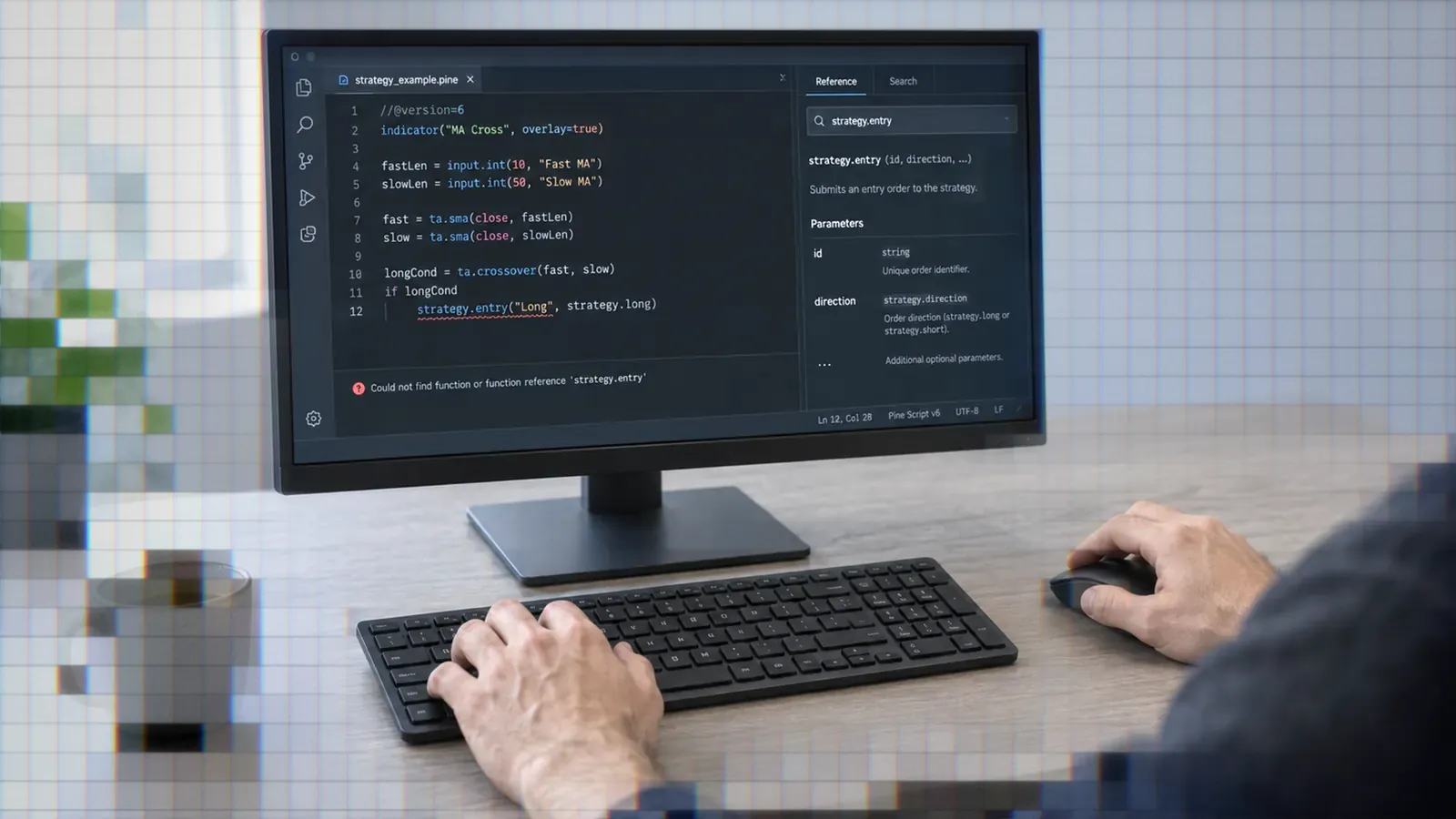
In a separate case, ChatGPT generated ta.sum() to count green bars over a rolling window. That function does not exist in Pine.10 The correct rolling-sum function is math.sum(). TradingView's v5 migration guide shows that the old sum() function moved to the math namespace in v5.11 Our v5 to v6 migration guide covers the changes that came after.
The mistake is plausible because numerous technical-analysis functions moved into the ta namespace. Plausible naming is exactly what makes hallucinated code dangerous: it looks consistent enough to survive a quick visual review.
The Correction That Doesn't Stick
After Cissa told ChatGPT that ta.sum() did not exist and suggested math.sum(), the model acknowledged the correction but produced a manual six-term sum. That code worked, yet it avoided the requested built-in. Only another explicit instruction produced math.sum(greenInt, 6).10
The distinction matters. A model can solve a six-bar example while still misunderstanding the language. That weakness becomes harder to spot when lookbacks, state, or multi-timeframe data become more complex.
Python and Older Pine Mixed
The OpenAI community poster quoted above said ChatGPT sometimes generated Pine v1 or v2 code, or Python, when asked for Pine v5.8 Another trader, writing in 2023 about free ChatGPT, got v4 code that compiled cleanly, but a later revision fired a signal on every candle and the chat crashed partway through. He concluded that ChatGPT is best used “to solve specific issues” rather than to write a whole script.12
Watch for Python-style collections, unsupported methods, invalid indentation assumptions, missing namespaces, and old declarations such as study(). Mixing valid fragments from different languages can create output that looks coherent without being valid Pine v6.
A Worked Example With Corrections
The Prompt That Pins v6
A constrained prompt makes the expected language and function set testable:
Write a minimal TradingView indicator using Pine Script v6.

Start with //@version=6 and confirm the version before writing code.

Count green candles, where close > open, across the latest 6 bars. Plot a signal when at least 5 are green.

Use math.sum() for the rolling count. Do not use ta.sum() or a manual six-term sum.

After the code, list every Pine built-in function used.
First Output and ta.sum()
The documented failed answer used greenCount6 = ta.sum(isGreen ? 1 : 0, 6). It was concise and confidently presented, but it could not compile because ta.sum() is not a Pine function.10
Why the Fix Didn't Stick
A general correction such as “that function is wrong” leaves the model room to bypass the issue. In the documented case, it expanded the calculation into six historical references. The result ran, but it did not demonstrate correct use of the requested namespace or scale cleanly to a configurable window.
Getting a Compiling math.sum() Call
Name the required replacement and prohibit the workaround. A minimal Pine v6 implementation is:
//@version=6
indicator("Green Bars Count", overlay = true)

bool isGreen = close > open
int greenInt = isGreen ? 1 : 0
float greenCount6 = math.sum(greenInt, 6)
bool longSignal = greenCount6 >= 5

plotshape(longSignal, title = "Long Signal", style = shape.triangleup, location = location.belowbar, color = color.green, size = size.small)
TradingView's migration guide confirms that sum() moved to math.sum(), not ta.sum().11 Even after this script compiles, inspect its behavior on early bars and confirm that repeated signals match your specification.
Custom GPTs for Pine Risk
Why Custom GPTs Are Retiring
OpenAI's September 11, 2026 release notes announced plans to retire custom GPTs across ChatGPT plans and migrate functionality toward plugins. Personal Free, Go, Plus, and Pro accounts can no longer create or publish new GPTs, although existing GPTs remain available for now.13
For Enterprise, the reported target dates are September 25, 2026 for ending new custom GPT creation and December 11, 2026 for retirement. OpenAI says dates may change. Personal plans may follow the same timeline, with details delivered through in-product notices.
What Existing Pine GPTs Face
Existing Pine GPTs continue working until the retirement date that applies to them. When a GPT is migrated, its original version becomes read-only. Custom actions, including calls to external APIs, do not transfer automatically and must be rebuilt through a supported connector or custom MCP server.13
Save any instructions, reference files, integration details, and known test prompts now. A replacement plugin may select a different model or respond differently even when its written instructions are preserved.
Trader Reports on Pine GPTs
A 2023 community report said a custom GPT could not absorb the Pine documentation and that its 8,000-token rolling window was too small for longer scripts.8 In another individual report, a trader tried both plain ChatGPT and a suggested Pine-specific GPT for a multi-timeframe indicator, but neither produced a successful result.14
These are individual experiences with older systems, not benchmarks of GPT-6. They do show that adding Pine-focused instructions does not eliminate version drift, context limits, or faulty logic.
From Working Script to Live Trading
Testing in Paper Trading First
Compilation proves syntax and types are acceptable. It does not prove that a script avoids repainting, handles session boundaries, uses the intended bar state, or sends one alert instead of repeated alerts.
- Compile the smallest version in Pine Editor.
- Inspect plots and conditions bar by bar.
- Test different symbols, timeframes, and sessions.
- Review the strategy report if it is a strategy.
- Create alerts and verify their timing.
- Paper trade before using a funded account.
Keep generated logic separate from execution assumptions. A correct entry condition can still produce unintended orders if alert frequency, position state, or reversal handling is wrong.
Turning Alerts Into Webhook Orders
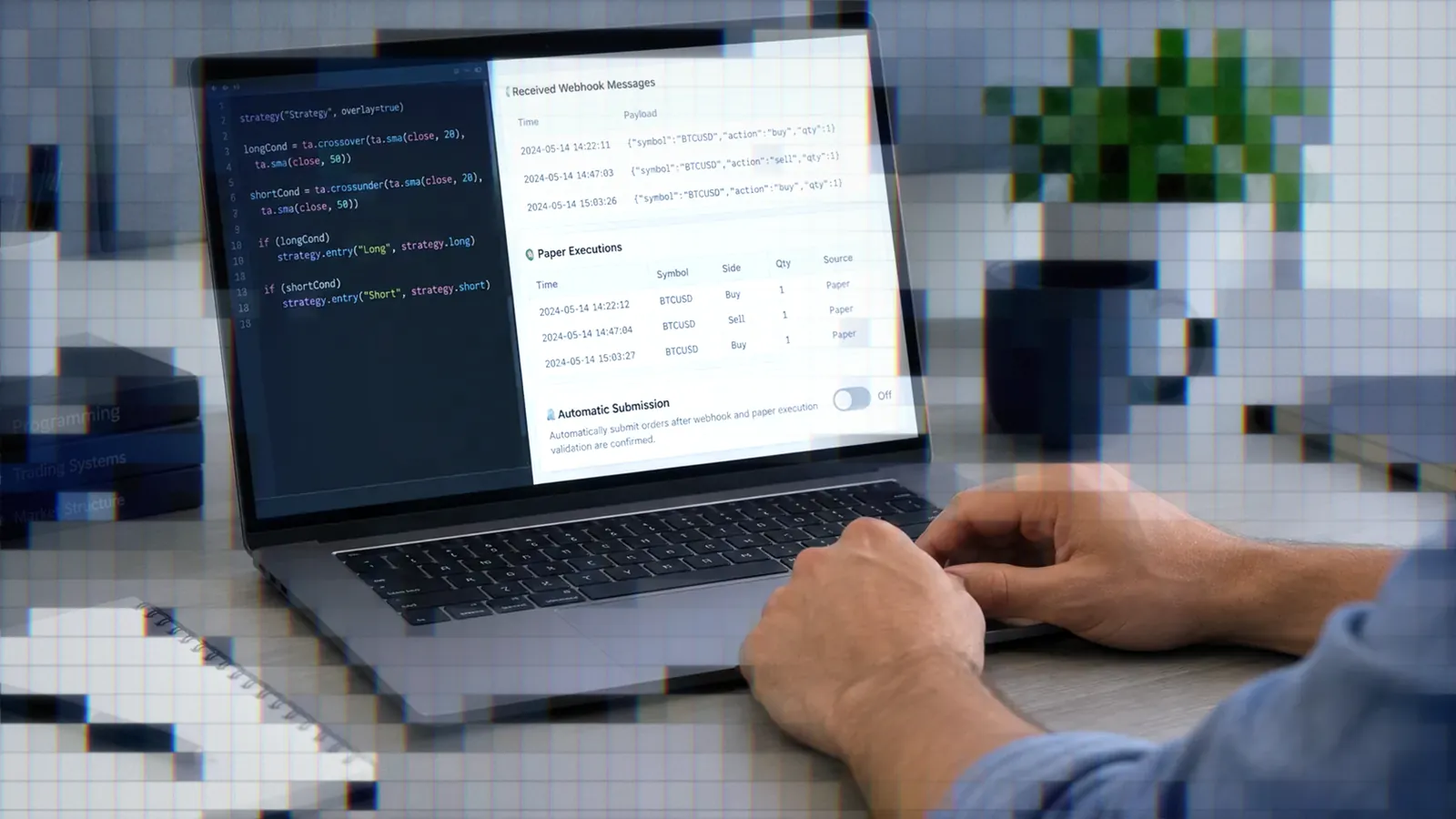
A compiling and tested script still needs a route from its TradingView alert to a broker order. TradersPost receives the alert webhook and can route the resulting order to a connected broker. Its webhook fields include values such as ticker, action, quantity, orderType, and time.
Start with paper trading and monitor every signal. TradersPost's documentation warns that third-party alert webhooks can be delayed or may not be sent at all, and TradersPost does not retry an order that a broker rejects or that fails during execution, so automated strategies still require supervision. Once the complete alert-to-order path behaves as expected, move to live execution only under defined risk controls.
Before standardizing your workflow, compare ChatGPT with Claude, Claude Code, OpenAI Codex, and Gemini. No single anecdote establishes which assistant will perform best on your script.
Bottom Line
- Use ChatGPT for explanations, boilerplate, and small Pine v6 edits.
- Pin
//@version=6and name required functions explicitly. - Check every unfamiliar built-in against TradingView's reference.
- Treat compilation as the beginning of testing, not the end.
- Backtest, verify alerts, and paper trade the webhook path before live execution.
ChatGPT works best as a supervised coding assistant. Follow a paste, compile, diagnose, and fix loop, then validate behavior before connecting automation. For the wider platform comparison, return to the best AI for Pine Script guide. When alerts are ready, test the complete TradingView webhook workflow through TradersPost before committing funded capital.
Frequently Asked Questions
Does ChatGPT Know Pine Script v6?
It can generate Pine v6, but accuracy depends on the model, prompt, and available documentation. Traders have reported older-version confusion. State //@version=6, ask the model to confirm it, and compile every response. According to 9to5Mac's report of OpenAI's October 2026 announcement, GPT-6 Sol is rolling out to Plus, Pro, Business, and Enterprise, and GPT-6 Luna to Free and Go.
Why Does ChatGPT Invent ta.sum()?
Models predict plausible code patterns, and numerous technical-analysis functions use the ta namespace. Pine's rolling sum is actually math.sum(). Merely reporting the error may produce a workaround, so name the correct function explicitly.
Is ChatGPT or Claude Better?
We found no independent benchmark that compares current GPT-6 and Claude models specifically on Pine Script. Reports vary by prompt, task, session, and model version. Compare documented features and test both assistants on the same small, verifiable tasks.
Can I Use a Pine GPT?
Existing custom GPTs continue until their applicable retirement date, but personal accounts cannot create new ones. Custom actions do not migrate automatically to plugins. Preserve the GPT's instructions and test cases, and plan for its replacement.
Was LuxAlgo Trend GPT Leaked?
We found no reliable source showing that LuxAlgo's Trend GPT or its source code was leaked or cracked. Treat files offered under that label as unverified code of unknown origin, and get LuxAlgo products through LuxAlgo's official channels.
References
1 GPT-6 Sol and GPT-6 Luna: October 2026 update
2 OpenAI brings GPT-6 to ChatGPT
3 GPT-6 is coming to all tiers of ChatGPT
4 How to use GPT-6 Astra
5 OpenAI API changelog
6 Hacker News Pine version report
7 Hacker News ChatGPT coding report
8 Programming language Pine Script v5
9 When AI Gets Pine Script Wrong
10 AI Wrote My Pine Script Indicator
11 TradingView migration guide to Pine v5
12 How to Use ChatGPT to Code Pine Script
13 OpenAI is retiring custom GPTs
14 TradingView multi-timeframe indicator discussion