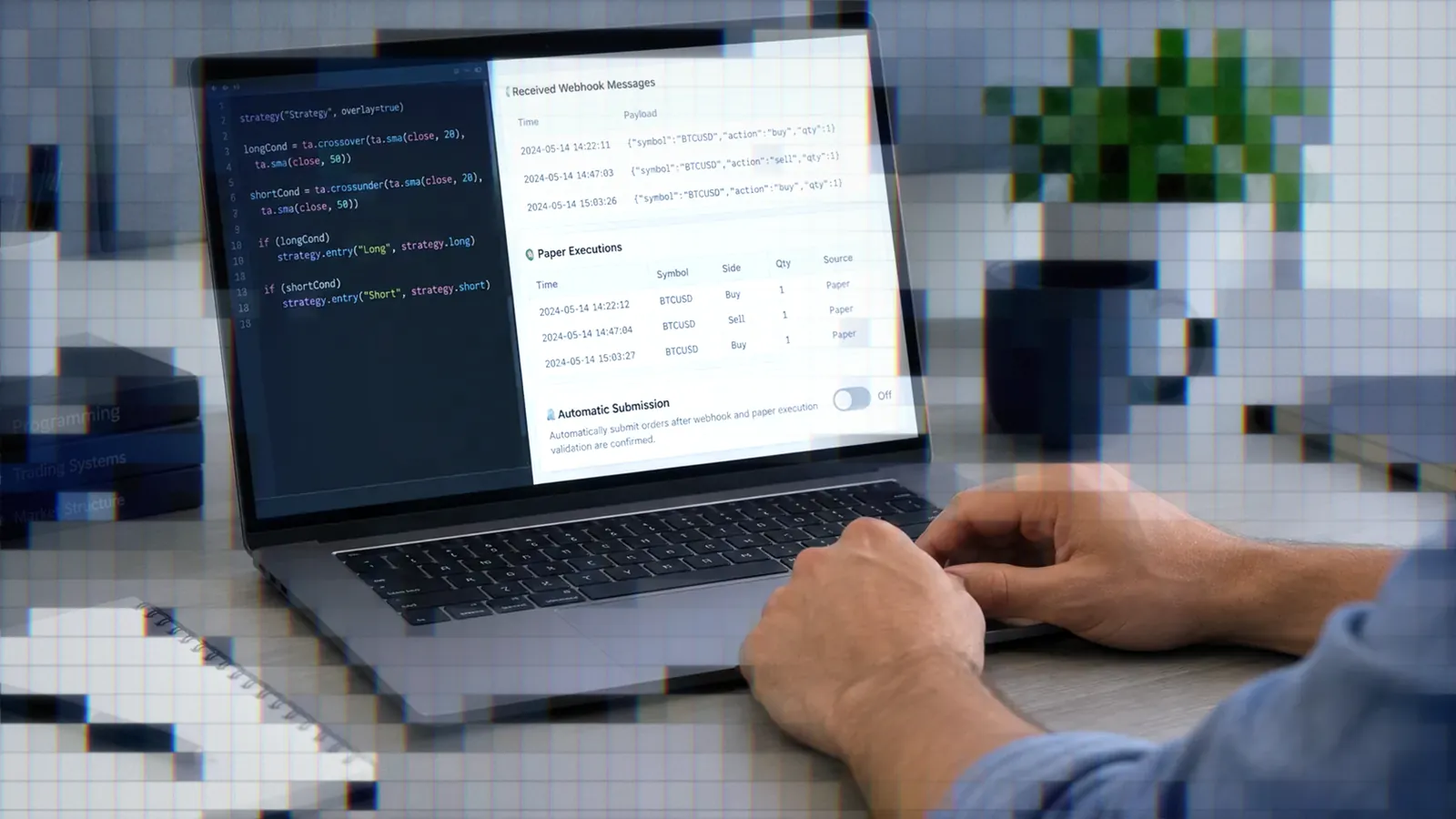
Cursor and GitHub Copilot for Pine Script
Cursor and GitHub Copilot for Pine Script compared: plans, model pools, rules files, MCP support, and what traders actually report in forum posts.

Marketing

For Cursor Pine Script work, the decisive differences are pricing, model access, reusable instruction files, and external tooling. Cursor offers broader model switching inside a dedicated AI editor, while GitHub Copilot fits naturally into an existing VS Code and GitHub workflow. Neither publishes Pine Script-specific benchmarks.
This comparison focuses on documented features and clearly labeled forum anecdotes, not an in-house benchmark. For a broader view, start with our best AI for Pine Script guide, then use this article to configure an editor-based Pine Script v6 workflow.
Two Editors, Two Ways to Pay
Cursor's Plans and Model Pools
Cursor Pro costs $20 per month, Pro Plus costs $60, and Ultra costs $200. Each includes a Cursor Models pool and an Other Models pool. The first covers Composer 2.5 and Grok 4.5, 4.6, and 4.7, while third-party models draw from the Other Models pool at their API rates.1
Hobby is free, requires no credit card, and includes limited Agent requests plus Composer access. Teams starts at $40 per user per month.2
Copilot's Credit-Based Plans
Since June 1, 2026, every Copilot plan has billed according to GitHub AI Credits consumed.3 Individual plans include Pro at $10 with 1,500 monthly credits, Pro+ at $39 with 7,000, and Max at $100 with 20,000. Business costs $19 per seat with 1,900 credits, while Enterprise costs $39 per seat with 3,900.4
Copilot Pro does not include Claude Opus models. Pro+, Max, Business, and Enterprise do.4
Picking a Plan for Pine Work
Cursor's India-only Start plan costs ₹649 monthly and covers only the Cursor Models pool, with the Grok models at a fixed medium effort level and no Claude, GPT, or Gemini access.1 Free and Student Copilot users get automatic model selection only. To use Claude, GPT, or Gemini models in Cursor, start at Pro; to pick a model by hand in Copilot, start at Pro.
Why Pine Script Trips Up AI
Thin Training Data for Pine
In one August 2025 forum post, Siddhant Chaudhary argued that regular ChatGPT and Cursor were not good enough for Pine because the language had too little training data. The poster named pinescripter.app and pineify.app as alternatives, but offered no independent test.5 This is one person's opinion, not a limitation documented by Cursor, GitHub, or TradingView.
The Line-Continuation Indentation Rule
AbleArcher, who said they mostly used Pine, preferred Claude 3.5 among the models tested but reported repeated line-wrapping errors involving four-space indentation. The same user saw that problem in Grok 3 output.6 A project instruction should state the rule plainly: a wrapped line must be indented by a number of spaces that is not a multiple of four, such as two.
One-Shot Output Without Examples
The same February 2025 comparison described DeepSeek R1 as useful when Sonnet became stuck, OpenAI's o-series as useful mainly for planning, and one-shot Grok 3 output as weak without a sample. These subjective results predate today's model lineups and should not be treated as a current ranking.
Setting Up Cursor for Pine Script
Choosing a Model in Cursor
Cursor's Other Models pool includes Claude Opus 5.5, Sonnet 5.5, and Fable 5.1, plus Gemini 3.8 Flash and Gemini 3.1 Pro. Its listed OpenAI models currently stop at GPT-5.6 Sol, Luna, and Terra, with no GPT-6 model listed.1 Switching models inside one project lets you compare fixes without moving files or rebuilding context in another editor.
Writing Project Rules for Pine
Cursor project rules belong in .cursor/rules as .mdc files. A plain Markdown file in that directory is ignored. Rules can always apply, match file globs, apply intelligently, or require an @-mention. AGENTS.md is a simpler alternative and can be nested by directory.7
For Pine repositories, scope the rule to **/*.pine and require Pine Script v6, valid continuation indentation, no unsupported functions, and a final compile check. Add representative scripts to the repository so the model can follow working local patterns.
Installing a Pine Syntax Extension
AbleArcher specifically advised adding a syntax-highlighting extension for Pine work in Cursor.8 Check that an extension supports Pine Script v6 before installing it. A separate October 2024 user reported that Cursor Docs indexed zero pages from a Pine v5 reference, so documentation indexing should not replace local examples or TradingView compilation.9
Setting Up Copilot for Pine Script
Repository and Path Instructions
Copilot uses .github/copilot-instructions.md for repository-wide guidance. Path-specific files go under .github/instructions and can use an applyTo glob such as **/*.pine. When both match, Copilot uses both instruction sets. It also recognizes AGENTS.md and a root CLAUDE.md or GEMINI.md file.10
Model Access by Plan Tier
Copilot Pro provides manual access to models that include Sonnet 5.5, GPT-6 Luna, Gemini 3.8 Flash, and Grok 4.7, but not Opus. Pro+ and Max add premium choices that include Opus models and GPT-6.1 Sol. Free and Student plans use automatic model selection only.4
MCP in VS Code
MCP is included across individual Copilot plans. In VS Code, a repository configuration belongs in .vscode/mcp.json and requires VS Code 1.99 or later. For Business and Enterprise subscriptions, the MCP policy is disabled by default and must be enabled by the organization. That policy does not govern individual Free, Pro, Pro+, or Max accounts.11
Pine Tooling Beyond Chat
The pine-tools Linter and LSP
The community pine-tools project (folknor/pine-tools on GitHub) packages a Pine Script v6 VS Code extension, a command-line linter, a language server, and an MCP server. It is small, unofficial, and by its own README built with LLMs, so treat it as optional. It ships as a .vsix file on GitHub Releases rather than through an extension marketplace, which means a manual install in either editor. Review the project before installing it.
Regardless of what a community linter reports, confirm the final script in TradingView's Pine Editor. A local diagnostic can shorten the feedback loop, but it cannot establish that TradingView will accept or execute the script.
MCP Servers for Pine Context
MCP lets an editor call external tools and retrieve structured context instead of relying entirely on a model's internal judgment. Cursor supports project configuration in .cursor/mcp.json, global configuration in ~/.cursor/mcp.json, and stdio, SSE, or streamable HTTP transports.12 Copilot uses .vscode/mcp.json in VS Code.
Choosing Whether to Add Tooling
Frequent Pine development can justify syntax highlighting, an LSP, linting, and MCP. Occasional edits may need only highlighting, a strong instructions file, and manual compilation. Add tools when they remove a repeated failure, not merely because the editor supports them.
What Traders Report in Practice
Workflow Friction, Not Code Quality
In May 2025, gigifirst said Cursor announced a complete Pine script but the user could not locate it. In the same thread, kunal_kumar called the experience “amazing” after two or three days while describing inconsistent behavior and confusion over request counting.5 These are workflow and usage concerns, not direct code-quality tests.
Model Choice Drives Output Quality
AbleArcher reported sharply different results from Claude 3.5, DeepSeek R1, Grok 3, and OpenAI o-series models inside Cursor.6 The practical lesson is to treat the editor as a shell: keep instructions and examples constant, then change the model when a repeated error survives several corrections.
Cost Surprises From Sub-Agents
In September 2026, Steph_Nachname reported that Cursor Task sub-agents selected GPT-5.6 Sol while porting Pine scripts to Python and consumed about 74 percent of the Other Models budget. Cursor staff called it a known issue and suggested disabling the model or adding a User Rule requiring sub-agents to inherit the parent model.13
No first-person Copilot account of writing or debugging Pine surfaced in the research for this article. That evidence gap prevents a fair anecdotal comparison.
From Editor Draft to Live Chart
Testing Generated Pine in TradingView
Paste generated Pine Script v6 into the TradingView Pine Editor and compile it. Correct every syntax error there before creating an alert. Then inspect alert conditions, order direction, quantity logic, repainting behavior, and timestamp behavior. Backtest results illustrate historical behavior, not future performance.
Connecting Alerts to a Broker
After compilation, a TradingView alert can send a webhook payload to TradersPost containing fields such as ticker, action, orderType, quantity, takeProfit, and stopLoss. Failed or rejected broker orders are not retried, so live automation still requires monitoring.
Paper trade the complete connection first, including alert creation, payload parsing, sizing, exits, and broker execution. When the paper workflow behaves as intended, connect your compiled Pine alert through TradersPost and review the alert log alongside platform trade history before considering live orders.
Choosing Between Cursor and Copilot
When Cursor Fits Better
Cursor fits traders who want to compare Grok, Composer, Claude, Gemini, and OpenAI models without leaving the editor. Its scoped rules and nested AGENTS.md files also make it practical to preserve Pine-specific conventions across a repository.
When Copilot Fits Better
Copilot fits a GitHub-centered workflow where repository instructions, path-specific guidance, pull requests, and VS Code already define the development process. Pro is the cheaper entry point for manual model choice, while Pro+ is the cheapest individual tier that includes Opus.
Where Both Fall Short
Neither vendor publishes Pine-specific benchmarks or Pine training claims. Cursor anecdotes are thin, mostly from 2024 and 2025, and tied to older models. Comparable Copilot anecdotes were not found. Windsurf, renamed Devin Desktop in June 2026, falls outside this two-editor comparison.
Bottom Line
- Choose Cursor for broad in-editor model switching and flexible project rules.
- Choose Copilot for a GitHub and VS Code-centered repository workflow.
- Give either editor Pine Script v6 instructions, valid local examples, and file-specific context.
- Compile every generated script in TradingView, then test alerts through a paper account.
The editor can accelerate drafting, but TradingView compilation and end-to-end paper execution remain the meaningful validation steps. For the wider AI landscape, compare this workflow with our best AI for Pine Script guide. Once the alert is stable, use TradersPost to test the webhook-to-broker connection before enabling live automation.
Frequently Asked Questions
Can either write Pine in one shot?
Possibly, but one-shot reliability is undocumented. Cursor forum feedback described weak output without a sample. Give the model a working Pine Script v6 example, request one bounded change, and compile the result in TradingView.
Does Copilot support Pine Script?
Copilot's instructions, path globs, model selection, and MCP features are language-independent and can be applied to Pine files. However, no first-person Copilot Pine report surfaced in this research, so a quality advantage over Cursor remains untested.
Why does Cursor flag limits?
Cursor separates Cursor Models from Other Models, and model selection affects how quickly included usage is consumed. Check the usage dashboard and pool breakdown. If sub-agents create unexpected costs, disable unwanted models and add an inheritance rule.
Do I need a Pine extension?
A syntax-highlighting extension is useful for regular Pine work. Confirm Pine Script v6 compatibility before installation. Linters, language servers, and MCP tools are optional additions for traders who need a tighter local feedback loop.
What happens before live trading?
Compile the script in TradingView, review its alert conditions and payload, treat backtests as historical illustrations, and test the entire alert-to-broker workflow with a paper account. Continue monitoring alerts and order results after deployment.
References
1 Cursor Models and Pricing
2 Cursor Pricing
3 Updates to GitHub Copilot Billing and Plans
4 GitHub Copilot Plans
5 Cursor Forum: Full Ready-to-Use Pine Script
6 Cursor Forum: Model Comparison
7 Cursor Rules
8 Cursor Forum: Pine Syntax Extension
9 Cursor Forum: Pine Documentation Indexing
10 Adding Copilot Repository Instructions
11 Extending Copilot Chat With MCP
12 Cursor Model Context Protocol
13 Cursor Forum: Unexpected Sub-Agent Usage