Claude Code Pine Script: Skills, MCP, Workflow
How Claude Code handles Pine Script: installing TradersPost's pinescript-agents skills, adding an MCP docs server, and a full v6 strategy build through compile and alerts.

Marketing

A practical Claude Code Pine Script workflow combines a terminal coding agent, project-level Pine skills, current documentation lookup, manual TradingView compilation, and webhook testing. Claude Code is better suited to multi-file projects than a chat window, but it still needs current Pine Script v6 references and human verification.
This guide covers installation, model choice, the free Pine toolset from TradersPost, MCP documentation lookup, reported failure modes, and a complete build-to-alert workflow. For broader platform comparisons, start with the best AI for Pine Script guide.
Claude Code Basics For Pine Traders
What Claude Code Is
Claude Code is Anthropic's coding agent for terminal-based development. It is distinct from the Claude.ai chat window because it can inspect a project, edit files, run commands, and maintain context across related source files.
That structure fits Pine projects containing strategies, indicators, shared specifications, templates, documentation, and webhook examples. Claude Code requires a Pro, Max, Team, Enterprise, or Console account. The free Claude.ai plan does not include access.1
Claude Code Pricing For Traders
Claude Pro costs $20 per month or $17 per month when $200 is billed annually. Max starts at $100 per month and has monthly billing. Team Standard costs $25 per seat monthly or $20 per seat monthly with annual billing. Claude Code is included with Pro, Max, Team, and Enterprise plans.2
Pro is enough to test a Pine workflow. Higher limits matter when sessions involve large documentation folders, repeated refactors, or long debugging loops. Plan limits do not replace session discipline, since an unconstrained correction loop can consume substantial usage without producing a working script.
Installing Claude Code
Use the native installer for your operating system, then verify the result. Anthropic also offers Homebrew and WinGet packages. The older npm installation path requires Node.js 22 or newer.1
# macOS, Linux, or WSL
curl -fsSL https://claude.ai/install.sh | bash

# Windows PowerShell
irm https://claude.ai/install.ps1 | iex

# Homebrew
brew install --cask claude-code

# Verify
claude --version
A working installation prints a version number. Run claude doctor if you need read-only diagnostics for installation health or settings errors.
Choosing A Model For Pine
Default Model And Aliases
Opus 5.5 is the default model for Pro, Max, Team, Enterprise, and API accounts. Inside a session, /model sonnet selects the latest available Sonnet alias and /model opus returns to Opus. Fable must be selected explicitly and may use billable usage credits depending on the account.3
As of October 2026, the current lineup is Fable 5.1, Opus 5.5, Sonnet 5.5, and Haiku 5.5. Each has a 1 million-token context window. Opus 5.5 was released on September 22, 2026.4
Why The Knowledge Cutoff Matters
All four current models have a reliable knowledge cutoff of June 2026.5 A model can understand Pine Script v6 while still missing language changes introduced after that date.
For current syntax, treat model memory as a draft source rather than an authority. Connect a documentation lookup tool and ask Claude to verify unfamiliar functions, parameters, and return types before editing the strategy.
A Pine Script Toolset For Claude Code
Installing The Pinescript-Agents Repo
TradersPost publishes pinescript-agents, a free, public Claude Code toolset designed for Pine Script v6 development. The repository had more than 170 stars on GitHub in October 2026 and includes project skills, commands, templates, examples, and documentation.6
git clone https://github.com/TradersPost/pinescript-agents.git
cd pinescript-agents
pip install -r requirements.txt
claude
Type start after Claude Code opens. The Python dependencies support YouTube analysis, while FFmpeg is optional for the Whisper fallback. Other built-in commands include help, examples, templates, status, lock, and unlock.
What The Seven Skills Do
The repository ships seven specialized skills. Claude can activate them from request wording, so asking it to "debug this compiler error" can load the debugging instructions without a separate slash command.
pine-visualizer: converts concepts or videos into implementable components.pine-developer: writes Pine Script v6 indicators and strategies.pine-debugger: investigates errors, repainting, and unexpected behavior.pine-backtester: adds backtesting code and statistics to a strategy.pine-optimizer: improves calculation efficiency and script usability.pine-manager: coordinates complex, multi-part builds.pine-publisher: prepares documentation and publication materials.
Templates include RSI divergence, VWAP bands, breakout, mean reversion, momentum, and moving-average cross scripts.6 Backtesting metrics describe historical behavior. They do not establish future profitability.
Known Issues To Fix First
Review cloned skills before running them. Claude Code skills can activate automatically, and project skills live under .claude/skills/. Their full instructions load when used rather than remaining in context throughout the session.7
The repository's bundled documentation server does not run for readers as shipped. Its .mcp.json points at the maintainer's own local folder, and docs/server needs a separate npm install. Skip it and use the standalone docs server in the next section. The README also states an MIT License, but the repository has no LICENSE file. Its changelog stops at version 1.3.0 (December 18, 2025); later commits add content such as pattern specs and example indicators, not a new release.
Setting Up Pine Docs Lookup
What MCP Adds To Sessions
Model Context Protocol, or MCP, connects Claude Code to external tools and data sources. Remote HTTP servers use claude mcp add --transport http <name> <url>. Local stdio servers place the executable and its arguments after a double hyphen.8
Project servers declared in .mcp.json require approval. A cloned repository cannot silently approve its own MCP servers, so inspect the command, package, environment variables, and access scope before accepting it.
Adding A Pine Docs Server
TradersPost also publishes pine-mcp, a Pine documentation MCP server that installs with one command and avoids the bundled server's setup problems. Add it before opening the project session:
claude mcp add pinescript -- npx -y pinescript-mcp-server
claude mcp list
This gives Claude Code a working Pine documentation lookup in one command. Ask it to retrieve the relevant documentation before using syntax it cannot confidently explain, especially for features introduced after June 2026.
Community MCP For TradingView Desktop
The community tradingview-mcp project can drive TradingView Desktop, inject Pine source, compile it, and return errors. That is convenient, but its compile path has had a destructive save defect.
One user reported that pine_compile replaced a saved 312-line strategy with a 13-line probe script. TradingView version history provided the recovery path. The issue traced the behavior to the MCP tool clicking Save, not to the Claude model controlling it.9 Keep scripts in git and avoid automated compile loops until you have verified the tool version and behavior on an untitled test script.
What Traders Report In Practice
Where Sessions Burn Time
Individual reports show that correction loops can consume time and tokens without converging. In one Pine debugging session, thinking loops lasted 5, 18, 31, and 48 minutes. The session hit a 32,000-token output limit, consumed about 38 percent of the user's weekly allowance, and produced no working code.10
Another user working with Sonnet 4.6 requested a bullish pennant from a chart image. After more than 10 correction rounds, the output still contained bowtie fills, incorrect slopes, and drifting anchors.11 Coordinate-heavy drawing requests should begin with explicit anchor bars, prices, slope signs, and intersection rules before code generation.
When Project Docs Help
John Cook reported that a one-line indicator prompt initially compiled but plotted on every candle. Claude rewrote 70 of the 90 lines while fixing it, and he closed the indicator unsaved after 47 minutes and $40.78. After he added Pine v6 manuals under ./docs plus a structured CLAUDE.md, the next build came together by the second prompt, behaved correctly by the third, and cost $1.83.12
A separate builder reported an EMA ribbon that initially returned only 0 or 100 for its score. A multi-timeframe RSI table first overlapped price, then showed only one timeframe, and became useful on the third iteration.13 These are individual experiences, not benchmark results, but they support a practical rule: keep prompts narrow and test one behavior per iteration.
Persistent Instructions Need Verification
In a reported 33-session Pine system build using Sonnet 4.6, explicit CLAUDE.md rules were repeatedly violated after being added and reinforced.14 Text instructions should therefore be treated as guidance, not mechanical enforcement.
Start each session by asking Claude to restate the applicable Pine version, files it may edit, acceptance criteria, and required checks. Use git, hooks, and manual review for requirements that cannot be left to instruction-following alone.
A Real Pine Script Session
Project And Skill-Guided Build
Clone the repository, open Claude Code from its root, and type start. Choose a concrete request such as: "Create a Pine Script v6 mean reversion strategy using Bollinger Bands. Put the script under projects, expose length and deviation inputs, avoid repainting, and add JSON alert messages."
The wording should activate pine-developer. Before accepting edits, ask for a short specification covering entry conditions, exit conditions, position sizing assumptions, alert timing, and files to be created. Commit the empty project structure before code generation so every change is visible in git.
Looking Up Docs Mid-Session
Add the Pine docs MCP server before launching Claude. During the build, ask Claude to look up any uncertain v6 syntax and quote the relevant function signature in its plan. Current Claude models share a June 2026 cutoff, so lookup is especially important for later language additions.5
Compiling And Fixing In TradingView
Paste the generated script into a new, untitled TradingView Pine Editor tab and compile it manually. If compilation fails, copy the complete error text and line number back into Claude Code. Ask for the smallest possible patch rather than a full rewrite.
- Compile in an untitled Pine Editor tab.
- Copy exact errors into the terminal session.
- Request a minimal diff.
- Compile again and inspect chart behavior.
- Commit only after syntax and behavior checks pass.
Manual compilation avoids the destructive-save risk reported in the community MCP compile loop. It also forces a deliberate review point before code reaches a saved TradingView strategy.
Adding Alerts And Choosing Agents
Building A Webhook-Ready Alert
A signal is a JSON message containing a ticker, action, quantity, and optional order instructions. A webhook payload can also carry quantityType, orderType, takeProfit, and stopLoss objects.
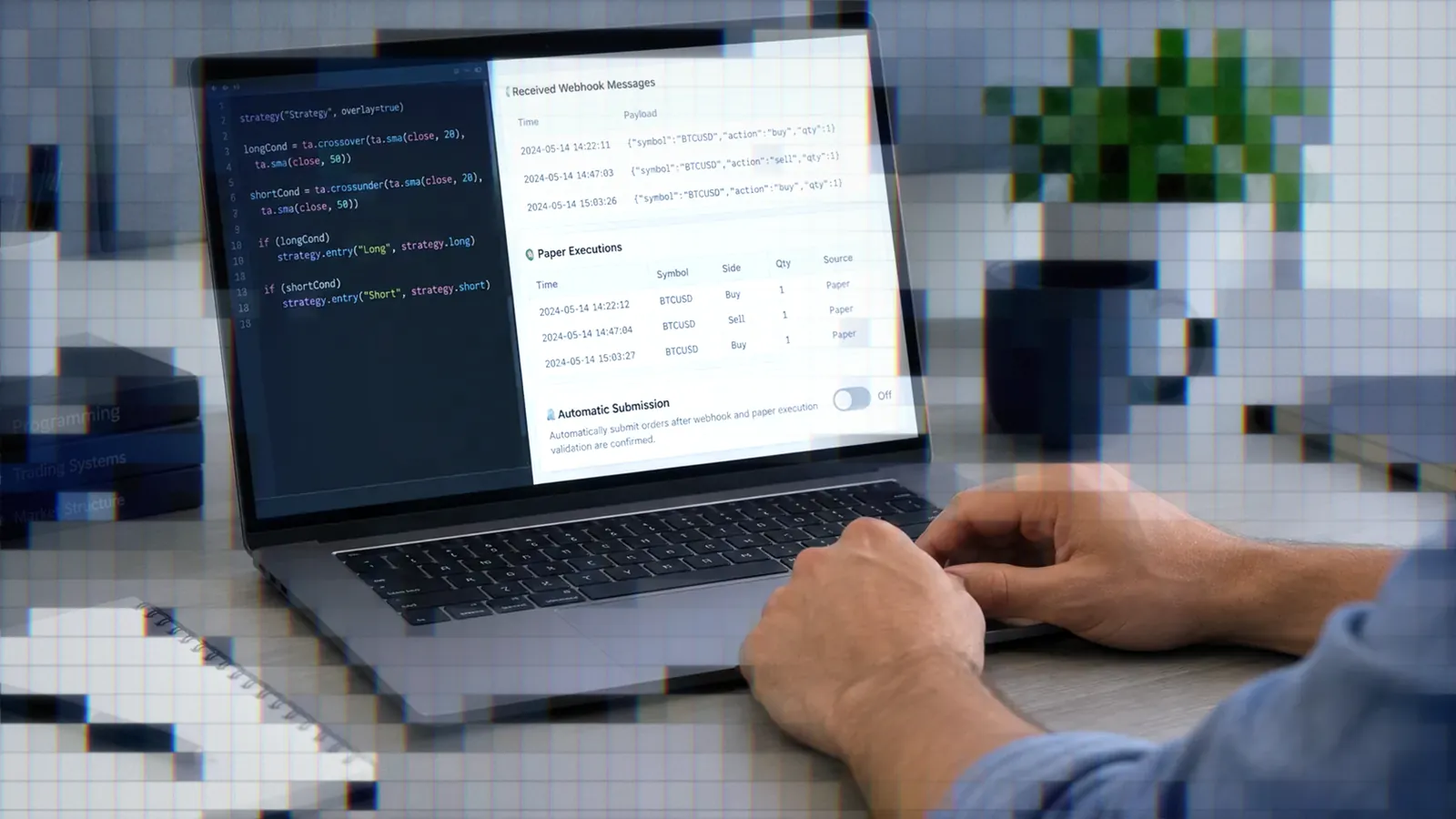
Once the compiled strategy fires the intended alert, TradersPost can receive that webhook, process it through the configured strategy and subscription settings, and submit the resulting trade to a connected broker or exchange. Start with test or paper-trading behavior, compare the TradingView Alert Log with received signals, and connect live execution only after the payload and timing match your intent.
When An Agent Beats Chat
An agent is most useful when a project contains multiple strategies, utility functions, specifications, payload fixtures, and documentation. It can update references across files without repeatedly pasting entire scripts into a chat window.
Pine libraries must be published before another script imports them, and imports pin an explicit version. Track the library source, its version, and every calling script in git. This makes refactors auditable and provides a recovery path if an agent changes more than requested.
After the strategy compiles and alerts match the specification, paper trade the webhook workflow before connecting it live. Verify entries, exits, quantities, and bracket instructions from actual alert records rather than relying only on the historical strategy report.
Bottom Line
- Claude Code is strongest when Pine work spans multiple files, templates, and revisions.
- Use Pine-specific skills for structure, but verify every session rather than assuming instructions will persist.
- Connect current documentation because the model cutoff is June 2026.
- Compile manually in TradingView and keep every working version in git.
- Paper trade compiled alerts before enabling live broker execution.
Claude Code is one option in the broader best AI for Pine Script workflow. Its main advantage is project-level editing, not guaranteed Pine correctness. Use the agent to accelerate structured development, then rely on documentation lookup, compiler feedback, alert logs, version control, and paper trading to validate the result.
Frequently Asked Questions
Is Claude Code Free?
No. Claude Code requires Pro, Max, Team, Enterprise, or Console access. Pro costs $20 monthly or $200 annually, while Max starts at $100 monthly.2
Does It Know Pine v6?
It can write Pine Script v6, but current models have a June 2026 knowledge cutoff. Connect a Pine documentation MCP server so Claude can check newer syntax instead of guessing.
What Is Pinescript-Agents?
It is the free Pine Script toolset for Claude Code described above. Clone the repository, install its Python requirements, launch claude, and type start. Use the pine-mcp server for documentation lookup, because the bundled docs server does not run as shipped.
Can It Compile Automatically?
Not natively. Claude Code has no built-in access to TradingView charts. A community MCP server can automate source injection and compilation, but its compile function has had a destructive save bug. Manual Pine Editor compilation avoids that documented risk.9
Is It Better Than ChatGPT?
The available Pine reports are anecdotal, not controlled comparisons. Claude Code is built for editing several project files in one session, while users also report correction loops, instruction violations, and geometry problems. Compare the platform-specific workflows in the ChatGPT Pine Script, Claude Pine Script, OpenAI Codex Pine Script, and Gemini Pine Script guides.
References
1 Claude Code Setup and Access
2 Claude Pricing
3 Claude Code Model Configuration
4 Claude Opus 5.5
5 Claude Models Overview
6 pinescript-agents on GitHub
7 Claude Code Skills
8 Claude Code MCP Documentation
9 TradingView MCP Destructive Save Issue
10 Claude Code Extended Thinking Report
11 Pine Script Image Geometry Report
12 Claude Code Pine Script Setup
13 AI-Generated TradingView Indicators
14 CLAUDE.md Instruction Compliance Report