Free AI Pine Script Generator Options
Compare free AI tools for Pine Script: DeepSeek, Qwen, Mistral Vibe, Meta Muse, Perplexity, PineGen, and LuxAlgo Quant, by features and trader reports.

Marketing

A free AI Pine Script generator can give you a useful first draft, but no independent benchmark shows which free tool writes the most reliable Pine Script. DeepSeek has the most trader reports, Qwen offers both free hosted chat and open weights you can run yourself, and Mistral Vibe, Meta Muse, Perplexity, Microsoft Copilot, PineGen AI and LuxAlgo Quant have little or no Pine-specific evidence.
This roundup compares documented features, free limits, privacy defaults and individual trader reports. It is part of our Best AI for Pine Script series; for the paid tools, see the guides to ChatGPT, Claude, Claude Code and OpenAI Codex, or our earlier guide to writing Pine Script with AI.
Free AI Pine Script Generator Basics
General Chatbots vs Pine Tools
DeepSeek, Qwen Studio, Mistral Vibe, Meta Muse, Perplexity and Microsoft Copilot are general assistants that treat Pine Script as one coding task among many. They can explain errors and revise an indicator, but nothing in them is built around TradingView.
PineGen AI and LuxAlgo Quant are Pine-specific: their workflows exist to generate and edit Pine code. That can make prompting easier, but it doesn't remove the need to check the logic yourself.
What Free Actually Means
"Free" covers three different things: a free hosted chat, open-weight software you run on your own hardware, or a limited tier of a paid product. Qwen has the first two. The Qwen team calls its Qwen Studio chat "free to use, open to all," and publishes Qwen3.8 weights on Hugging Face and ModelScope.1
Free chat also doesn't mean a free API. DeepSeek bills API use by input and output tokens, with off-peak rates set at half the peak rates.2 TradingView's own AI Copilot, which writes Pine inside TradingView, isn't free either: since September 28, 2026 it has been a paid add-on for paid plans.
How Tools Are Compared
This roundup uses vendor documentation and attributed trader reports. We did not run our own scoring, prompt test or benchmark. Where a vendor publishes a success rate, we label it as a vendor claim, because none of them explain how it was measured.
DeepSeek: Most-Tested Free Option
What DeepSeek Offers
In February 2025, QuantNomad's Vadim Cissa tested DeepSeek, which he described as a free AI tool for Pine Script coding. He found it an interesting option, especially because it is free, but not revolutionary.3
That test predates the current model. DeepSeek released V4.1-Flash on September 10, 2026: a 552-billion-parameter mixture-of-experts model with 8 billion active parameters for input and 16 billion for output. In the API it is called deepseek-flash, and the weights are published on Hugging Face, though a model that size is far beyond a home PC.4
DeepSeek's consumer app is listed as free, but the API is not. As of October 2026, deepseek-flash output costs $0.60 per million tokens off-peak and $1.20 at peak, and peak hours run 01:00 to 04:00 and 06:00 to 10:00 UTC on weekdays.2
What Traders Report
On the Cursor forum in February 2025, AbleArcher wrote that DeepSeek R1 was "very good" for Pine Script after limited testing, and that its reasoning helped when Claude Sonnet got stuck.5
TradingView author ZioMiguel used DeepSeek for coding help on the Alert Trend indicator, adding that despite not being a professional developer, they know enough Pine to oversee the logic.6 Another author, outtaboxx, marked their Direction Correlation Index script "Made with DeepSeek."7
These are individual experiences, not controlled tests, and they all date from the R1 era in early to mid 2025, before V4.1-Flash existed.
DeepSeek Data and Privacy
DeepSeek's privacy policy, last updated February 10, 2026, says it may collect your prompts, uploaded files, feedback and chat history, and uses personal data to "train and improve our technology." It lists a right to opt out of training, exercised by emailing [email protected], and says it collects, processes and stores personal data in the People's Republic of China.8
That matters if your prompt contains your own entry, exit or risk rules. Strip anything confidential, or opt out first, before sharing code you don't want used for training.
Qwen Free Chat and Weights
Qwen Studio Hosted Chat
Qwen Studio at chat.qwen.ai is the Qwen team's hosted assistant for the model family. The official repository calls it "free to use, open to all."1 We could not confirm Qwen Studio's own privacy and training terms, so treat anything you paste into it as potentially retained.
Qwen3.8 for Local Use
The Qwen3.8 repository is Apache-2.0 licensed. Qwen3.8-2.4T-A95B arrived on Hugging Face and ModelScope on August 12, 2026, followed by Qwen3.8-27B on August 14.1
The repository documents local routes through Hugging Face Transformers, llama.cpp, MLX on Apple Silicon and Unsloth, plus serving with SGLang and vLLM.1 Running a model locally keeps your prompts on your own hardware. The 27B model is the realistic choice for that, but speed and memory still depend on your machine, the quantization and the context length.
No Pine Track Record Yet
We found no trader report naming Qwen3.8 or Qwen Studio for Pine Script. Treat it as an untested general coding assistant: state the Pine Script v6 requirements in your prompt, ask for one change at a time, and compile every response.
Mistral Vibe and Meta Muse
Vibe Free Plan Limits
Mistral's Le Chat is now called Vibe, and existing conversations, settings and plans carried over. The free plan is pitched at "quick answers and simple tasks for everyday use," while Pro is for complex tasks, deeper reasoning and all-day coding.9
On Vibe, input and output are used to train Mistral's models by default unless you opt out, which you can do at any time. Enterprise customers are opted out by default. On any plan, a thumbs-up or thumbs-down rating with a comment lets Mistral use that rating and the related input and output.10
Muse Free Tier Controls
Meta introduced Muse, a personal AI agent powered by its Muse Spark model, on September 8, 2026. Meta says it is "free for most of what people need," with subscription plans for heavier use. You can opt out of having your interactions used to train Meta's models, and Muse doesn't share your conversations or the data in its virtual machine with Meta's ad systems.11
That differs from Meta's older AI features: since December 16, 2025, Meta has used people's interactions with its AI to personalize the content and ads they see.12
No Pine Script Reports
We found no trader report naming Vibe or Muse for Pine Script. Treat both as general assistants, not proven Pine tools. Compile the output and check whether the model quietly changed entry conditions, state handling or alert timing.
Perplexity and General Assistants
What Traders Say About Perplexity
Perplexity's app is free, with paid Pro and Max tiers. In May 2026, TradingView author mr_3i credited "Claude & Perplexity AI" for help enhancing a volatility table based on Loxx's original.13 In September 2024, joeli88 noted that the Pine code for a scalping script came from Perplexity, with the idea from the LIHKG forum.14
Both are credit lines, not reviews. Neither says which model was used, how many errors came up, or how much code needed fixing by hand.
Microsoft Copilot Lacks Pine Evidence
Microsoft says Copilot is free with a signed-in Microsoft account. We found no trader report describing its Pine Script output. That doesn't mean it can't write Pine; it means there is nothing comparable to judge it on.
Credit Is Not Review
A tool credit tells you a tool was used, not that it worked well. Compare outtaboxx's "Made with DeepSeek" label with AbleArcher's "very good" assessment and ZioMiguel's description of checking the logic themselves. Useful reports name the model and date, the errors and the fixes.
- Look for the exact model and date.
- Check whether the author reviewed the trading logic.
- Separate compiling cleanly from behaving as intended.
- Ignore rankings that don't show their prompts and test method.
Pine Tools Without Independent Reviews
PineGen AI Needs Verification
PineGen AI is a Pine-specific generator. Its free Basic plan gives 5 credits a month and one chat thread, with paid plans for more. The site says code is validated against the TradingView v6 compiler and advertises a 98% success rate, with no explanation of how that figure was measured.
We found no independent trader report on its free tier; the promotion we found comes from PineGen-linked accounts. Treat the success rate as a vendor claim. Even a real compiler check only proves the code is valid syntax, not that signals fire when you intend.
LuxAlgo Quant Has Same Caveat
LuxAlgo's Free plan includes 500 monthly credits for Quant, its AI coding agent for indicators and strategies, with no credit card required. That makes it the most generous free Pine-specific option we found, but we found no trader report on the free experience specifically. Its code needs the same compile, chart check and paper trading as any chatbot's.
What Free Models Give Up
Training Defaults Matter
DeepSeek and individual Vibe accounts use your data for training unless you opt out, and the opt-out works differently for each. Muse offers a training opt-out and keeps conversations out of Meta's ad systems. Read the current policy before pasting a complete strategy you consider proprietary.
Free Chat vs Paid APIs
A free chat window is enough for occasional code generation. An API matters once you want to automate prompting, revision and storage, and that is where "free" usually ends. DeepSeek's API, for example, bills by token at separate peak and off-peak rates.2
Manual Review Beats Assumptions
DeepSeek has repeated Pine reports, but they concern older models. Qwen3.8, Vibe, Muse and Copilot have no comparable Pine reports yet. Choose on documented criteria, then verify the output rather than assuming a newer or more specialized tool is more accurate.
- Check whether your prompts train the model by default.
- Decide whether running a model locally is practical on your hardware.
- Ask for Pine Script v6 in every prompt.
- Test signals on both historical bars and the live, still-forming bar.
Verify Free AI Output Safely
Know Enough Pine to Check
ZioMiguel's approach is a good model: use AI for coding help, but know enough Pine to oversee the logic.6 You should be able to point to the entry condition, exit condition, position state, alert trigger and any higher-timeframe data in the script.
Compile Before Trusting It
Paste the generated code into the TradingView Pine Editor and compile it. Confirm it starts with //@version=6, then read the warnings and look up every function the model introduced. A clean compile doesn't prove the indicator avoids repainting or that a strategy's orders match your rules.
Paper Trade the Strategy
Once it compiles, check the signals across different symbols, timeframes and sessions, then paper trade it. Compare the alerts that fire with the conditions plotted on the chart, and confirm that quantity, direction and exits stay consistent.
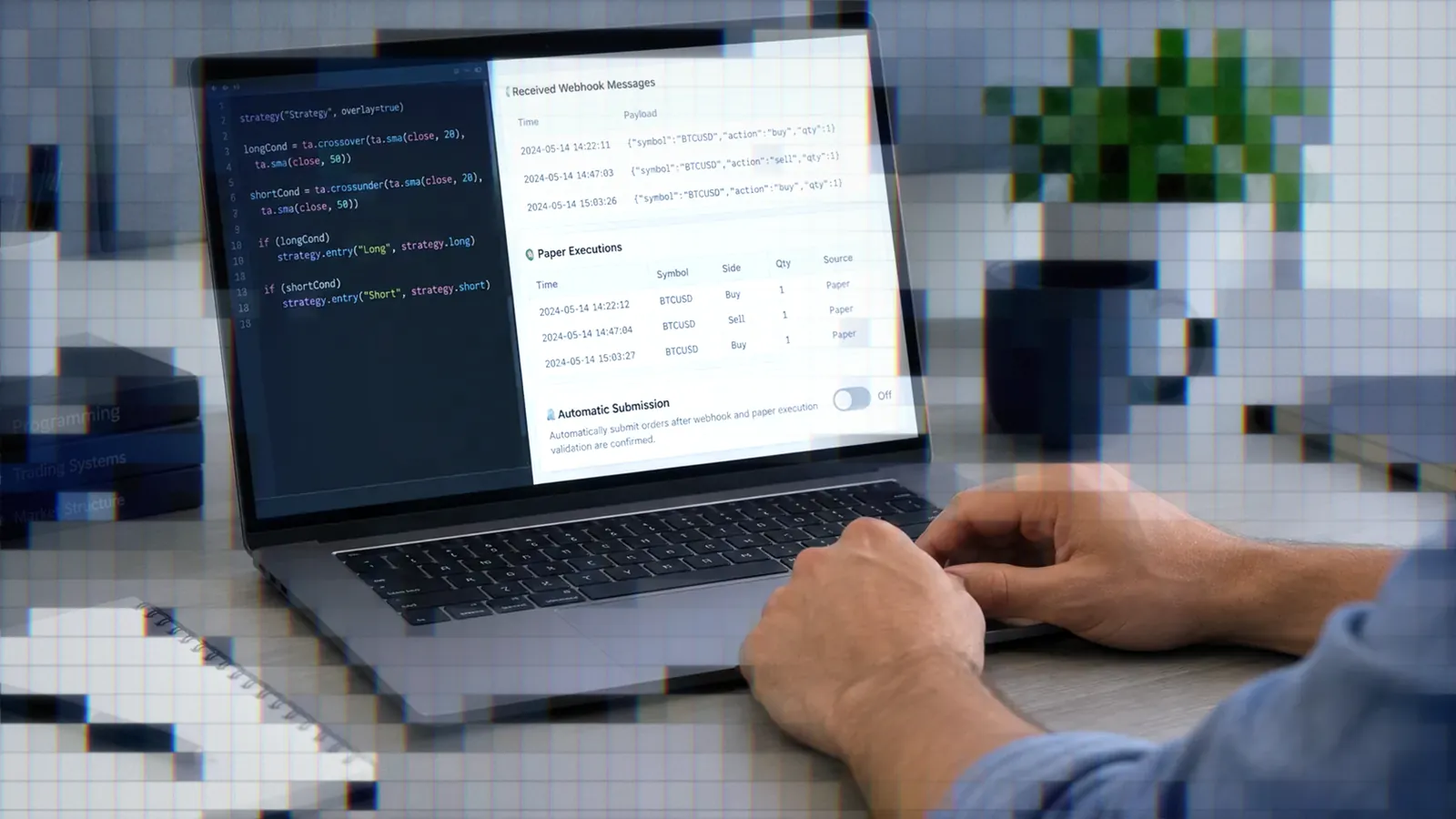
When you are ready to automate, TradersPost can receive a TradingView webhook with fields such as ticker, action and quantity, apply your strategy and subscription settings, and send the trade to your connected broker. Route it to the built-in paper broker first, and run the whole alert-to-order flow there before going live.
Bottom Line
- DeepSeek has the most Pine reports from traders, but they come from R1-era use in 2025.
- Qwen3.8 is the realistic option for running a model on your own hardware, though nobody has reported using it for Pine yet.
- Vibe, Muse, Copilot, PineGen AI and LuxAlgo Quant have no independent Pine reports in our research, and PineGen's 98% figure is a vendor claim.
- Training defaults, API pricing and local hardware matter more than which chat window you use.
- Compare these against the paid tools in our Best AI for Pine Script guide.
Frequently Asked Questions
Is Any Pine AI Truly Free?
Qwen Studio is free to use, Vibe and Muse have free plans, and LuxAlgo's Free plan includes 500 Quant credits a month. Qwen3.8 also offers downloadable open weights. Free chat doesn't mean free API calls, unlimited use or proven Pine accuracy.
Which Free AI Is Best?
No independent Pine Script benchmark names a winner. DeepSeek has the most trader reports, ranging from "very good" to "not revolutionary," but they concern older models. Your review process matters more than any ranking.
Can Pine AI Run Locally?
Yes, with open weights. Qwen3.8 documents local routes including Transformers, llama.cpp, MLX and Unsloth. Hardware needs vary by model size, and no trader in our research reports using Qwen3.8 locally for Pine Script.
Do Free Tools Train on Code?
DeepSeek and individual Mistral Vibe accounts use your data for training by default, with an opt-out. Meta Muse lets you opt out and says it keeps conversations out of Meta's ad systems. Check the current settings before sharing code you want to keep private.
Should Vendor Accuracy Claims Be Trusted?
Treat accuracy or validation figures from PineGen, LuxAlgo or any other vendor as claims until an independent test shows its prompts, model versions, sample size and logic checks. Compile and test the code yourself either way.
References
1 Qwen3.8 official repository
2 DeepSeek Models and Pricing
3 QuantNomad: QuanTribe Weekly Update (Vadim Cissa)
4 DeepSeek-V4.1-Flash Release
5 Cursor Forum: Grok 3 vs Claude 3.5-3.7 vs O3-mini vs DeepSeek R1
6 Alert Trend by ZioMiguel
7 DCI by outtaboxx
8 DeepSeek Privacy Policy
9 Mistral Vibe
10 Mistral: Do you use my user data to train your AI models?
11 Meta: Introducing Muse
12 Meta: Improving Your Recommendations Across Apps With AI
13 Volatility Table [Enhanced] by mr_3i
14 Backside Bubble Scalping by joeli88