Trade Ideas vs TradingView: Scanner-First or Chart-First?
Trade Ideas and TradingView solve different problems: AI-driven stock discovery versus charting and scripting. Compare features, pricing, and how each fits automation.

Marketing

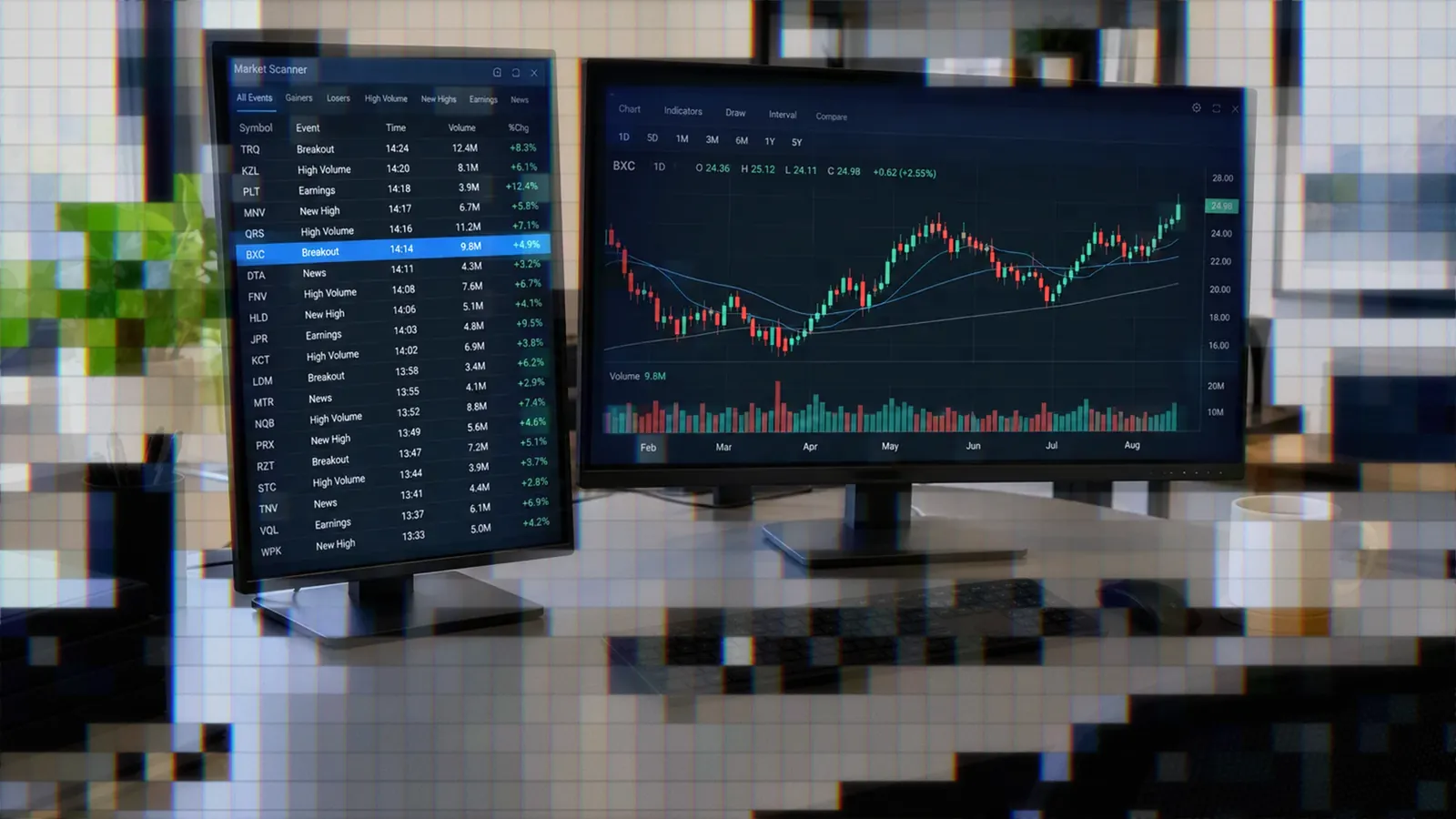
The Trade Ideas vs TradingView decision comes down to the first problem you need software to solve. Trade Ideas is scanner-first: it monitors U.S. equities for events, ranks qualifying stocks, and adds AI-generated signals. TradingView is chart-first: it provides multi-asset charts, technical analysis, screeners, community tools, and scripting.
Choose Trade Ideas when real-time stock discovery is the priority. Choose TradingView when chart analysis, Pine-based strategies, global markets, or webhook automation matter more. Active U.S. stock traders may use both, with Trade Ideas finding symbols and TradingView handling deeper chart analysis.
Bottom Line
- Trade Ideas is stronger for event-driven discovery across U.S. stocks.
- TradingView is stronger for charting, multi-asset coverage, and custom strategy development.
- Holly provides defined trade signals, while TradingView focuses more on user-built analysis and alerts.
- Trade Ideas costs more and reserves Holly and OddsMaker for Premium.
- Using both creates a practical discovery, analysis, and execution workflow.
What Both Platforms Do
Trade Ideas: Discovery and Signals
Trade Ideas describes itself as the better discovery tool for U.S. stocks. Its Streaming Alerts report market events as they occur, while the Top List ranks symbols that currently meet selected criteria. Holly AI Signals and OddsMaker backtesting build on the same real-time scanning environment.1
Coverage centers on U.S. equities and unusual options activity. The platform is not intended for traders whose primary markets are crypto, forex, futures, or international securities.2
TradingView: Charts and Community
TradingView is primarily a charting and analysis platform. An independent review counts more than 400 built-in indicators, more than 110 drawing tools, and chart coverage for stocks, ETFs, crypto, bonds, futures, forex, and international markets.3
Pine Script lets traders build indicators and strategies that run within TradingView. The community also contributes a large public library. StockBrokers.com reports more than 100,000 public indicators alongside TradingView's built-in collection.3
The Core Job Split
Trade Ideas answers, “What should I look at?” TradingView answers, “Is this chart worth a trade?” Streaming Alerts identify events across the market, while the Top List provides the conventional screener view and refreshes every 15 seconds.1
External Linking connects those jobs. Clicking a symbol in Trade Ideas Pro can load it into the symbol field of a TradingView chart, reducing the friction between discovery and analysis.
Feature Comparison Breakdown
Scanning and Screening
TradingView offers screeners for stocks, bonds, ETFs, crypto, crypto pairs, decentralized exchanges, and centralized exchanges. Filters include price changes, valuation ratios, revenue growth, dividend yield, and technical criteria.3
Trade Ideas separates event detection from ranked screening. Streaming Alerts answer, “What just happened?” A configured alert may fire whenever a qualifying event occurs, including multiple times per second. The Top List answers, “What meets my filters now?” Trade Ideas documents 310 alerts, 249 filters, and 15-second Top List updates.1
The distinction matters for intraday workflows. A trader waiting for the first opening-range break needs an event timestamp, not just a refreshed table of stocks that already satisfy a condition.
Scripting Languages Compared
Pine Script builds chart indicators and strategies inside TradingView. It is appropriate when the logic depends on chart bars, indicator calculations, plotted levels, or strategy orders.
The Trade Ideas Formula Editor serves a narrower purpose. It uses C-style mathematical expressions to combine fields such as price, volume, float, and relative volume into scan filters. It does not replace Pine as a chart-indicator language.1
Traders who do not want to write formulas can give the Holly AI Assistant a plain-English description. The assistant converts that request into an Alert or Top List window.
Backtesting Methods Side by Side
TradingView backtesting is chart-based. A strategy evaluates historical bars on the selected symbol and timeframe, making it useful for reviewing equity behavior, trades, and rule performance on that chart.
OddsMaker is event-based. From an Alert window, the trader can replay historical occurrences with an entry window, timed exit, stops, and filters. Results can then be segmented by variables such as time, price, and symbol before the scan is tested again.2
OddsMaker has material modeling limits. It uses one-minute bars instead of ticks, excludes the bid-ask spread, covers recent regular-session days, and excludes both the current day and extended-hours sessions.2
AI Features at a Glance
The platforms apply AI to different tasks. Holly AI Signals provide a symbol, entry, stop, and target during the trading session, and the Holly AI Assistant builds scans from plain English.1 TradingView's AI Copilot, which launched natively on September 28, 2026 as a separate paid add-on, works inside the chart: it can write Pine Script, draw levels, and create alerts.
That makes Holly closer to a generated trade plan, while Copilot helps you build your own analysis and leaves selection and risk definition to you. For a broader comparison, see TradingView AI vs TrendSpider vs Trade Ideas.
Pricing and Plans Compared
Trade Ideas Plan Costs
Trade Ideas Standard, also labeled Core, costs $127 per month or $1,068 annually, equivalent to about $89 per month. Premium, also labeled Apex, costs $254 per month or $2,136 annually, equivalent to about $178 per month.4
Premium adds Holly AI Signals, OddsMaker backtesting, Smart Risk Levels, Auto Trading, and additional strategy tools. Older reviews quoting $118 or $228 monthly use outdated prices.2
TradingView Plan Costs
TradingView offers free Basic and four paid plans. Listed monthly prices are $14.95 for Essential, $29.95 for Plus, $59.95 for Premium, and $239.95 for Ultimate. Essential, Plus, and Premium provide 30-day trials, while Ultimate provides a 14-day trial.3
Three of TradingView's four paid plans list below Trade Ideas Standard's monthly price. The price gap reflects their different jobs: broad charting and analysis on one side, and specialized real-time U.S. stock scanning on the other.
Free Tiers Compared
A free Trade Ideas account provides web dashboards, but it is not a free copy of Standard or Premium. Holly, OddsMaker, and the full TI Pro desktop application require a paid plan. StockBrokers.com calls the free offering the Par Plan and notes delayed data, predefined alerts, PiP Charts, and Stock Racing visualizations.5
TradingView Basic is ad-supported and limits users to one chart per tab with two indicators. It remains the easier free option for testing charts, while the Trade Ideas account is better treated as a preview of its web scanning environment.3
How Holly AI Signals Work
How Holly Generates Ideas
Holly backtests more than 60 strategies each night and optimizes their parameters. If a price range performs poorly within a strategy, for example, Holly can remove that range and rerun the test. At the end of the night it keeps only the strategies it rates as having the best statistical odds for the next session.6
Trade Ideas says Holly enters an average of 5 to 25 trades per day across the selected strategies. These are candidate signals rather than guaranteed outcomes, so traders still need predefined sizing, loss limits, and execution rules.
Strengths and Limits
The exact strategy count varies by description. Trade Ideas documents more than 60 strategies, while StockBrokers.com describes nearly 50 predefined strategies. Treat Holly as a bank of dozens of strategies rather than relying on one fixed total.
- Holly signals require Premium rather than Standard.
- Signals are shared with the subscriber community.
- Fast-moving entries may become crowded.
- The desktop platform requires time to configure and learn.
- Backtested performance does not remove slippage or live execution risk.
The independent StockBrokers.com review specifically identifies the steep desktop learning curve and the possibility of crowded trades when AI signals reach the entire community.5
Broker Connections and Automation
Brokerage Plus and Money Machine
Brokerage Plus manages orders and positions inside Trade Ideas. Documented connections include the Trade Ideas simulator, Interactive Brokers in live or paper mode, Alpaca in live or paper mode, TradeStation in live or paper mode, and E*TRADE in live mode.7
Money Machine is the platform's end-to-end automation engine. It can route Holly or custom strategy logic through Brokerage Plus without requiring code. Simulation Mode applies the same automated logic to simulated capital during live market hours, giving traders a forward-testing stage before live deployment.8
TradingView Alerts and Webhooks
TradingView alerts can originate from prices, indicators, drawings, or strategy logic. Alerts may notify a trader or send a webhook message to an external automation service. TradingView also supports paper trading and connections to selected brokers from its charting interface.
Trade Ideas does not document an equivalent outbound webhook path. Its documented automation stays within Trade Ideas and routes through Brokerage Plus. External Linking sends a symbol to a chart field, not an order instruction or webhook payload.
Webhook Routing Alternative
When a TradingView strategy needs to reach a separately connected broker account, TradersPost can receive the TradingView webhook alert and route the resulting order to that account. This is a separate automation path from Money Machine, which operates inside Trade Ideas through Brokerage Plus. See how TradingView webhook routing works.
Who Each Platform Fits
Reasons to Choose Trade Ideas
Trade Ideas fits U.S. stock day traders who need market-wide events as they happen, want to test those events in OddsMaker, and expect to manage the position during the same session. It can also fit investors who use a Holly entry but hold while the position remains within their risk plan.
Its strongest use cases combine several needs: unusual options activity, real-time stock alerts, AI-generated plans, event-based backtesting, and execution through a supported Brokerage Plus connection.
Reasons to Choose TradingView
- You rely on drawing tools, layered indicators, and Bar Replay.
- You trade futures, forex, crypto, or international markets.
- You want a free starting tier or a lower-cost paid plan.
- You build indicators or strategies with Pine Script.
- You need alert-driven webhook automation.
Traders Who Use Both
Trade Ideas explicitly says traders do not have to choose. Its suggested workflow is to find the stock with Streaming Alerts, the Top List, or Holly, then analyze it in TradingView.1
External Linking is the bridge. It preserves Trade Ideas' event-based discovery while letting the trader keep preferred TradingView layouts, indicators, drawings, and chart-based alerts.
Running Both Tools Together
Setting Up External Linking
- Open TradingView, then start Trade Ideas Pro.
- Run both applications as Administrator while creating the link.
- Open Tools in TI Pro and select External Linking.
- Select Add Link.
- Hover over TradingView's symbol field without clicking.
- Press Shift to register the target field.
Idea Surfing can then cycle the top three symbols from open Top Lists, the Holly Strategy Trades window, and the Price Alerts window into the linked chart every seven seconds.1
Known Constraints
External Linking and the full TI Pro application are Windows-oriented. Mac users can use the browser dashboard, Parallels Desktop, or a cloud-hosted Windows machine. Trade Ideas includes real-time data with both paid plans, while certain TradingView exchange feeds may involve separate data costs.2
The largest constraint remains market coverage. Trade Ideas stops at U.S. equities and unusual options activity. International stocks, futures, forex, and crypto analysis therefore remain on the TradingView side of a combined workspace.
Conclusion
The Trade Ideas vs TradingView comparison is scanner-first versus chart-first. Trade Ideas is the more specialized choice for event-driven U.S. stock discovery, Holly signals, and OddsMaker testing. TradingView is the broader choice for charts, community indicators, multi-asset analysis, and alert-based automation.
Start with the platform that solves your main bottleneck. If you already know what to chart, TradingView is usually sufficient. If finding timely U.S. stock setups is the bottleneck, Trade Ideas adds the stronger discovery layer. If both tasks are central to your session, connect them through External Linking and keep each platform focused on the job it performs best.
Frequently Asked Questions
Can Trade Ideas Send Webhooks?
Trade Ideas documents no outbound webhook for sending alerts to TradingView or another service. Its documented automation uses Brokerage Plus, while External Linking only transfers a selected symbol into a TradingView chart. Webhook automation begins with a TradingView alert.
Which Is Better for Day Trading?
Trade Ideas is better when the priority is discovering intraday U.S. stock events across the market. TradingView is better when chart analysis, custom indicators, and order preparation are the core workflow. Traders should also account for the possibility that shared Holly signals become crowded during fast moves.
Does TradingView Have Holly Signals?
No. Holly is a Trade Ideas product, and its Premium signals provide a specific symbol, entry, stop, and target. TradingView's AI Copilot is a paid add-on that helps with work inside the chart, such as writing Pine Script, while TradingView alerts fire on conditions you define.
How Do Their Costs Compare?
Trade Ideas Standard costs $127 monthly or about $89 monthly with annual billing. Premium costs $254 monthly or about $178 monthly when billed annually. TradingView has a free Basic plan, and its paid plans range from $14.95 to $239.95 per month at listed monthly prices.
Can I Use Both Together?
Yes. External Linking can load a symbol clicked in Trade Ideas Pro into a TradingView chart. Idea Surfing can also rotate symbols from Top Lists, Holly Strategy Trades, and Price Alerts through the linked chart automatically.
References
1 Trade Ideas vs TradingView
2 Trade Ideas Review 2026
3 TradingView Review 2026
4 Trade Ideas Pricing
5 Trade Ideas Review 2026: Pros, Cons, and Pricing
6 What Holly Does
7 Brokerage Plus User Guide
8 Trade Ideas Money Machine