Fix Pine Script Errors With AI
A practical workflow for fixing Pine Script v6 errors with AI: paste the exact error, pin the version, ask for a minimal diff, and check the bugs that compile cleanly.

Marketing

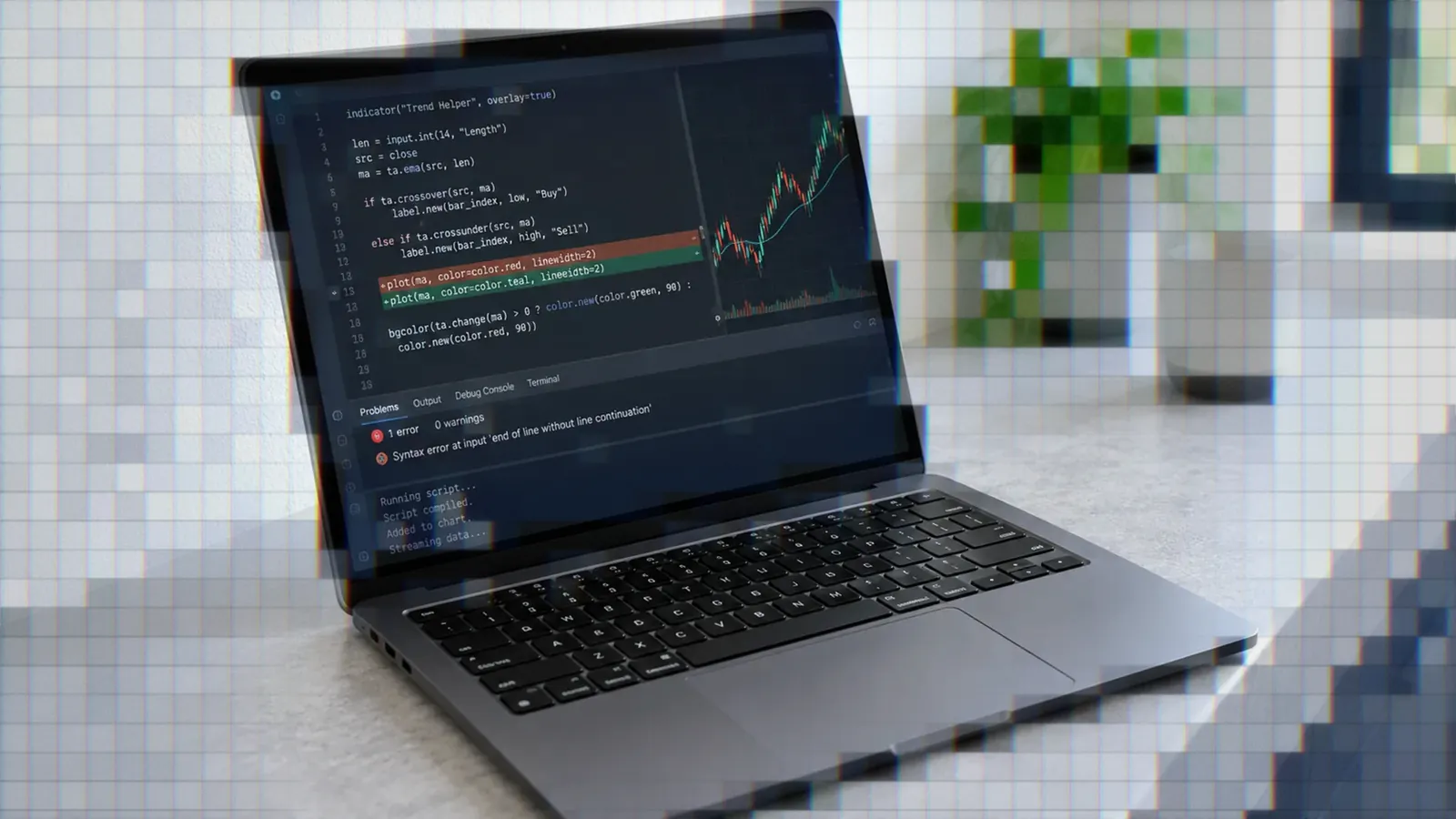
To fix a Pine Script error with AI, start with three inputs: the complete Pine Script v6 code, TradingView’s exact error message, and a request for the smallest possible correction. AI performs better when it receives compiler or test feedback than when it is merely asked to inspect its own output.1
Compilation is only the first checkpoint. A script can compile while leaking future data, repainting signals, blocking every entry, or producing an overfit backtest. Use AI to propose fixes, then validate the result with Pine Logs, known chart events, and realtime paper trading.
For broader tool selection, see the best AI tools for Pine Script. The workflow below applies whether you use ChatGPT, Claude, Claude Code, OpenAI Codex, or another coding assistant.
How AI Debugging Actually Works
Why Exact Error Text Matters
Compiler feedback narrows the problem. The Self-Debugging study found gains of up to 12% on benchmarks with unit tests, compared with baseline generation. Having the model explain its code without tests still improved results by 2% to 3% on the Spider benchmark.1
A separate ICLR 2024 study found that self-repair gains were often modest and constrained by the model’s ability to critique its own code. Stronger or human-supplied feedback produced substantially larger gains.2 “This does not work” forces the model to guess. The exact compiler message gives it a specific failure to resolve.
What Self-Repair Research Found
Self-Debugging evaluated Spider, TransCoder, and MBPP. Results varied by benchmark, with the largest reported gains occurring where unit tests supplied concrete execution feedback.1 The ICLR research reached the same practical conclusion from a different direction: feedback quality limits repair quality.
Treat TradingView as the evaluator and the AI as the repair assistant. Copy TradingView’s output back into the conversation instead of asking the model to invent its own diagnosis.
Pin Your Pine Version First
Write “Pine Script v6 only” in every prompt. Version drift remains a recurring failure mode. In one documented request involving the v6-only request.footprint() feature, ChatGPT first returned a v5 approximation, then an invalid function signature. It succeeded only after receiving the official documentation.3
If you are starting with v5, run TradingView’s converter first. This removes predictable migration work before AI starts changing strategy logic.
Common Compile Errors AI Causes
Functions AI Invents or Misdefines
In one reported case, ChatGPT used the nonexistent ta.sum() to count green candles. After the author requested math.sum(), the model acknowledged the correction but substituted a manual rolling sum. Only an explicit instruction produced math.sum(greenInt, 6).4
New functions create another risk. The request.footprint() example moved from outdated syntax to a wrong signature before the author supplied documentation. When an unfamiliar call appears, verify its namespace, argument order, return type, and Pine version.
v6 Bool and Division Changes
Pine v6 no longer implicitly converts int or float values to bool. Boolean values also cannot be na, and na(), nz(), and fixnan() no longer accept Boolean arguments. Division between two constant integers can now produce a fractional result instead of truncating it.5
- Replace numeric conditions with explicit comparisons.
- Use a non-Boolean type when logic requires three states.
- Apply
int()or a rounding function when an integer result is required.
CE10101: Bool Condition Error
CE10101 means an if or switch condition did not return a Boolean. The same restriction applies to the first operand of a ternary expression. TradingView documents three common fixes: use bool(), write an explicit comparison, or test with na() or not na().6
This often appears after v5 code is converted because expressions that relied on numeric truthiness are invalid in v6. Ask the AI to repair only the named condition, not rewrite the surrounding entry logic.
CW10003: Consistency Warning
CW10003 appears when a history-dependent function executes conditionally or iteratively. Calls inside an if, loop, ternary, or lazy and/or expression may build inconsistent histories. TradingView recommends moving the call to global scope and assigning its result to a variable.7
Do not dismiss this because the script compiles. TradingView explains that a call which skips some bars saves an inconsistent history, so its results can differ from the same call evaluated on every bar.
Bugs That Compile But Lie
Repainting and Signals That Never Fire
TradingView defines repainting as historical and realtime calculations or plots behaving differently. It estimates that more than 95% of indicators exhibit a form of repainting, while stressing that not every form is misleading.8 The useful question is not simply whether a script repaints, but whether alerts and signals behave acceptably in realtime.
In a hands-on review by Karsten Kagels of Kagels Trading, TradingView’s AI Copilot wrote a Donchian indicator that drew correct bands but produced no breakout signal across more than a year of gold data. The upper band included the current bar’s high, making the close-above-band condition impossible. The AI corrected it only after the tester reported the missing signals.9 Use known historical events to test whether expected signals actually appear. See the full guide to avoiding repainting in Pine Script.
Future Leaks From Lookahead Misuse
TradingView classifies future information leaking into past bars as unacceptable repainting. A request.security() call using barmerge.lookahead_on without offsetting the requested series by [1] returns future data on historical bars. The documented non-repainting pattern combines the one-bar offset with lookahead_on.8
Logic Bugs That Block Entries
A forum user posted a strategy that compiled but never entered. ChatGPT-4 identified missing day-to-millisecond conversions in the date window and a Bollinger condition that tested the lower band instead of the described upper-band crossover. The author confirmed that fixing the time calculation restored entries.10
The symptom made the prompt actionable. Include the expected behavior, actual behavior, symbol, timeframe, date range, and one bar where the condition should have fired.
Backtests Secretly Overfit
Correct syntax and non-repainting signals do not prove a strategy is robust. One educational script demonstrates AI-generated rules selected from a large candidate pool. Its author explains that selecting the best candidate using the intended out-of-sample window consumes that window as part of selection. The author’s point is that a strategy can pass repainting checks and still be overfit to the data and to the selection process.11
- Separate training, validation, and final test windows.
- Record how many candidate rules were tested.
- Reject conclusions based on tiny trade samples.
- Do not reuse the final test window for selection.
A Step-by-Step Repair Workflow
Convert to v6 Before Asking
Open the Pine Editor’s Manage Script menu and select Convert Code to v6. The v5 script must already compile. TradingView notes that automatic conversion can rarely leave errors requiring manual correction.5 That corrected conversion output is the right input for AI.
Paste Exact Error and Code
Provide the complete script, exact message, highlighted line, Pine v6 requirement, and documented code such as CE10101 or CW10003. Add what the line was intended to do. Concrete compiler feedback is more useful than asking for a general review.
Ask for a Minimal Diff
Request the smallest change that resolves the named error, followed by a short explanation. This prevents the assistant from silently replacing entry conditions, state handling, or order logic. It also exposes cases where the model acknowledges an instruction but does not apply it.
Minimal changes can reveal efficiency problems too. In one dashboard, an AI declared a 20-instrument cap impossible to raise. The author found two redundant request.security() calls. Reusing the first requested series reduced calls by half and increased the dashboard to 40 instruments.12
Verify With Logs, Not Compiles
A successful compile confirms valid syntax, not correct behavior. TradingView describes Pine Logs as the primary and most universal debugging technique. Use log.info(), log.warning(), and log.error() in a personal script, and use logs to inspect code that runs inside request.*() calls.13
Log each component of an entry condition, not only the final Boolean. The Pine v6 runtime logging guide and strategy logging tutorial provide deeper workflows.
When AI Gets Stuck Looping
Fix Acknowledged, Not Applied
Read the diff instead of trusting the explanation. The manual sum substituted for a requested math.sum() call is a clear example. Confirm that the exact requested function, comparison, or offset appears in the revised code.
Two Wrong Answers Oscillate
When one answer uses old syntax and the next invents a signature, stop prompting blindly. Open the official v6 documentation, paste the relevant signature, and instruct the model not to use alternatives. Oscillation means the conversation lacks an authoritative constraint.
AI Declares Limits Impossible
Treat every claimed platform limit as a hypothesis. Search for duplicated requests, repeated calculations, unnecessary arrays, and code that can reuse a series. The dashboard example shows that a supposed 20-symbol limit was an avoidable resource inefficiency, not the final capacity of that implementation.
Debugging Tools Beyond Chatbots
Pine Logs for Runtime Inspection
Open the Pine Logs pane from the Pine Editor’s “More” menu or from the “More” menu in a script’s status line. The pane can filter messages by logging level and shows the most recent 10,000 logs for historical bars. Only personal scripts generate logs: a published script cannot create them, even if its code contains log.*() calls.13
Built-In v5 to v6 Converter
TradingView says the converter handles many v6 changes automatically, while others still need manual fixes. Because it requires compiling v5 code, resolve existing v5 errors first. Run the converter before AI so version migration and strategy debugging remain separate tasks.
Choosing an AI Assistant
Anecdotes do not establish that one assistant is consistently best at Pine. Models differ, and Pine changes frequently. Compare workflows for ChatGPT, Claude, Claude Code, and OpenAI Codex, but apply the same controls to each: pin v6, supply exact feedback, and demand a minimal diff.
From Fixed Script to Live Alert
Turn Alert Into a Webhook
After the script compiles, passes repaint checks, and produces expected Pine Logs, connect the confirmed condition to alertcondition() or alert(). Compare TradingView’s Alert Log with the chart before treating the webhook as reliable.
Paper Trade Before Capital
Route the debugged TradingView webhook through TradersPost to a paper trading connection before enabling a funded account. This tests whether realtime alerts arrive and produce the intended actions, rather than assuming a historical compile and chart review cover the full automation path.
Know the Automation Limits
TradersPost does not retry an order that a broker rejects or that fails during execution. It does not guarantee that signals sent milliseconds apart will not conflict, and its documentation recommends leaving at least 1 to 5 minutes between signals. The platform is not designed for high-frequency trading. Build alert spacing and failure monitoring into the deployment plan.
Once the paper connection has received enough realtime signals to expose timing, payload, and state problems, review the alert and trade logs before switching the same workflow to live execution.
Bottom Line
- Pin every request to Pine Script v6.
- Paste the exact compiler message and complete code.
- Ask for a minimal diff, not a rewrite.
- Use Pine Logs and known chart events to test logic.
- Check repainting, lookahead, and sample size manually.
AI is most useful as a supervised repair assistant, not as the final evaluator. Use the broader Best AI for Pine Script comparison to choose a tool, then apply the same evidence-driven workflow. When the script is stable, connect its webhook to a TradersPost paper trading connection and validate realtime alerts before committing capital.
Frequently Asked Questions
Can AI Fix Compiler Errors?
Yes, especially when given the full compiler message. Self-debugging research reported gains of up to 12% where execution tests were available, but ICLR 2024 research found that self-repair gains can be modest when models rely on weak self-generated feedback. Named errors are generally more actionable than unexplained logic failures.
Why Does AI Invent Functions?
Models can mix Pine versions, namespaces, and patterns from other languages. Documented examples include the nonexistent ta.sum() and an incorrect request.footprint() signature. Verify unfamiliar functions against current v6 documentation and provide the official signature when the model starts guessing.
Does AI Catch Repainting?
It can catch repainting or lookahead problems when directed to inspect them, but no cited controlled study establishes how often it catches them unprompted. Manually inspect request.security(), lookahead_on, realtime bar calculations, confirmation rules, and signal behavior after reloads.
Should I Convert to v6?
Yes. Use Manage Script, then Convert Code to v6 before asking AI to repair remaining issues. The original v5 script must compile first, and rare conversion errors may still require manual or AI-assisted fixes.
What Produces the Fastest Fix?
Send the complete script, exact error text, Pine v6 requirement, expected behavior, and relevant error code. Ask for the smallest correction and require the assistant to list every changed line. Compile it, inspect the diff, and test the behavior with Pine Logs.
References
1 Teaching Large Language Models to Self-Debug
2 Is Self-Repair a Silver Bullet for Code Generation?
3 When AI Gets Pine Script Wrong
4 AI Wrote My Pine Script Indicator and It Lied to Me
5 To Pine Script Version 6
6 CE10101 Bool Condition Error
7 CW10003 Consistency Warning
8 Pine Script Repainting
9 TradingView AI Copilot Test
10 PineScript Strategy to Seasonality
11 AI Slop Holy Grail Trap
12 A Small Pine Script Trick AI Missed
13 Debugging Pine Script