Use Massive Market Data in ChatGPT
Connect Massive (formerly Polygon.io) to ChatGPT, see what each Massive plan returns, avoid the common pitfalls, and take research to a tested signal on your own account.

Marketing

Massive, the company formerly called Polygon.io, puts its market data in ChatGPT through an app you connect in about two minutes. Once connected, ChatGPT can pull dividends, daily bars, market status and the rest of Massive's catalog into a conversation without you writing API calls.1
This guide covers the setup as of November 2026, what each Massive plan actually returns, the pitfalls that produce wrong answers, what Massive's license allows, and how to take research from a chat to a tested signal on your own broker account.
Polygon.io Is Now Massive
Polygon.io was renamed Massive.com on October 30, 2025. Existing API keys, accounts and logins kept working, and Massive launched api.massive.com alongside api.polygon.io so code did not have to change right away. The announcement said the old endpoints would be phased out with advance notice.2 As of November 2026 Massive had not announced a shutdown date, but new code should use api.massive.com.
Massive ChatGPT Market Data Setup
Connect From the App Directory
Massive's server is listed in ChatGPT's app directory, so there is nothing to install, and a free Massive Basic account is enough to start.1 Which apps you can connect still depends on your ChatGPT plan and workspace, so check your own settings first.
- Open Massive in ChatGPT's app directory and click Connect.
- Sign in to your Massive account when redirected and approve access. Authentication uses OAuth, so there is no API key to copy or store.
- In a chat, click + and choose Massive, or ask a market data question and let ChatGPT call it.
On Business, Enterprise and Edu workspaces, an admin may need to enable Massive before members can connect it.1
The Manual Fallback
If Massive does not appear in your directory, for example because your workspace restricts directory apps, you can add the server by hand. Massive's guide says this path needs a paid ChatGPT plan (Plus, Pro, Business, Enterprise or Edu): turn on Developer mode, create a connector named Massive with the URL https://mcp.massive.com/, and choose OAuth.1 ChatGPT's menus change often, and OpenAI's current developer docs describe connecting a custom MCP server to ChatGPT as a plugin, so follow the labels you actually see.3
Other Assistants
The same hosted server, launched on July 2, 2026, works in other MCP clients.4 Massive publishes setup guides for ChatGPT, Claude Code, Claude Desktop, Cursor, Grok, Codex, GitHub Copilot and Gemini CLI.5 Market data lookup is a read-only job, so any of them can do the research half of this guide.
What Each Massive Plan Returns
The app returns what your Massive account is entitled to. Upgrading ChatGPT does not upgrade the data. The individual stock plans are:6
- Basic, $0 a month: end-of-day data, two years of history, five API calls a minute.
- Starter, $29 a month: 15-minute delayed data, five years of history.
- Developer, $79 a month: 15-minute delayed data, 10 years of history, plus trades.
- Advanced, $199 a month: real-time data, quotes and trades, more than 20 years of history.
All four are for individual use, and Advanced also requires non-professional status.6 Because Basic is end-of-day only, prompts about the latest trade or today's biggest movers need a paid tier. If a prompt asks for an asset class your account does not include, such as options without an options plan, the server returns an access-denied error rather than a connector failure.5
What the Connector Can Do
How the Tools Work
Massive exposes a small set of composable tools instead of one tool per API endpoint. The server searches for the right endpoint, reads its current parameter documentation and runs the REST call, indexing Massive's docs from llms.txt at startup so it keeps up with endpoint changes.5 You describe the dataset, ticker, period and output format, and the model assembles the calls.
Prompts to Start With
Start with requests you can check against a chart or a filing, then build up.
- "Use the Massive connector to tell me whether the US market is open."
- "Use the Massive connector to list dividends paid by AAPL this year."
- "Fetch three years of daily bars for NVDA and mark the stock splits."
- "Pull three years of quarterly earnings for NVDA into a table."
For multi-step requests, name the universe, date range, calculation method and columns you want. Check derived values separately from raw fields, because the model may calculate numbers that are not in the API response.
Hosted Server Limits
The hosted server gives each session 64 MB of working storage and up to 10 concurrent workspaces, which Massive describes as enough for typical analysis.5 For larger datasets, the self-hosted server adds in-memory tables you can query with SQL and functions for returns, moving averages and option Greeks. Its repository labels it experimental and subject to breaking changes, so pin a version before relying on it.7
Common Pitfalls to Avoid
Confirm the Connector Ran
A number in a reply is not proof Massive supplied it. Massive's troubleshooting notes say that made-up numbers mean the connector was not invoked: start the prompt with "use the Massive connector to," name the data, and check that the reply shows a tool call.1
Adjusted Prices and Timestamps
Massive's own example uses a split-adjusted price series, so a split appears as an annotation rather than a price jump.8 That series can differ from an unadjusted chart or a broker quote, so say which one you want. On Basic, Starter and Developer the newest data point is end-of-day or 15 minutes old, so ask the reply to state the timestamp of the latest value it used.
What the License Allows
Massive rewrote its market data terms on November 3, 2026. Personal use covers your own research, analysis and investment activities with any tools you choose, and a tool that processes the data only on your behalf does not count as sharing it with someone else.9
The limits still matter. You may not share, redistribute, publish or sell the data, use it for a business, or use it to train, fine-tune or distill an AI model, and you must keep assessing whether you still qualify as a non-professional.9 In practice: research for your own account is fine, but do not post tables or screenshots of the output, and do not use an individual plan to produce signals for other people. That is our reading of the terms, not legal advice; confirm with Massive's current terms, or with Massive, before you rely on it.
From Research to a Signal
Research only matters once it becomes a rule you can test. The way to get from a ChatGPT conversation to an order on your own broker account is to code the rule, and it should start on paper.
Code the Rule
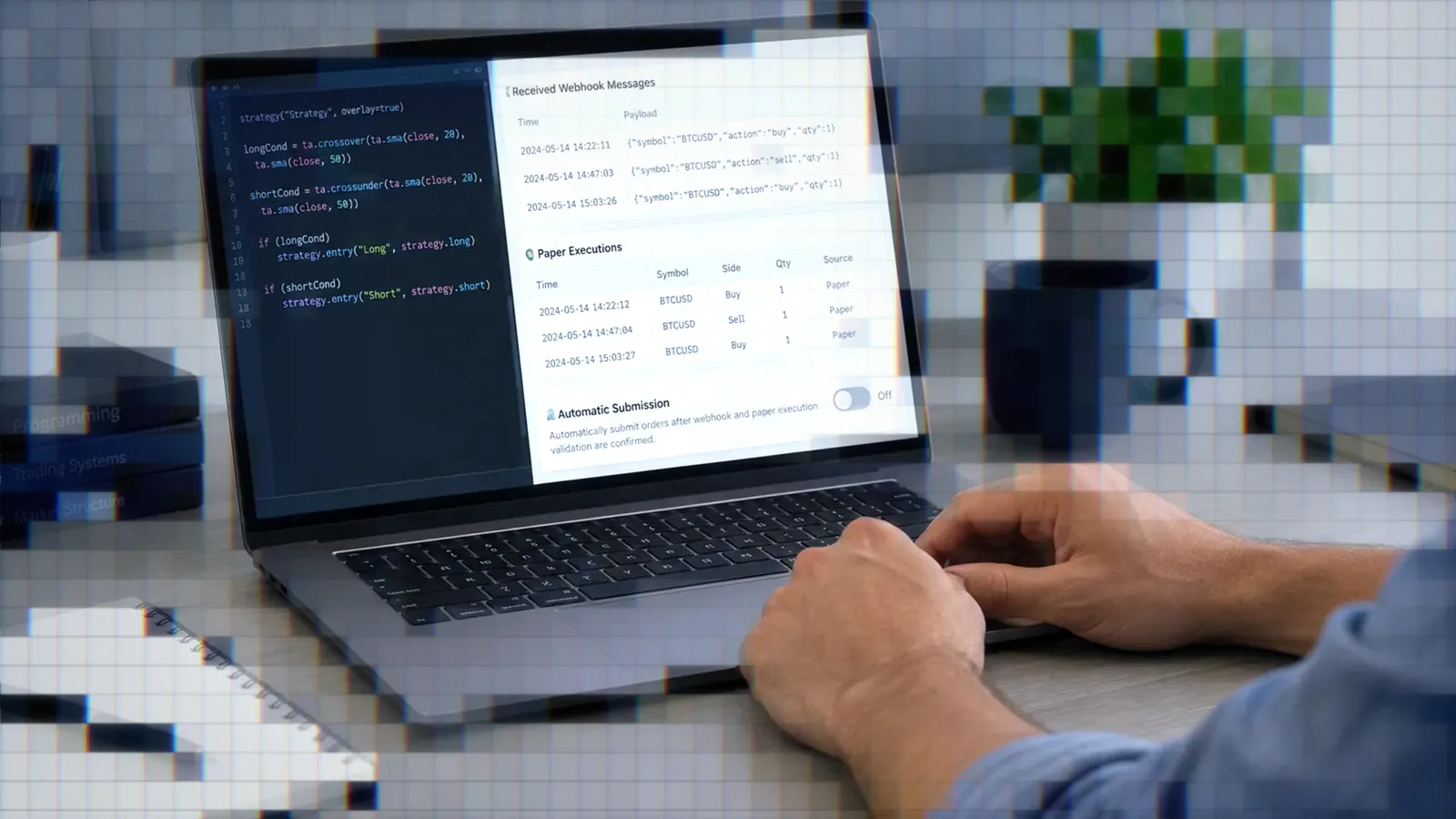
Turn the condition you researched into Pine Script that runs on TradingView's own chart data, backtest it and paper trade it, then have its alert send a JSON webhook. The same inputs always produce the same trigger, which a chat answer does not guarantee. Write down how the rule handles adjusted history, missing bars and session boundaries, so nothing depends on an assumption made in the chat.
{"ticker":"AAPL","action":"buy","quantity":1,"orderType":"market","test":true}With "test": true, TradersPost processes the signal as a test and sends no order to your broker. Remove it once the payload behaves as expected, then connect the alert to a paper account before going live.
Bottom Line
- Massive is the renamed Polygon.io, and its ChatGPT app connects from the app directory with OAuth.
- Answers reflect your Massive plan, from end-of-day Basic to real-time Advanced.
- Check that the connector ran, which price series it used, and how old the latest value is.
- The November 2026 terms allow personal research and investing with AI tools, not sharing the data or training models on it.
- Code the rule, send a webhook, and start on paper.
For the wider picture, see AI agents and agentic trading.
Frequently Asked Questions
Is Massive the Same as Polygon.io?
Yes. Polygon.io became Massive.com on October 30, 2025, and existing keys, accounts and logins carried over. api.polygon.io still ran alongside api.massive.com as of November 2026.2
Do I Need a Paid ChatGPT Plan?
Check your own plan. Massive's guide says the manual Developer mode fallback needs Plus, Pro, Business, Enterprise or Edu, and app availability also depends on your ChatGPT plan and workspace settings.1
Why Am I Getting Made-Up Numbers?
The connector probably was not called. Start with "use the Massive connector to," name the dataset, and confirm a tool call appears. If not, reconnect Massive and finish the sign-in.1
Can ChatGPT Place Trades for Me?
Only through a service connected to your own broker account, and only with the access you grant. In the workflow above ChatGPT does not place the order itself: a rule you code sends a webhook to TradersPost, which routes the order to your own broker account.
References
1 Connect Massive to ChatGPT
2 Polygon.io Is Now Massive
3 OpenAI: Add a Custom MCP Server
4 Massive Changelog
5 Massive AI Tools Quickstart
6 Massive Pricing
7 Massive MCP Server on GitHub
8 Give Your AI Live Market Data With Massive
9 Massive Market Data Terms of Service