Pineify Review: Is It Worth Paying?
A look at Pineify's Pine Script AI: lifetime pricing, the validate-and-revise loop, the evidence behind its 85% compile claim, MCP tools, and how it compares with Claude and ChatGPT.

Marketing

Pineify is a specialized AI coding toolkit for traders who want generated Pine Script v6, visual strategy building, and related research tools in one platform. Its main advantage is a validate-and-revise workflow before code reaches TradingView. Its main risks are an upfront, nonrefundable payment and a compile-rate claim that lacks an independent benchmark.
The practical question is not whether Pineify can generate code. It can. The question is whether its specialization, usage limits, and bundled tools justify paying $99 to $259 instead of using a general chatbot. For a broader comparison, see our guide to the best AI for Pine Script.
What Is Pineify?
Platform Overview
Pineify combines AI coding agents, a visual no-code Pine Script editor, a finance research agent, a market screener, chart analysis, a strategy optimizer, and a trading journal. Its documented coding agents cover Pine Script, MQL5, cTrader C#, and NinjaScript.1
The platform positions its specialized workflow against general chatbots such as Claude and ChatGPT. The pitch is straightforward: focused documentation, model context, and syntax validation should reduce Pine-specific mistakes.
Languages and Outputs
The Pine Script agent targets v6 and supports indicators, strategies, screeners, alerts, and reusable libraries. Users can generate new scripts, revise existing code, migrate older patterns, and request explanations.2
Language coverage differs between the coding products and MCP validators. The MCP catalog includes validators for Pine Script, MQL4, MQL5, cTrader C#, and NinjaScript. It does not list a thinkScript validator.3
Pineify's Comparison Page
Pineify publishes its own “Best AI for Pine Script” roundup. It labels Pineify “Recommended,” rates Claude and ChatGPT as having a high error rate, and gives itself a “Very Low” error rate with “85%+ first-pass” compilation.4
The page does not provide a sample size, repeatable procedure, or independent benchmark for those ratings. It also does not prominently disclose that the company publishing the comparison owns the product ranked first. Treat it as vendor marketing, not neutral testing.
Pricing and Plans Explained
One-Time Lifetime Tiers
The homepage lists three lifetime plans: Plus for $99, reduced from $129; Advanced for $149, reduced from $219; and Expert for $259, reduced from $369. It labels the offer as ending soon and says annual plans will replace lifetime plans.1
Advanced adds the Finance Agent, the AI Stocks and Options Picker, the Strategy Optimizer, Backtest Deep Report, and the Trading Journal. Expert adds Market Insights, the Market Screener, Analyst Ratings, and MCP access.1
Monthly Credits and Caps
The homepage advertises 500 monthly AI credits for Plus, 1,000 for Advanced, and 3,000 for Expert. Advanced Model messages do not consume credits, but they are capped every five hours at 100, 200, and 600 messages. Daily chart analysis limits are 2, 5, and 20.1
A separate comparison page, labeled current as of June 2026, lists only 2,500 monthly credits for Expert. That conflicts with the homepage's 3,000-credit figure, so confirm the allowance displayed during checkout.5
Free Tier Limitations
The free tier provides limited access to the coding agent and visual editor. Its allowance is described only as “Limited trial credits” and “Very limited,” without a published number. It does not include the Advanced Model.5
Use the free tier to test prompt handling, revision quality, and the copy-and-paste workflow before paying. This matters because completed purchases are not refundable.
How the Coding Agent Works
The Validate-and-Revise Loop
The agent drafts Pine Script v6, runs the code through its available syntax validation flow, and can revise the code when an issue is detected. Pineify's manual describes separate validation, revision, and TradingView-check stages rather than promising an infallible automatic repair process.2
TradingView's Pine Editor remains the final authority for compilation, chart behavior, alerts, and runtime details. A clean Pineify validation result is therefore an intermediate check, not approval for live deployment.
Models and Advanced Access
Pineify offers an unnamed Advanced Model for Pine-focused work and lets users select other models. The homepage specifically mentions DeepSeek and Gemini. Model availability depends on the purchased plan and current product configuration.1
The homepage says its Advanced Model outperforms ChatGPT, Gemini, and Claude, but it publishes no benchmark, prompt set, scoring rubric, or raw outputs supporting that statement.
What Validation Cannot Prove
Pineify's manual explicitly says validation does not prove that logic matches the request, avoids repainting, handles every edge case, or produces useful trading results. It recommends stating signal timing, bar-close confirmation, and multi-timeframe behavior in the request, then compiling and testing the result in TradingView.2
Compile every result in TradingView, inspect the chart bar by bar, and test representative and unseen periods. Syntax correctness and strategy correctness are separate questions.
Pineify MCP for Expert Users
What the 40 Tools Do
Pineify MCP is a hosted Model Context Protocol server available on the Expert plan. Its 40 tools comprise 5 code validators, 4 stock-research tools, 9 financial-analysis tools, 13 bounded workflows, and 9 Trading Journal tools.3
Pineify says it works with ChatGPT, Claude, Codex, Cursor, Gemini, and other agents.1 A private endpoint and authentication token let an outside agent request validation or structured research without running a local Pineify server.3
Validation, Not Code Generation
The MCP validators check syntax for Pine Script, MQL4, MQL5, cTrader C#, and NinjaScript. They validate submitted code rather than generating a new script. Code generation remains a separate coding-agent function.
The MCP server cannot place or manage trades, connect to a broker, or transfer money. Pineify also warns that syntax checks and market snapshots do not establish profitability, timing, or future performance.
The Read-Only Qualification
Pineify's homepage describes the MCP financial tools as read-only. The tool catalog in Pineify's MCP manual is broader: its Trading Journal group includes create-journal-trade, update-journal-trade, record-journal-trade-close, write-journal-diary, and record-journal-transaction. The same manual says journal writes record or edit trades, closes, daily reviews, and deposits or withdrawals, and that they do not send broker orders or transfer money.3
Pineify tells users to review the selected journal and record before a write. If you connect the MCP server to an agent, treat those five tools as able to change your journal.
The 85 Percent Compile Claim
What Pineify Claims
Pineify's comparison roundup states an “85%+ first-pass compilation success rate.” It supplies no test set, sample size, prompt list, complexity categories, or definition of success on that page.4
The Disclosed Test
A separate Pineify Team article says its author tested around 40 scripts and found that about 8 out of 10 compiled on the first paste. The same page nevertheless uses “around 85%” elsewhere in its comparison and FAQ.6
Eight out of ten describes roughly 80%, not 85%. More importantly, this was an informal, vendor-authored account, not an independent benchmark. The article says the author had used Pineify since October 2024.
What Traders Report Online
A ChatGPT Comparison
The author of a March 2026 comparison on supa.is asked Pineify and GPT-4o for the same USDJPY momentum oscillator. Pineify's script, written for Pine v5, compiled on the first paste but had no configurable inputs or alerts. GPT-4o's first version failed to compile because it passed input variables to hline(); after one correction it compiled, with inputs and alerts included.7
That is one person's test of one indicator, not a controlled benchmark, and the page discloses affiliate links, including to TradingView.
An Unsupported Recommendation
In an August 2025 Cursor forum thread, Siddhant_Chaudhary wrote that ChatGPT and Cursor were not good enough for Pine Script and suggested pinescripter.app or pineify.app instead. The post did not describe a test, model version, generated script, or personal usage history.8
It names tools to try, but it says nothing about the code those tools produce.
The Vendor's TradingView Caveat
A script published by Pineify's own TradingView account states that “Pineify checks syntax, not market behavior.” The description also warns that confirmed events depend on feed history and that inputs and synthetic charts can change results.9
That qualification aligns with the manual. The cited script is vendor-published, so it should not be treated as independent user evidence.
Pineify vs Claude and ChatGPT
Where General AI Wins
Pineify's own comparison calls ChatGPT useful for learning the language and suggests Claude for understanding or reviewing Pine Script rather than generating production scripts. General models also support broader programming, translation, and reasoning tasks outside Pine Script.4
They still make Pine-specific errors. In an example published by the QuantNomad newsletter, ChatGPT used a nonexistent ta.sum() function; told to use math.sum() instead, it acknowledged the correction but fell back to a manual workaround rather than applying it.10
Where Pineify Has an Edge
Pineify's clearest advantage is its documented syntax-validation stage before handoff. A normal chatbot can review its own output, but it does not natively run Pineify's validation workflow.
In the supa.is test, Pineify's script compiled on the first paste and GPT-4o's needed one fix, but the author called GPT-4o's final version more feature-complete because it included inputs and alerts.7
The Trade-Off
Pineify exchanges recurring chatbot fees for a larger upfront payment, monthly usage allowances, and a specialized toolkit. That can suit frequent multi-platform users, but the no-refund policy makes a poor fit a sunk cost.
Neither option eliminates manual review. Pineify, Claude, and ChatGPT outputs should all be compiled and behavior-tested in TradingView.
Should You Buy Pineify?
Who It Fits
Pineify fits traders who regularly generate Pine Script, MQL5, cTrader C#, or NinjaScript and want coding, research, screening, and journaling under one login. Expert has the strongest case when MCP, Market Insights, and the screener are part of the intended workflow.
It also requires comfort with paying upfront and accepting the published no-refund terms.
Who Should Skip It
Occasional users may struggle to justify a $99 to $259 purchase for a few simple scripts. Traders primarily trying to learn Pine Script may get more value from the conversational explanations available through ChatGPT or Claude.
Skip the purchase if the 85% claim is your main reason for buying. The only disclosed test behind it was informal, vendor-authored, and based on around 40 scripts.
Before Trusting Generated Code
- Compile the script in TradingView's Pine Editor.
- Confirm the script targets Pine Script v6.
- Inspect alert timing, repainting, and multi-timeframe behavior.
- Test representative and unseen periods.
- Verify that live alerts contain the intended message.
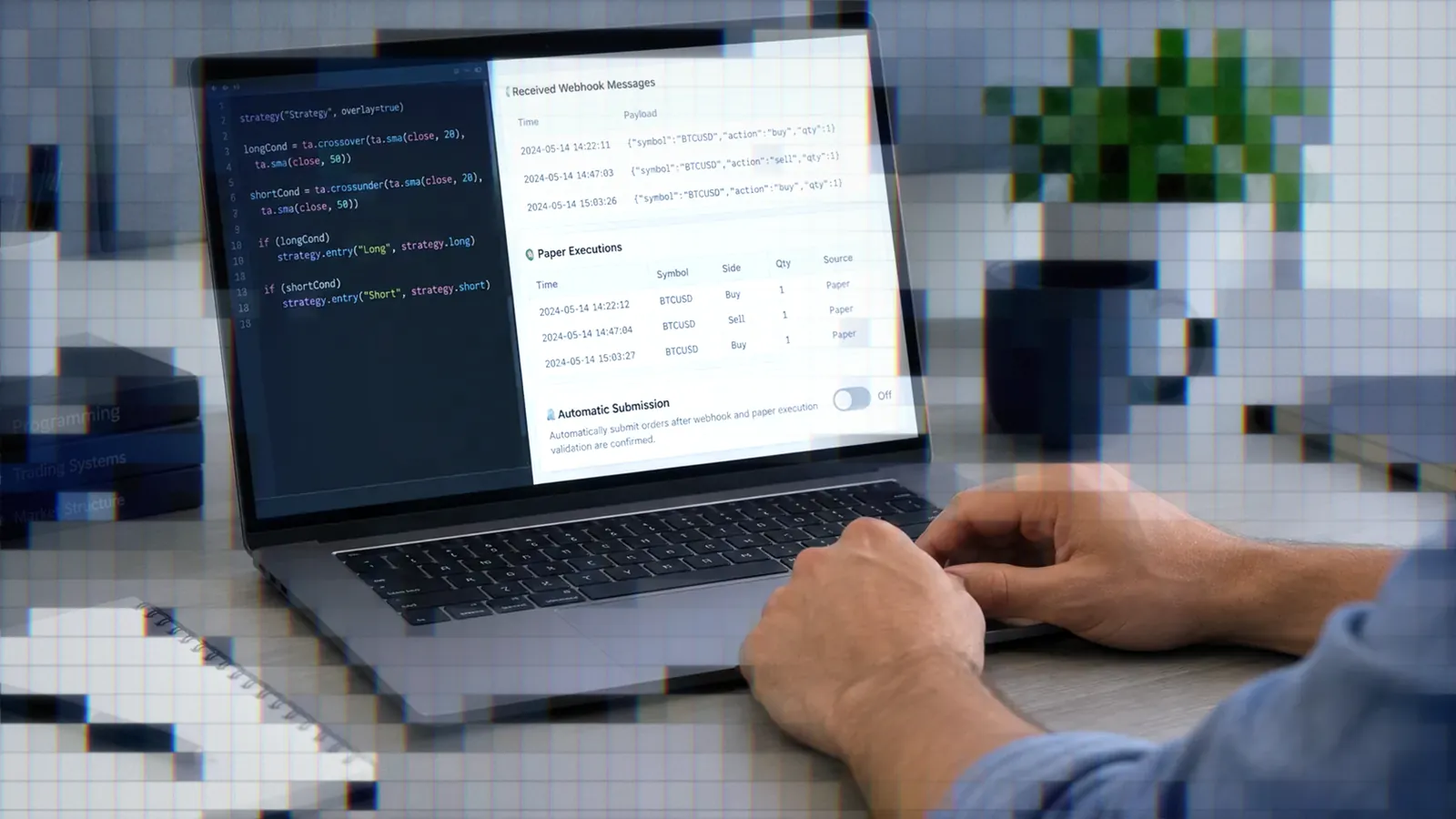
After the code and alert logic pass those checks, TradersPost can receive the TradingView alert through a webhook, process it using the configured strategy and subscription settings, and submit the resulting trade to a connected broker or exchange. Start with paper trading before committing real capital.
Bottom Line
- Pineify offers a focused Pine Script v6 workflow with validation and revision.
- Its lifetime plans cost $99, $149, or $259, but monthly limits still apply.
- The 85% compile claim is vendor-authored and not independently benchmarked.
- MCP adds research, validation, and journal tools, not trade execution.
- Every generated script still requires TradingView testing.
Pineify is potentially worth paying for if you will use several parts of the toolkit and the free tier demonstrates a clear improvement over your current workflow. It is harder to justify for occasional scripts or for buyers relying mainly on the advertised compile rate. Compare it with the other options in our best AI for Pine Script guide before choosing.
Frequently Asked Questions
Does Pineify compile first try?
Not always. Pineify claims an 85%+ first-pass rate, but its only described test involved around 40 scripts and reported about 8 in 10 compiling. In the supa.is comparison, Pineify's script compiled on the first paste but was basic, with no inputs or alerts.
Is Pineify better than ChatGPT?
Pineify has a Pine-focused validation workflow, while ChatGPT and Claude are general assistants that also explain code and handle work outside Pine. In the supa.is test, Pineify's script compiled first time, while GPT-4o needed one correction and ended with more complete code.
Can I get a refund?
No. Pineify's policy says completed purchases, including Lifetime plans, receive no refunds. The company directs prospective buyers to its free plan for evaluation. The policy was last updated October 2, 2026.11
What does Pineify MCP do?
It connects compatible AI agents to 40 code-validation, research, financial-analysis, workflow, and journal tools. It requires Expert access, does not generate code through its validators, and cannot place trades.
How much does Pineify cost?
The homepage lists Plus at $99, Advanced at $149, and Expert at $259 as one-time payments. Monthly credits vary by tier. Pineify's homepage and comparison page currently disagree on whether Expert includes 3,000 or 2,500 credits.
References
1 Pineify AI Trading Toolkit
2 Pine Script AI Coding Agent Manual
3 Pineify MCP Manual
4 Best AI for Pine Script 2026
5 Pineify Free vs Paid
6 Pine Script AI Agent Comparison
7 Pineify vs ChatGPT Test
8 Cursor Community Pine Script Thread
9 Rolling Z Score Reversion Map
10 AI Wrote My Pine Script Indicator
11 Pineify Return and Refund Policy